Launch the Ace Installer app on your device and wait for the splash screen to load.
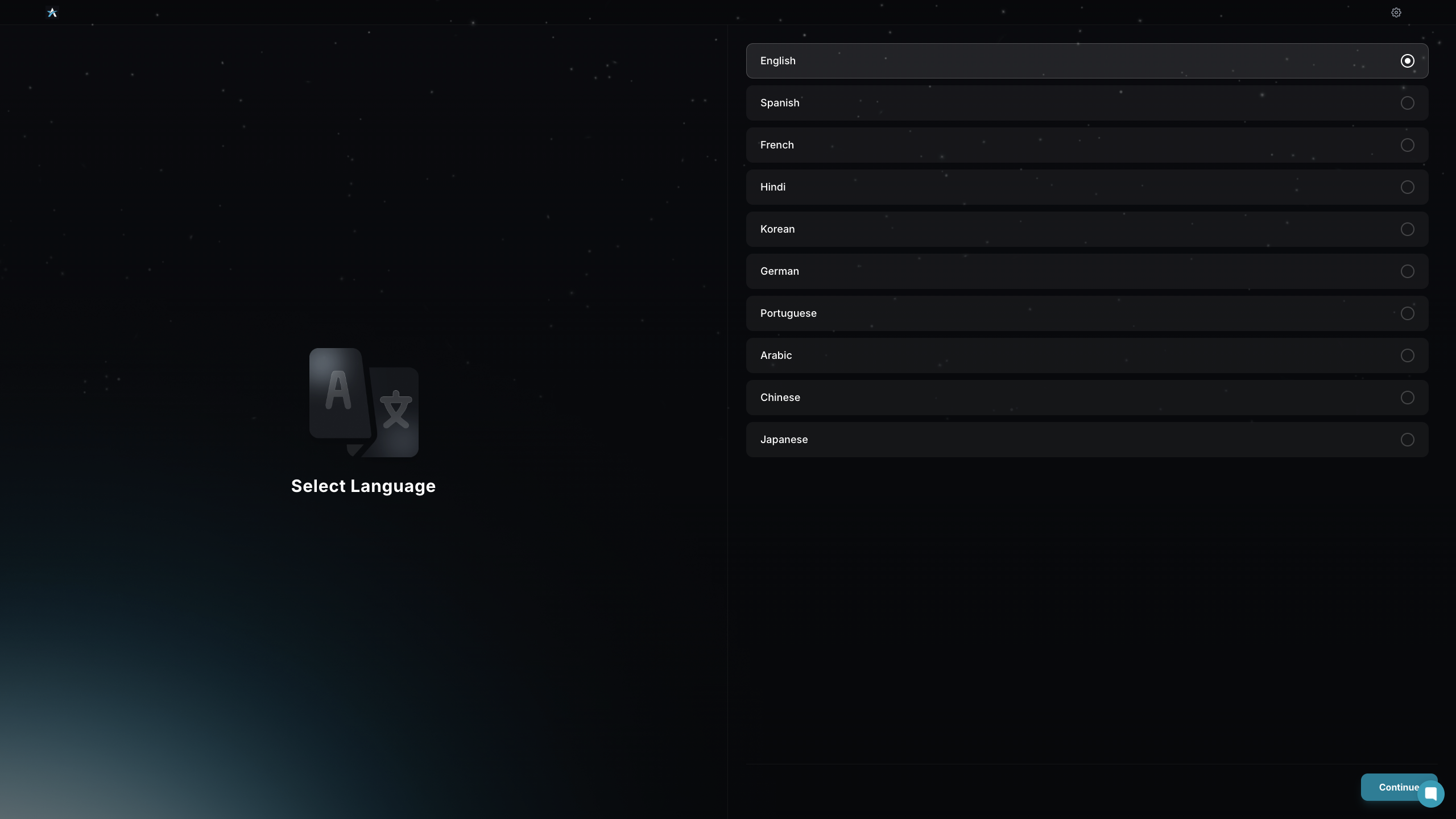
Select Language lets you choose your preferred language to proceed.
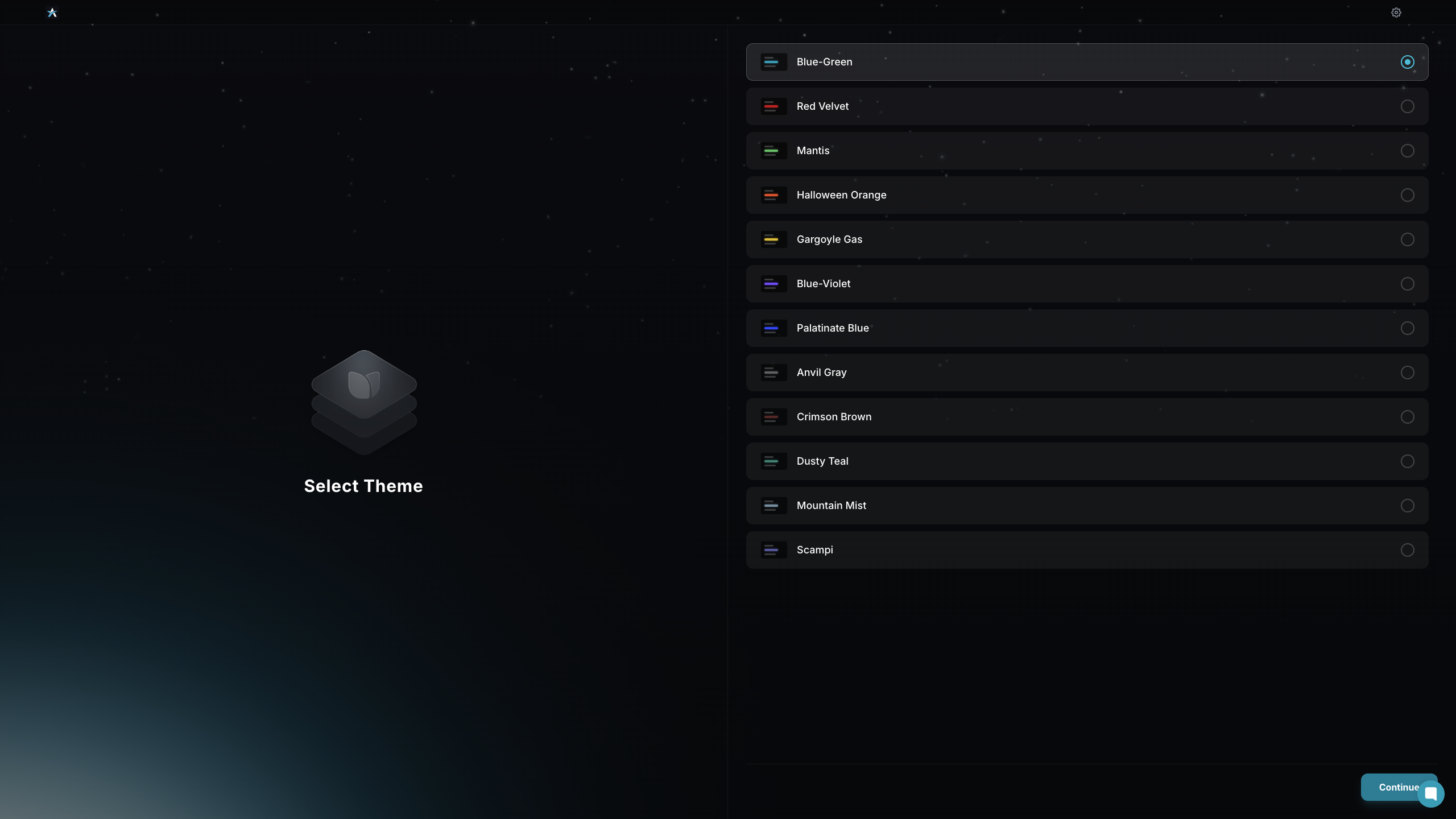
Select your preferred theme from the available options to customize the app’s appearance.
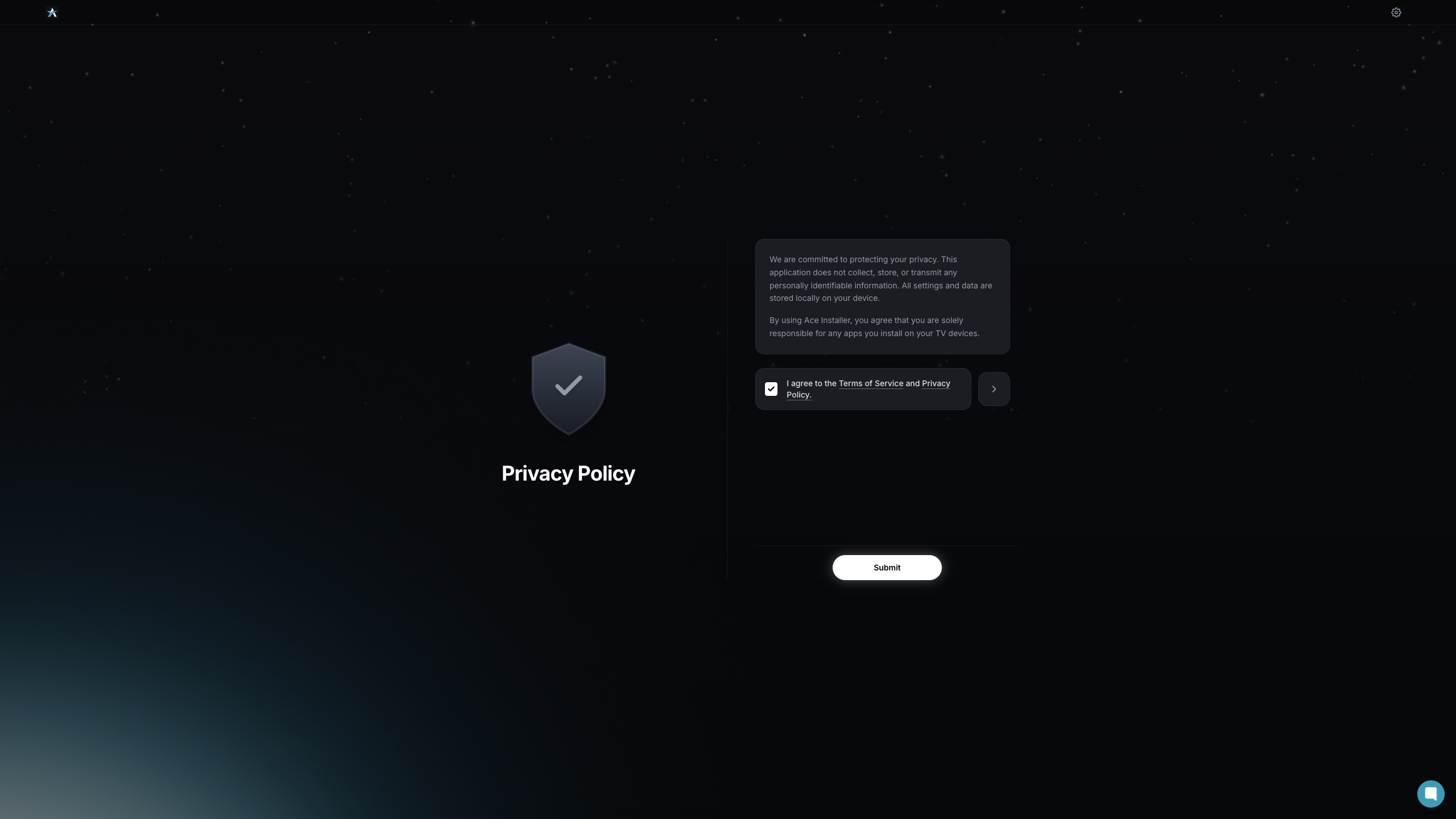
Review the privacy policy agreement, then click Submit to continue.
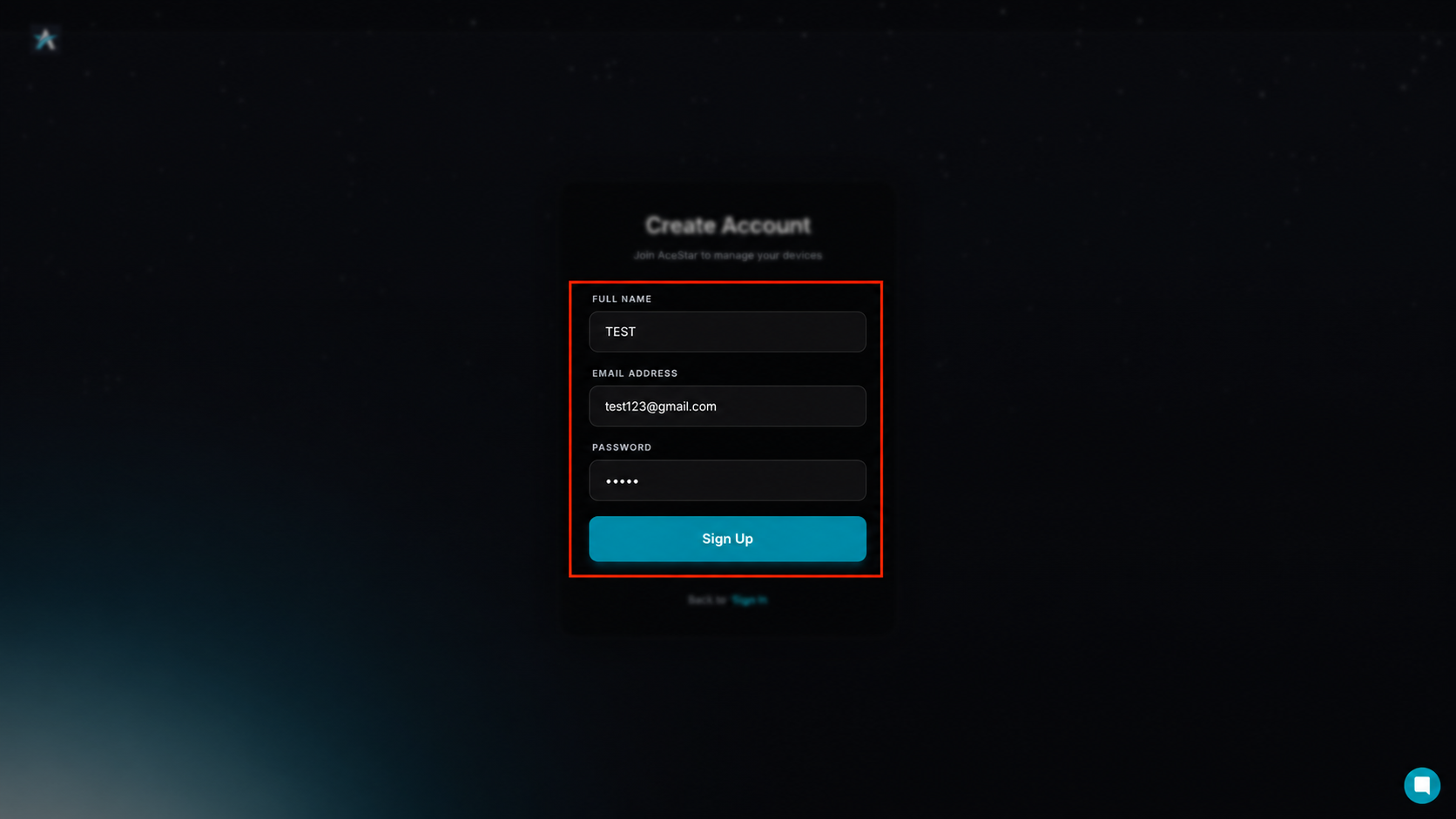
Enter your full name, email address, and password, then click the Sign Up button.
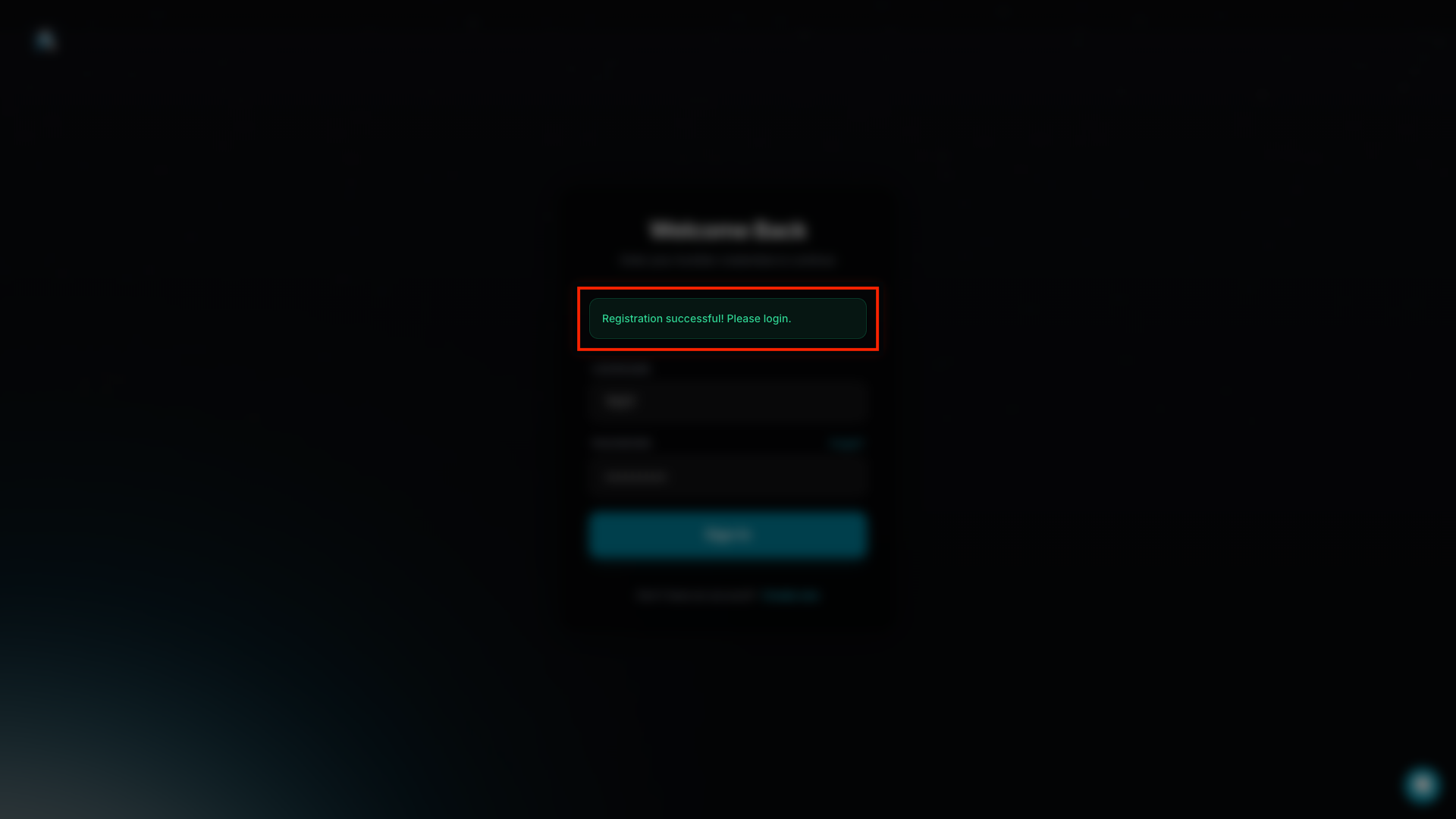
Once the message “Registration successful! Please log in.” appears, your Ace Installer account has been created successfully.
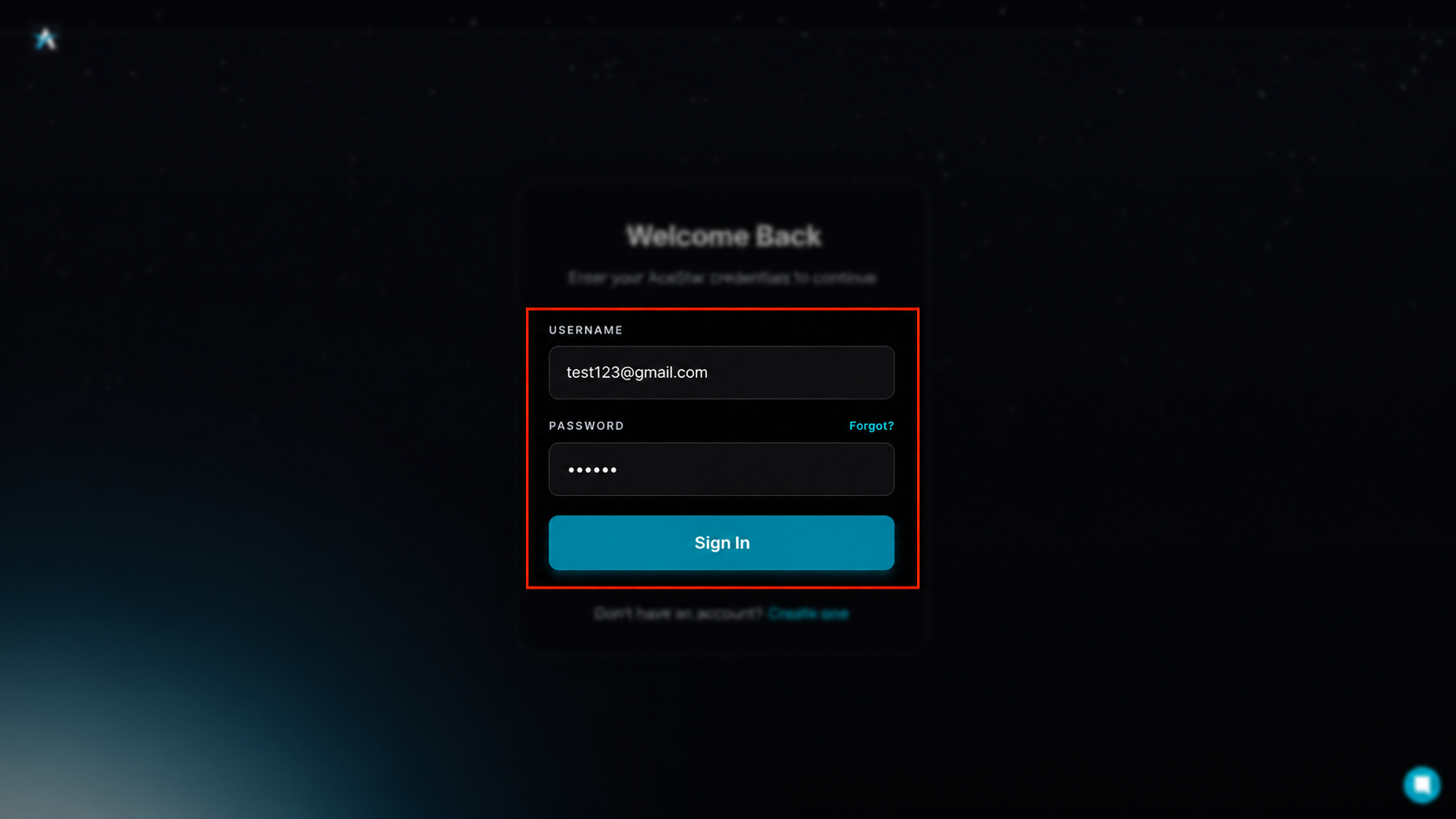
Enter your registered username and password, then click the Sign In button.
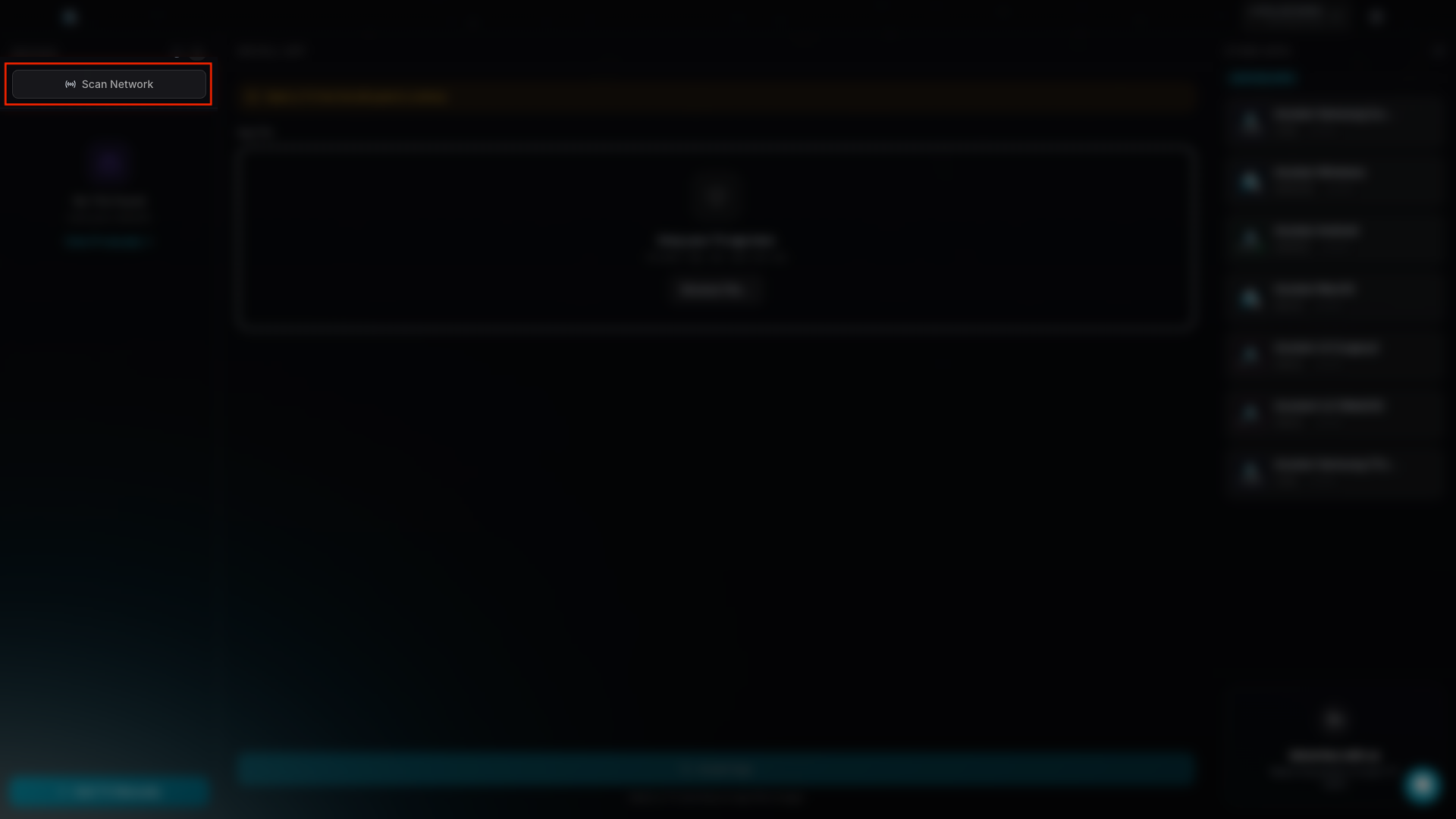
Click the Scan Network button to search for available LG webOS TV devices on your network.
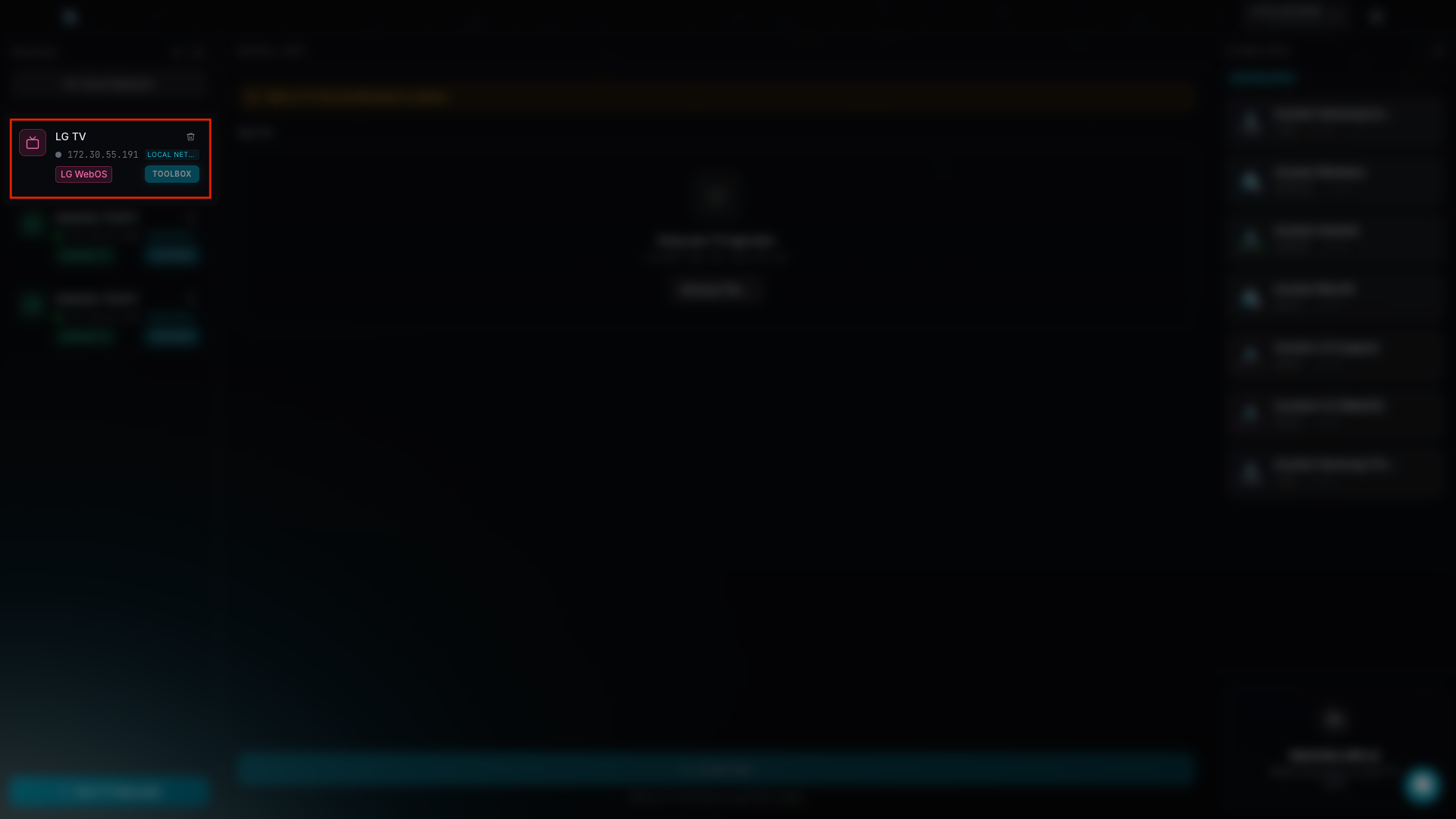
Select your LG TV from the available LG webOS device list.
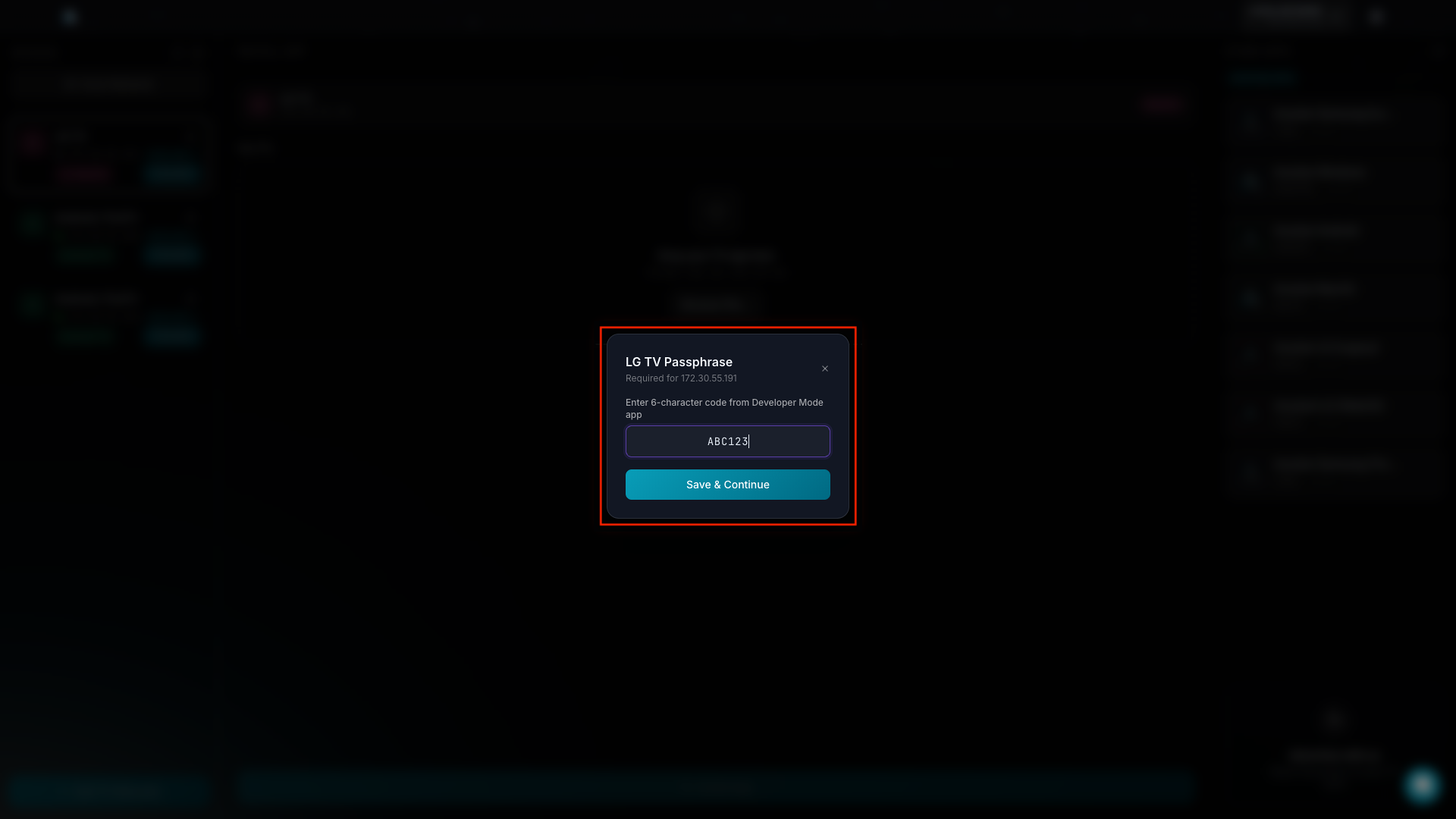
Enter the LG TV Passphrase shown in the Developer Mode app, then click Save & Continue.
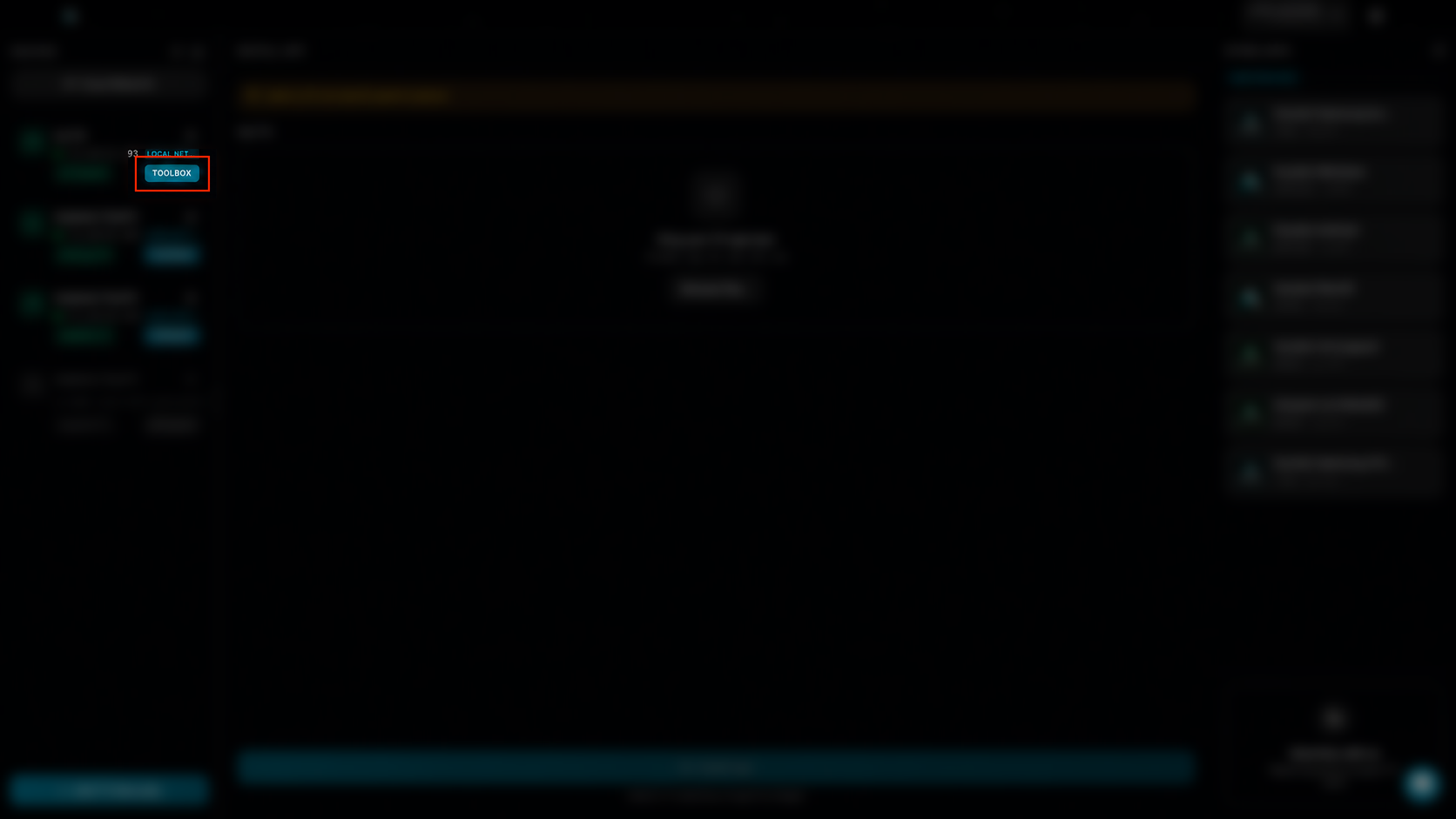
Click the Toolbox button next to your selected LG TV device.
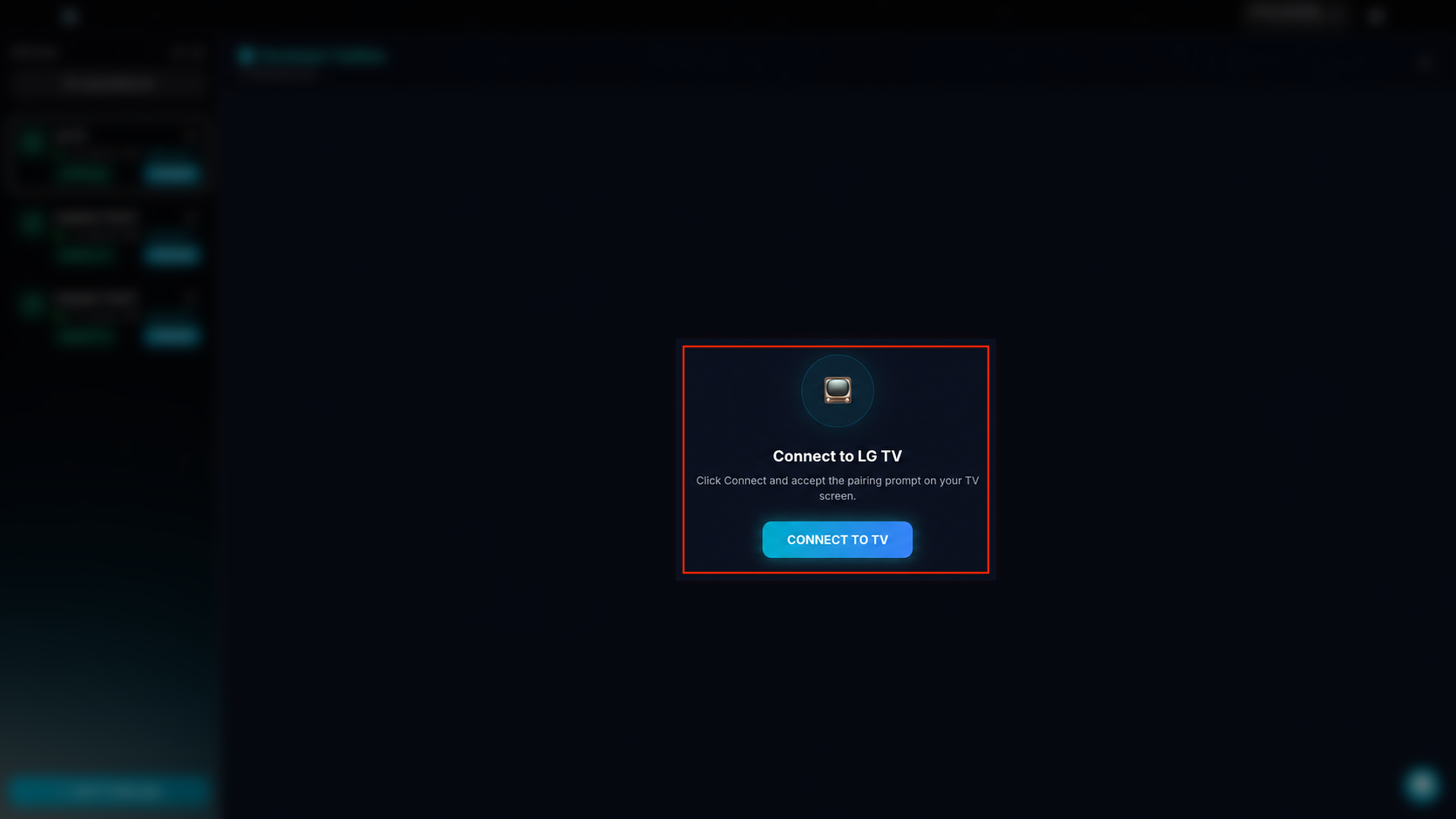
Click the Connect to TV button to start pairing Ace Installer with your LG TV.