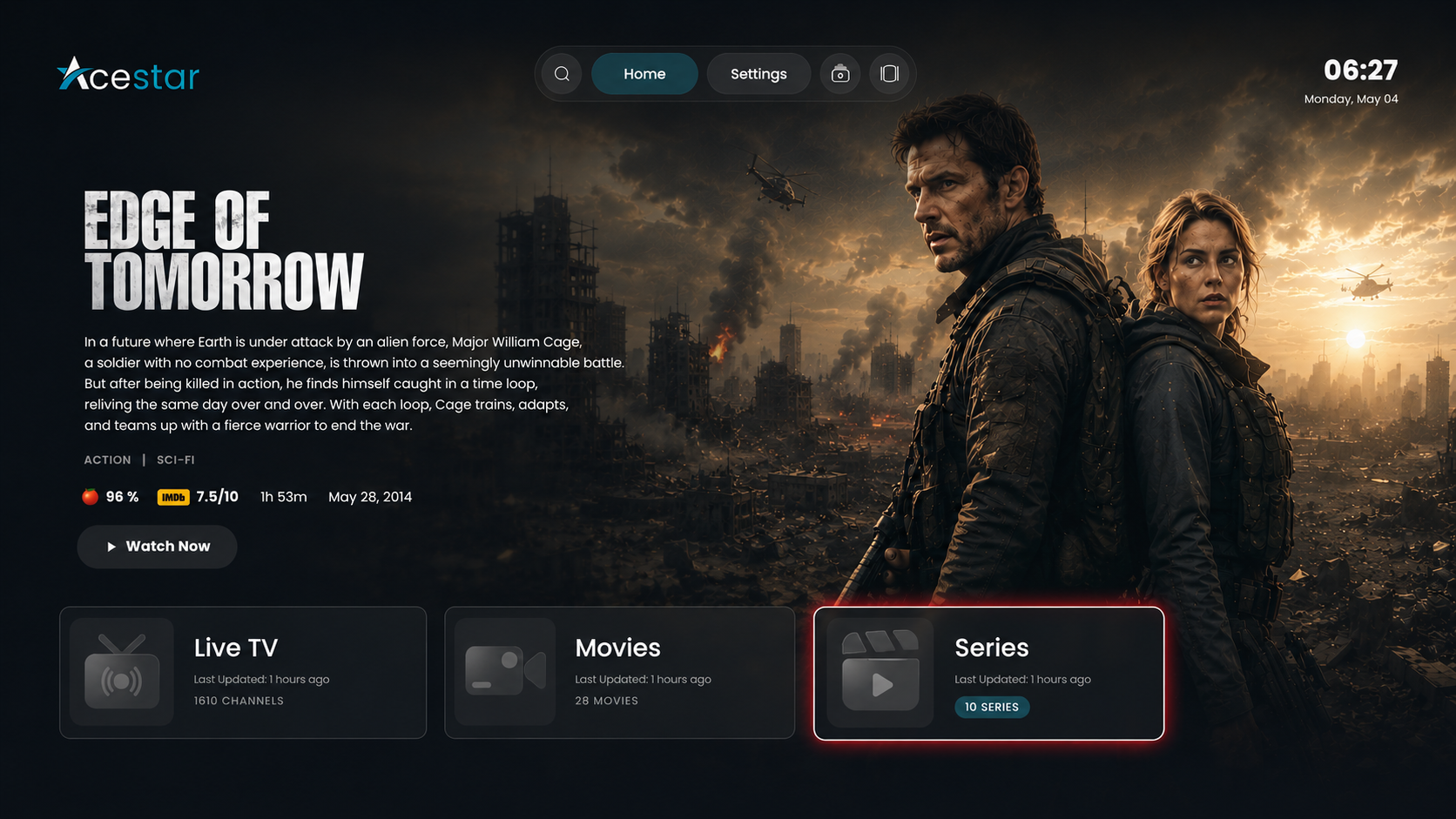
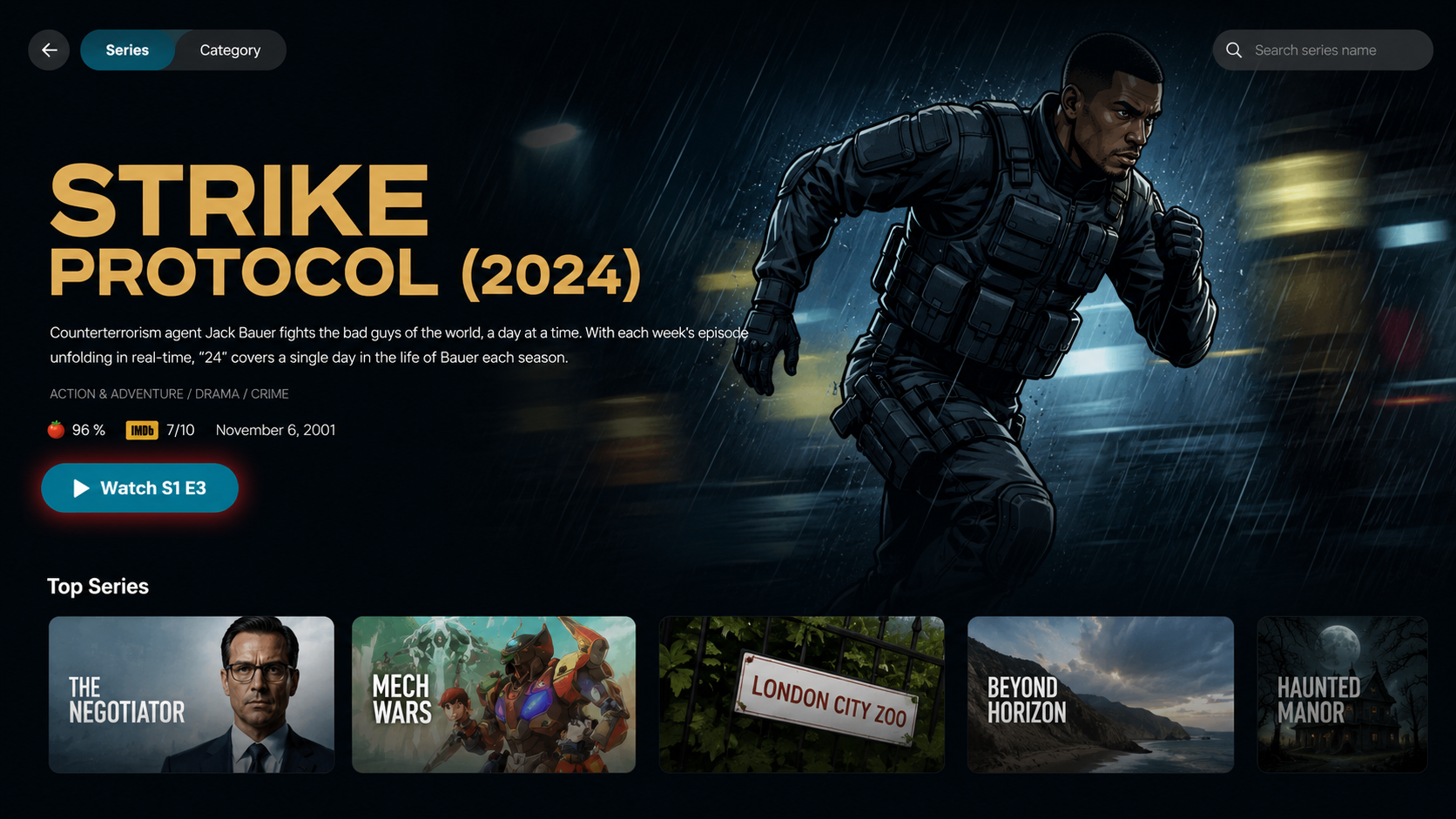
Step 1: Click on Series
Click on the Series option from the home screen to browse and access the available Series content from your playlist.
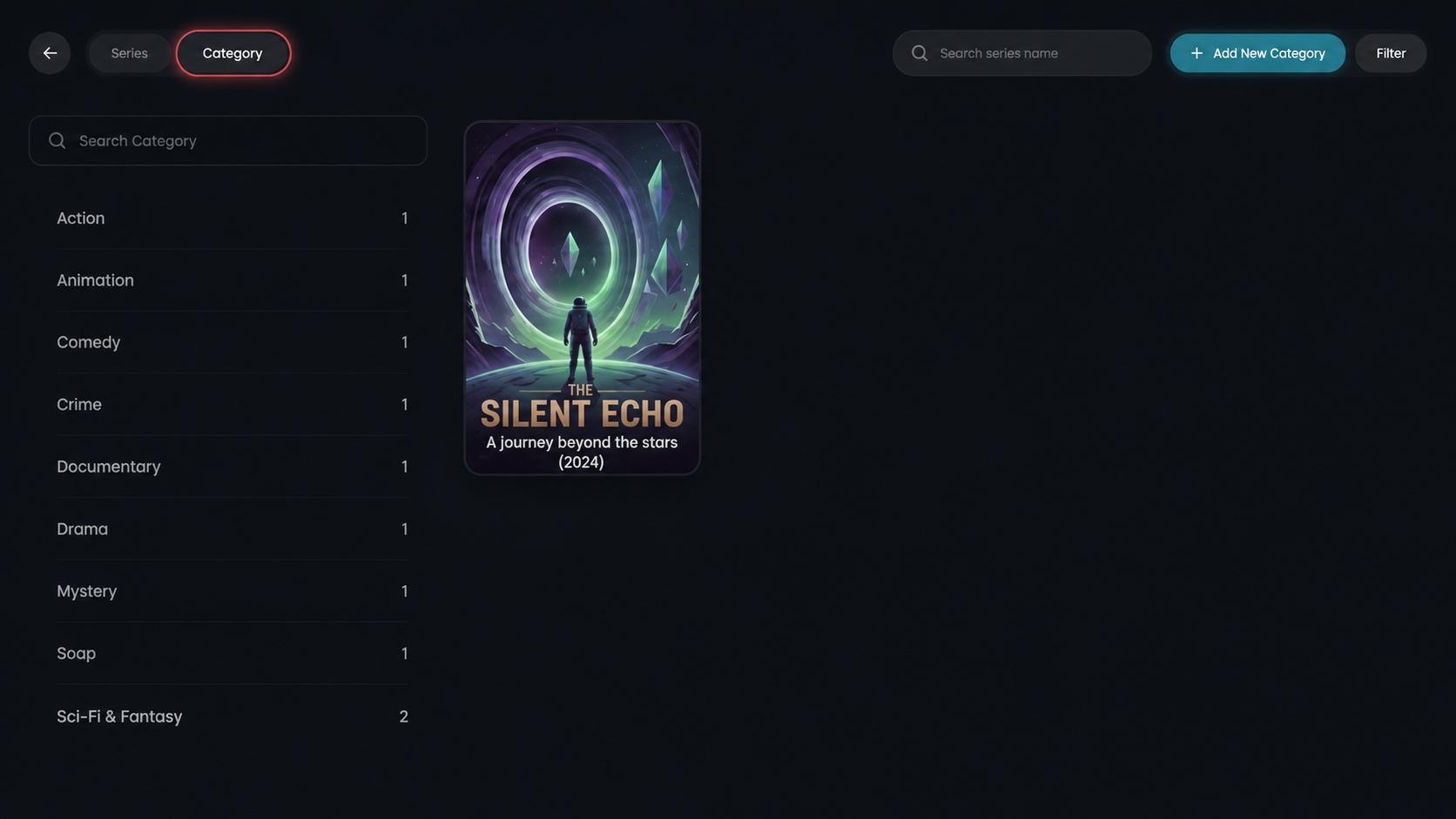
Step 2: Open the Category Page
After selecting Series from the home screen, click on the Category option to open the category page and browse series by genre.
Step 3: Select a Series
Browse through the available series and click on your preferred title to view details and start watching episodes.
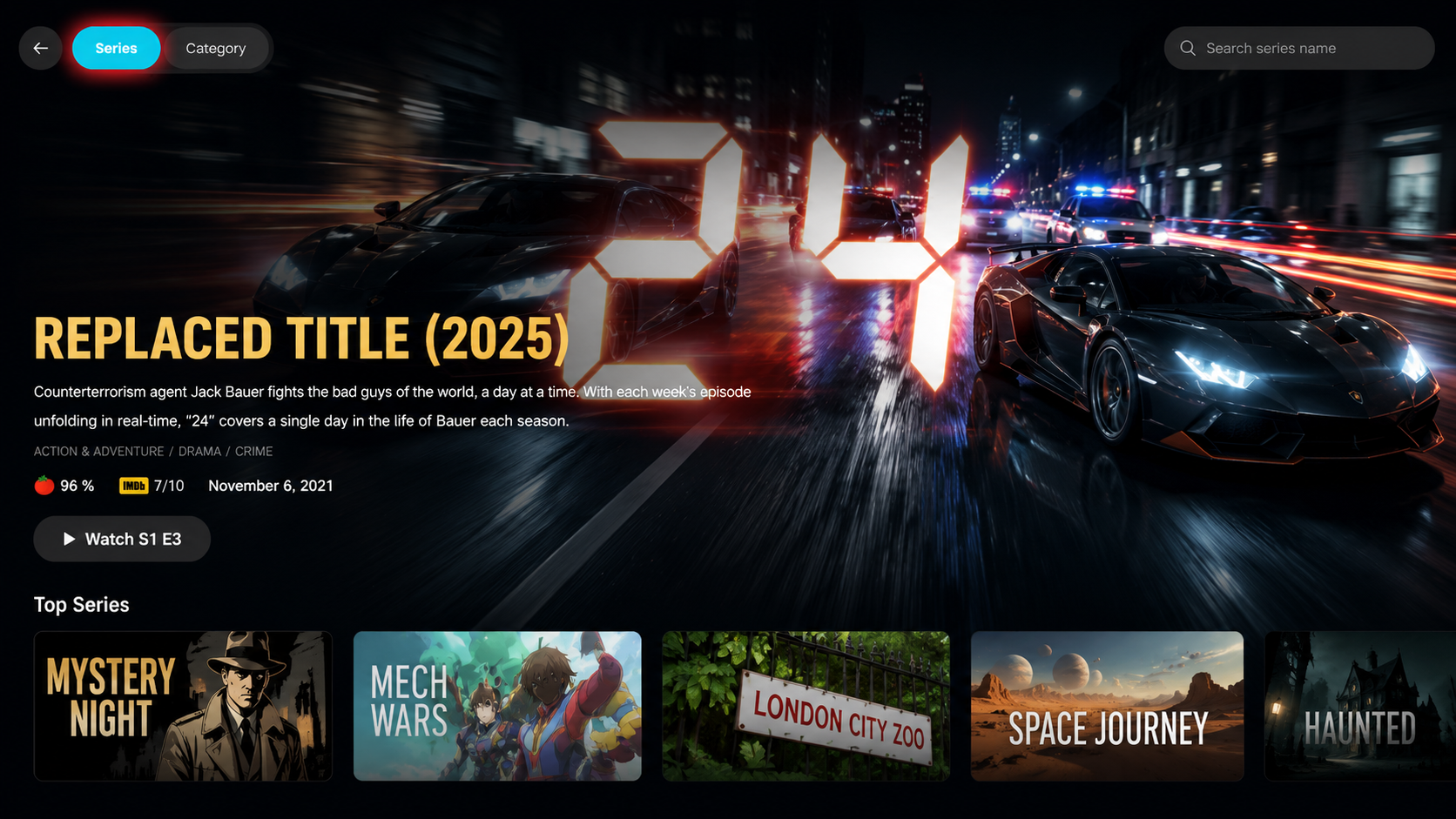
Step 4: Click on the Watch Now
Click on the Watch Now button to start streaming the series.
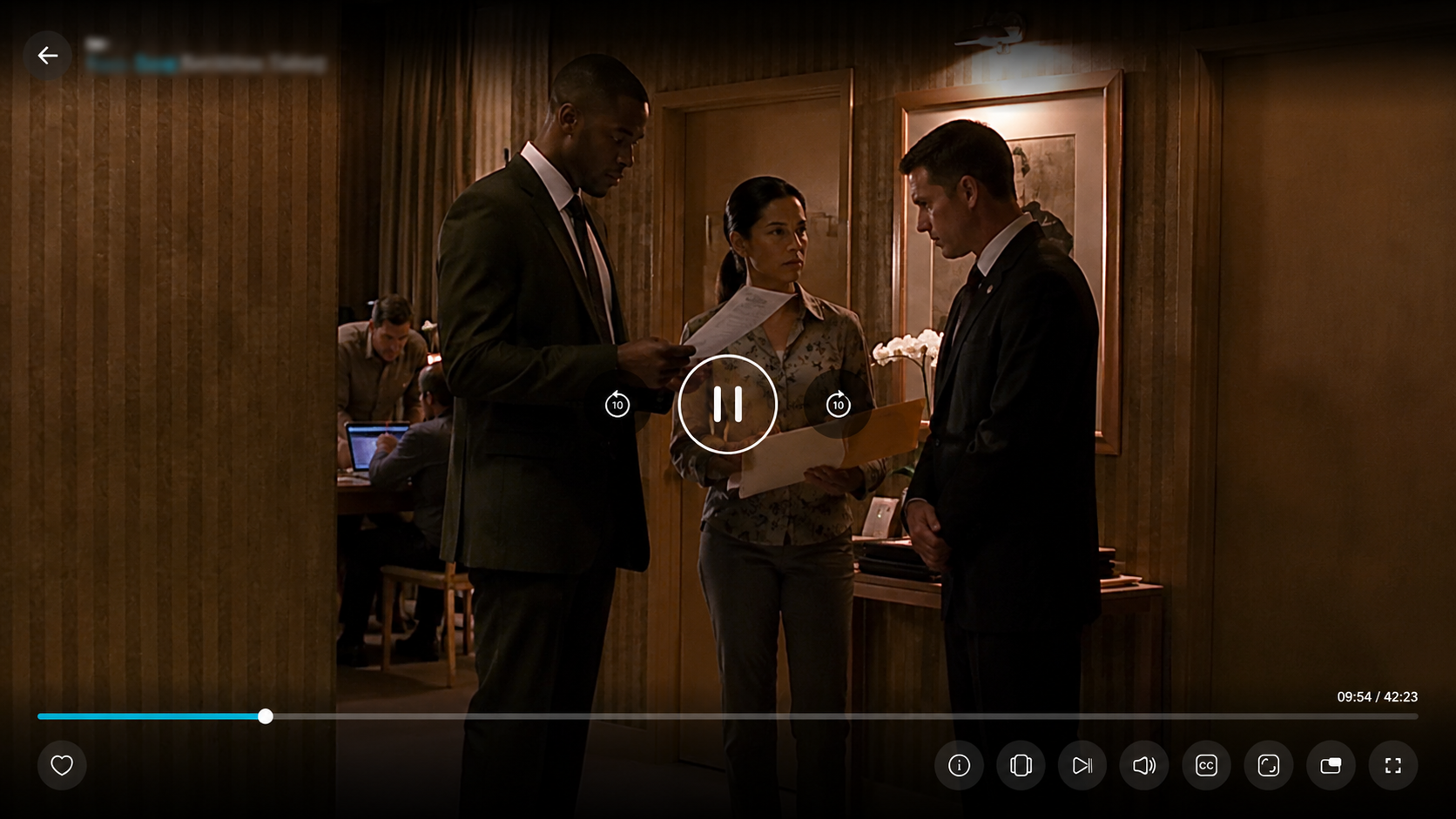
Step 5: Start Streaming
The chosen series will start playing.