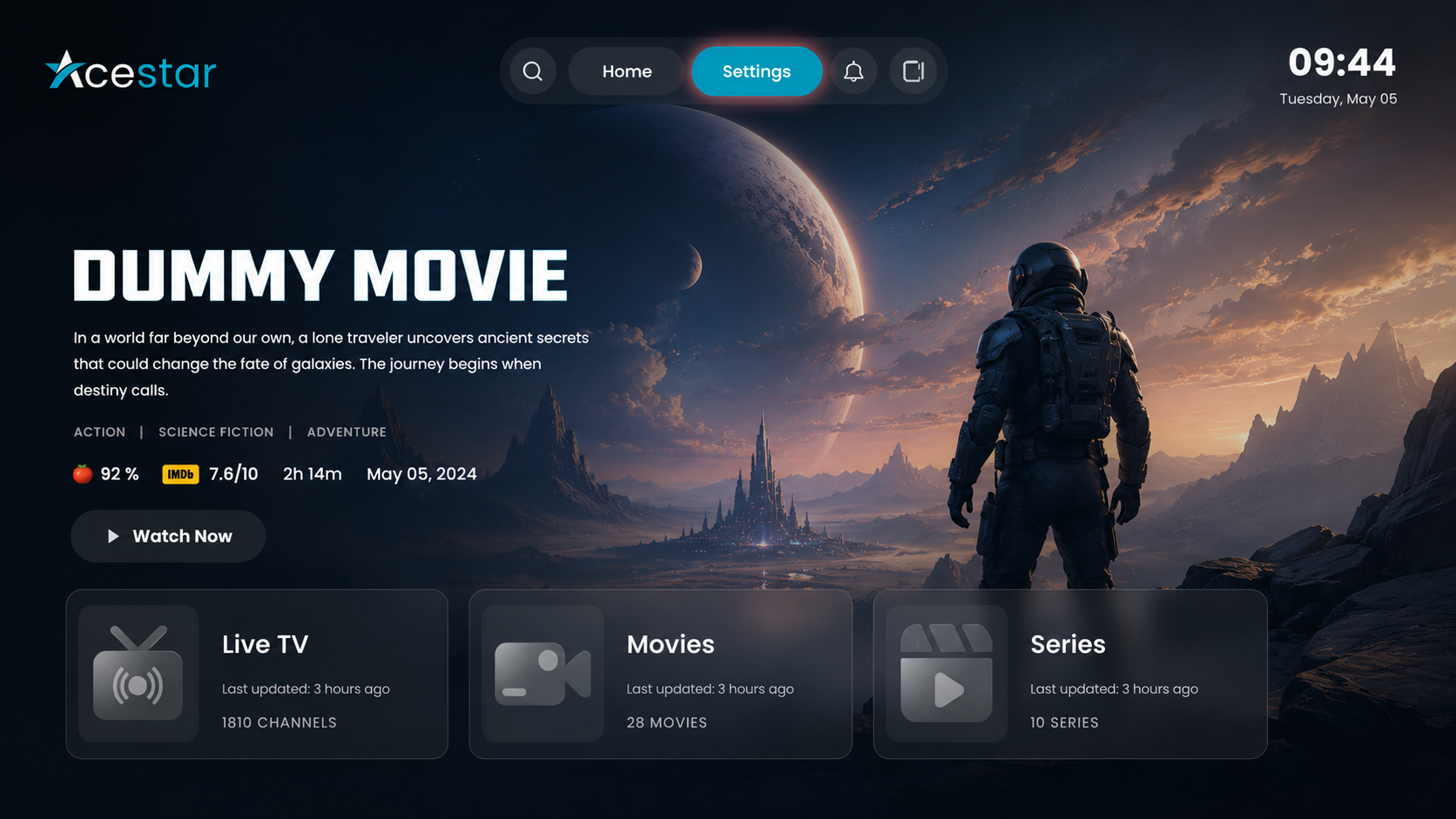
Step 1: Open Settings
Click on the Settings option from the top menu on the home screen to access and manage app preferences and configurations.
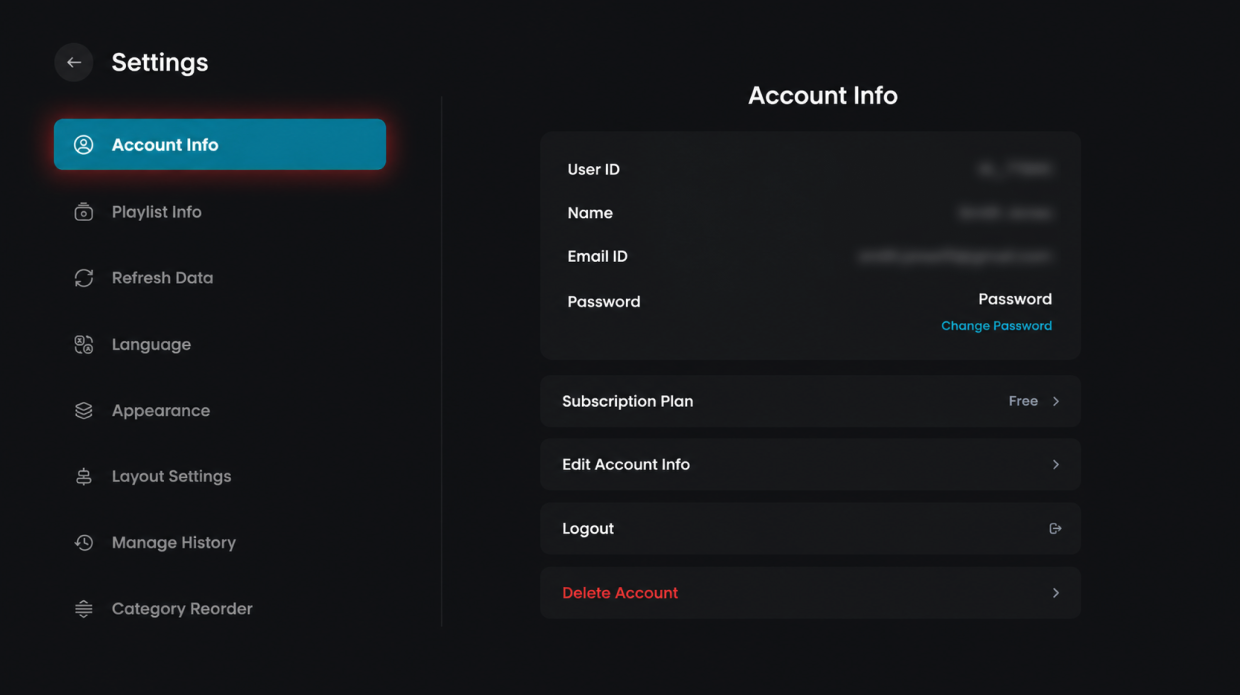
Step 2: Open Account Info
Click on the Account Info option from the left-side menu to view your account details and settings.
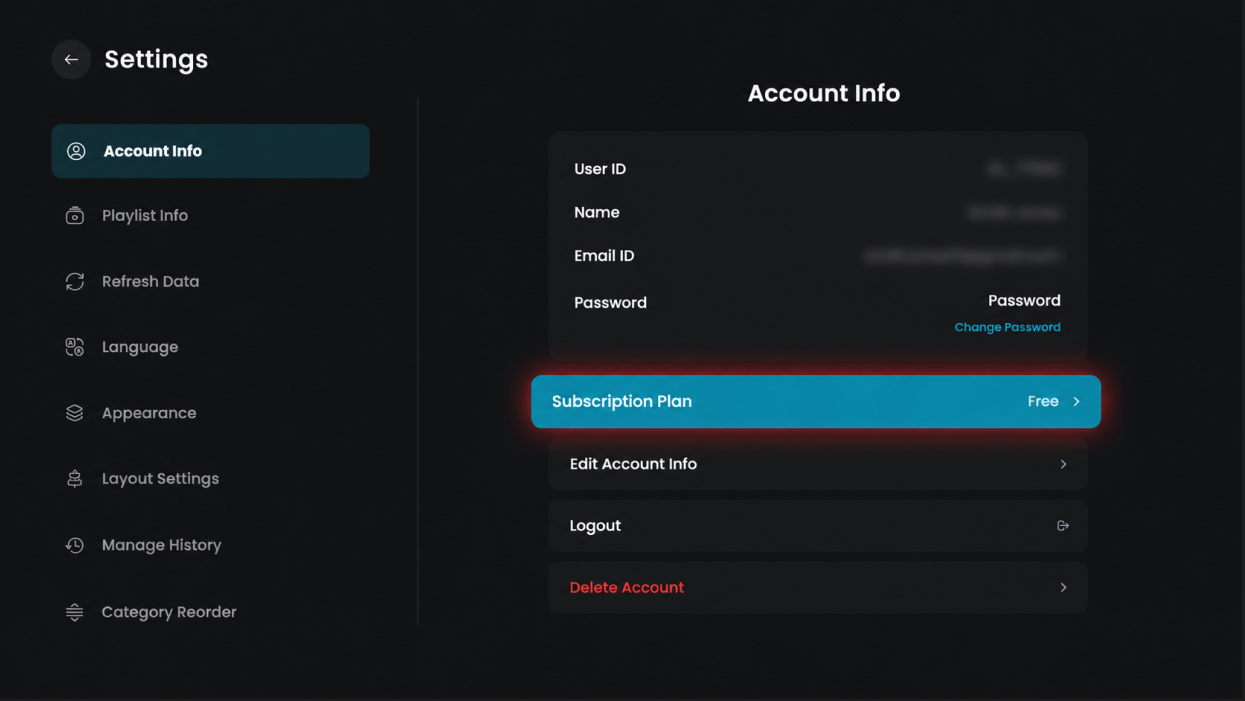
Step 3: View Subscription Plan
Click on the Subscription Plan option to check your current plan details.
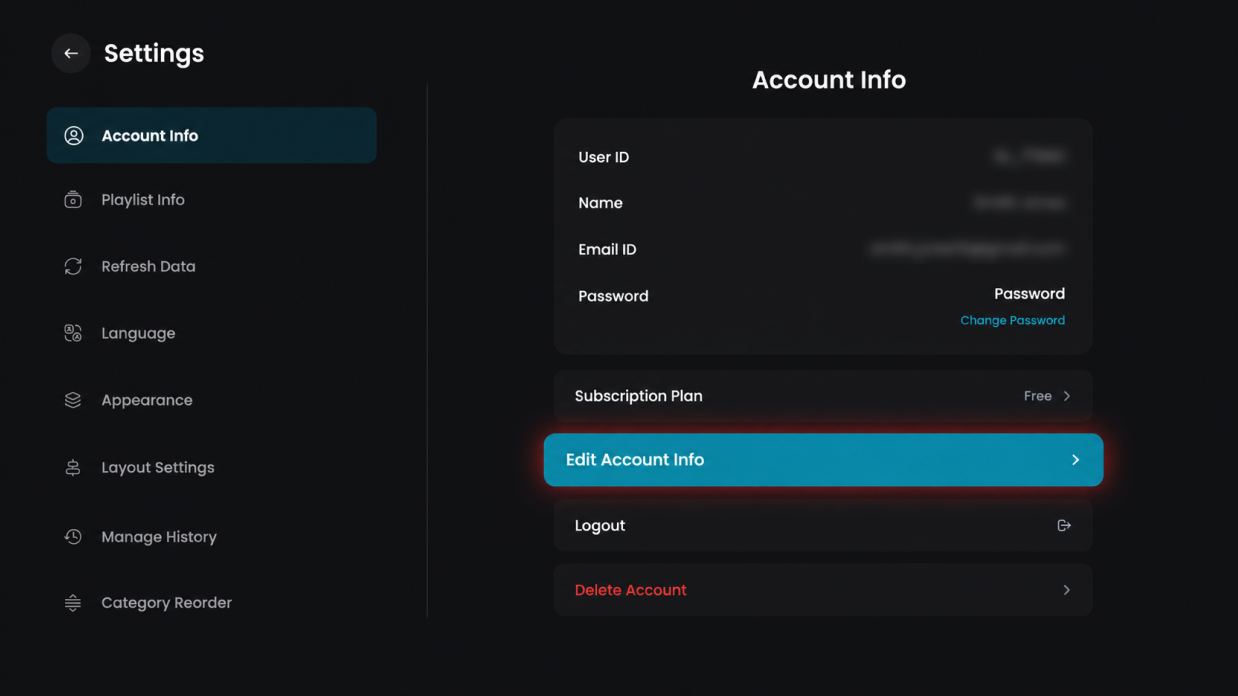
Step 4: Edit Account Info
Click on the Edit Account Info option to update your account details.
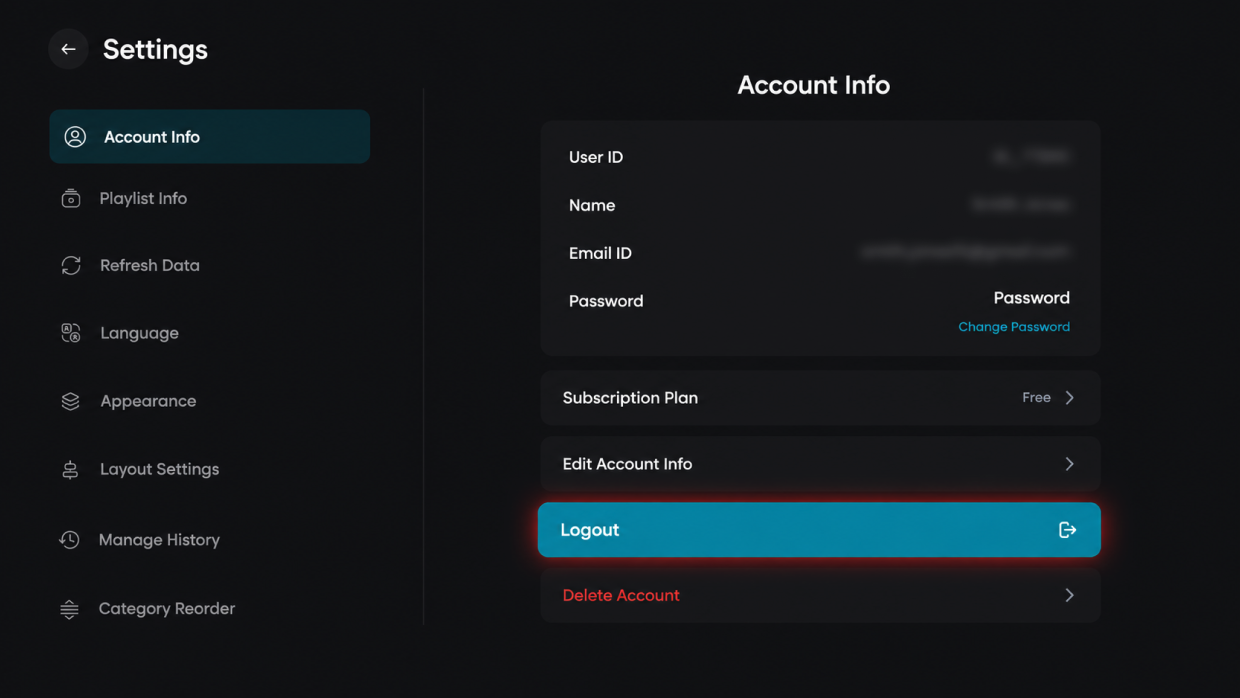
Step 5: Log out
Click on the Logout option to sign out of your account.
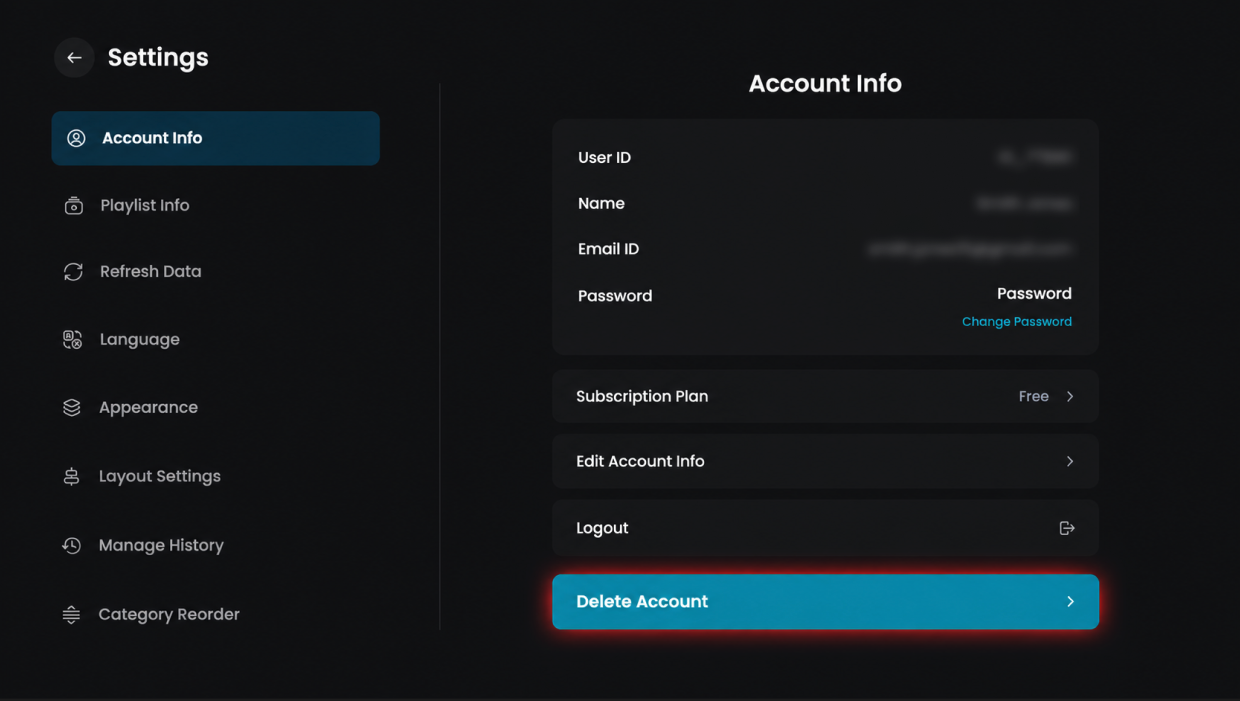
Step 6: Delete Account
Click on the Delete Account option to remove your account permanently.