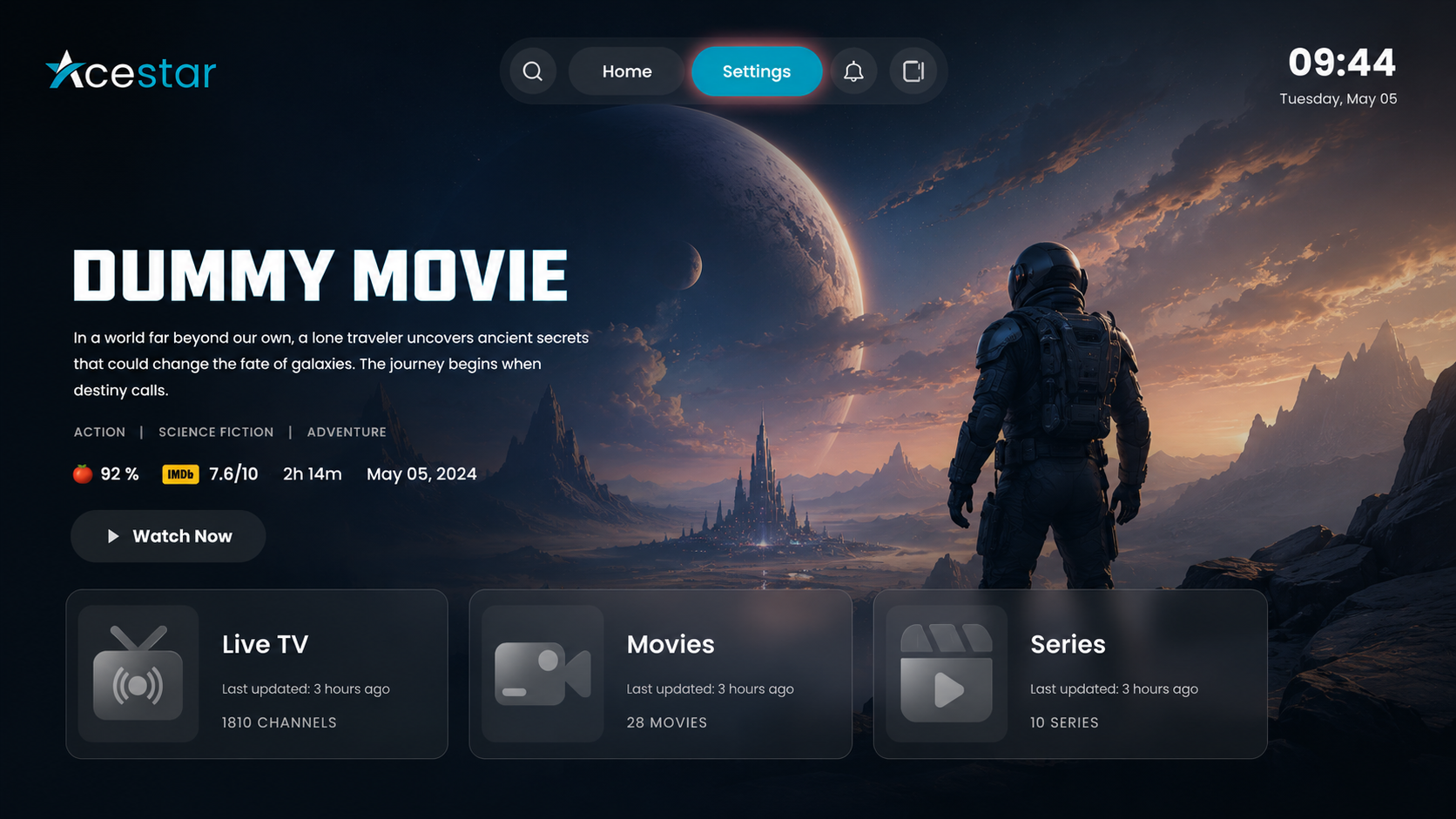
Step 1: Open Settings
Click on the Settings option from the top menu on the home screen to access and manage app preferences and configurations.
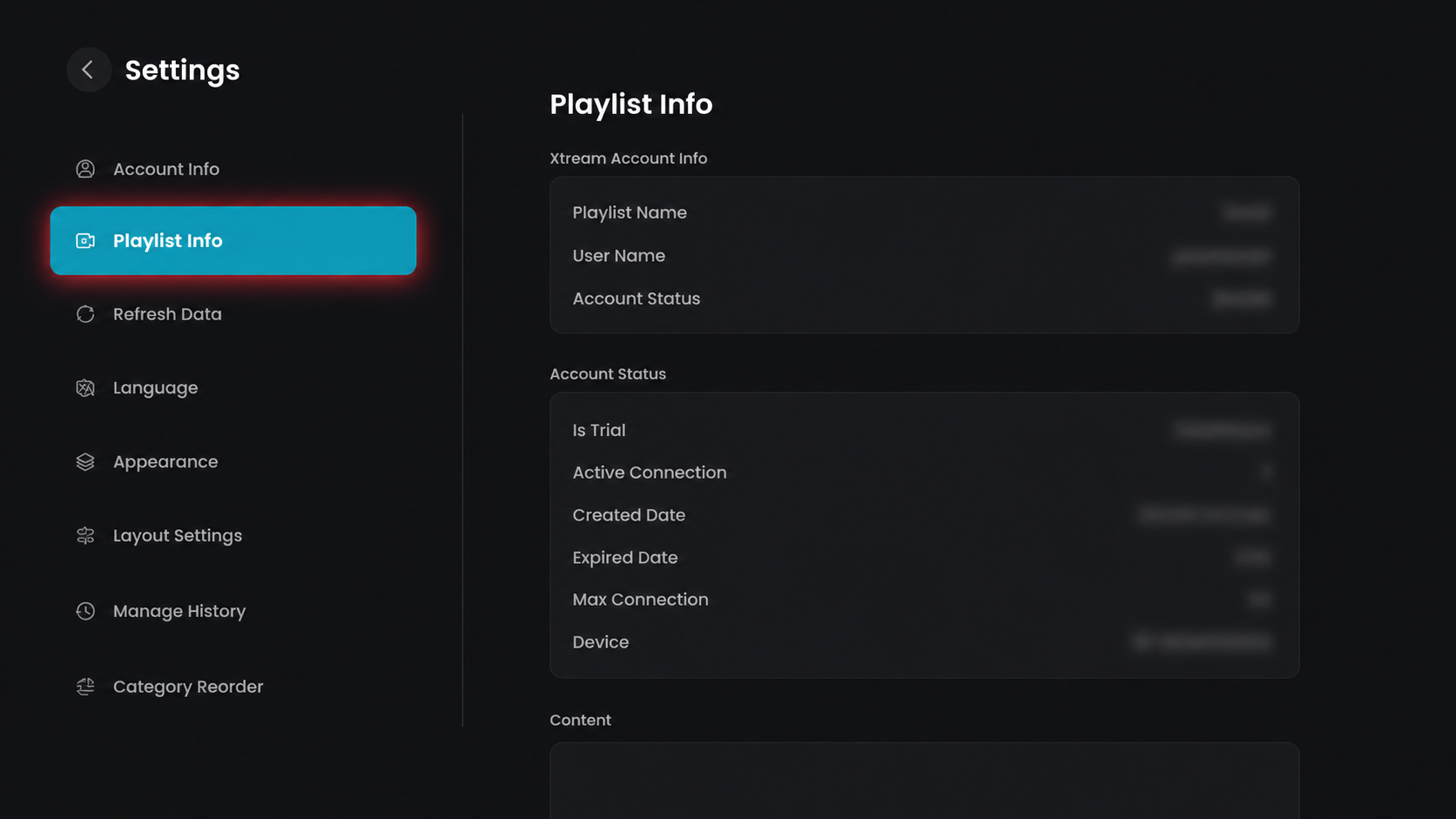
Step 2: Open Playlist Info
Click on the Playlist Info option from the left-side menu to view your playlist details.
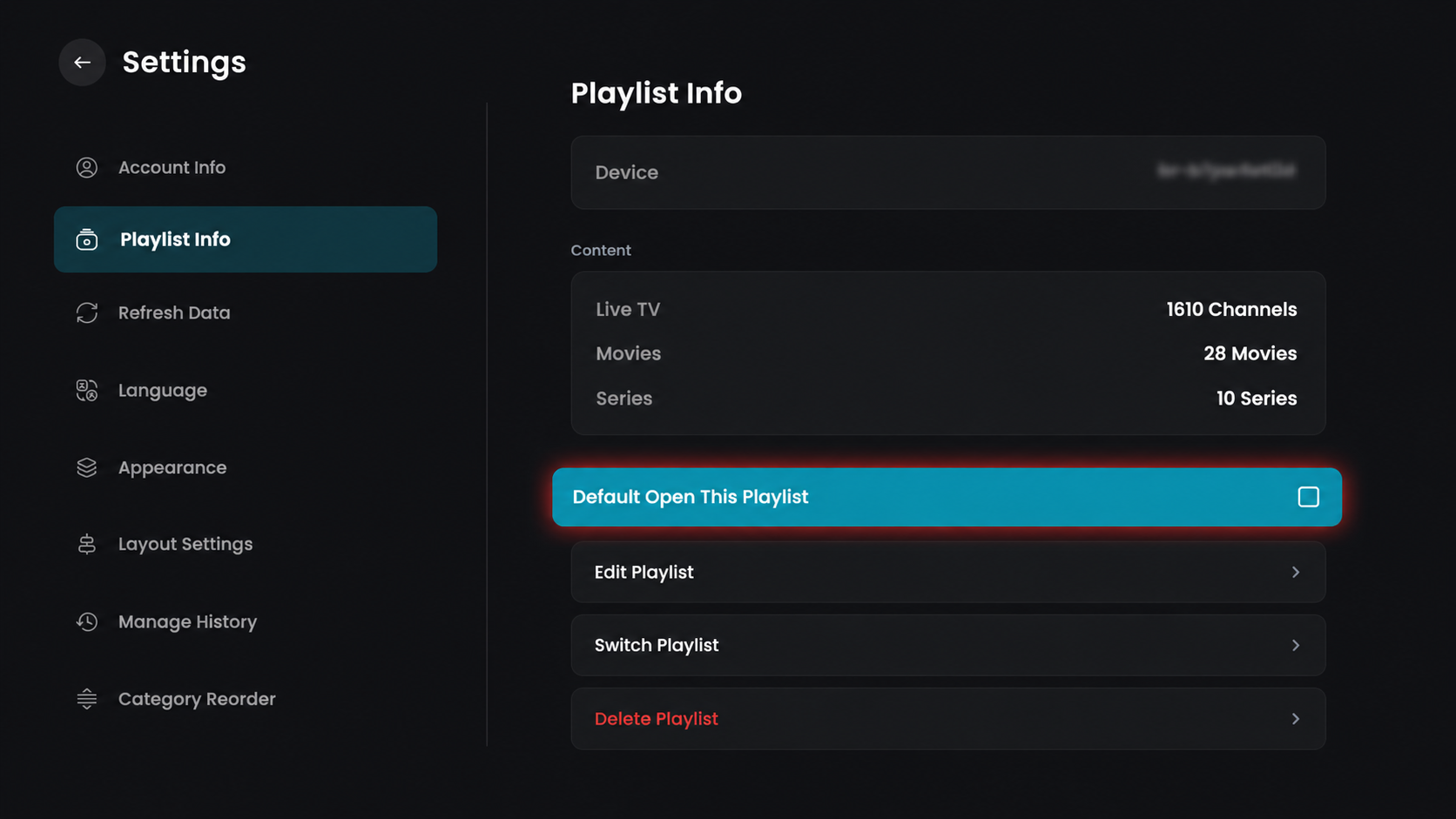
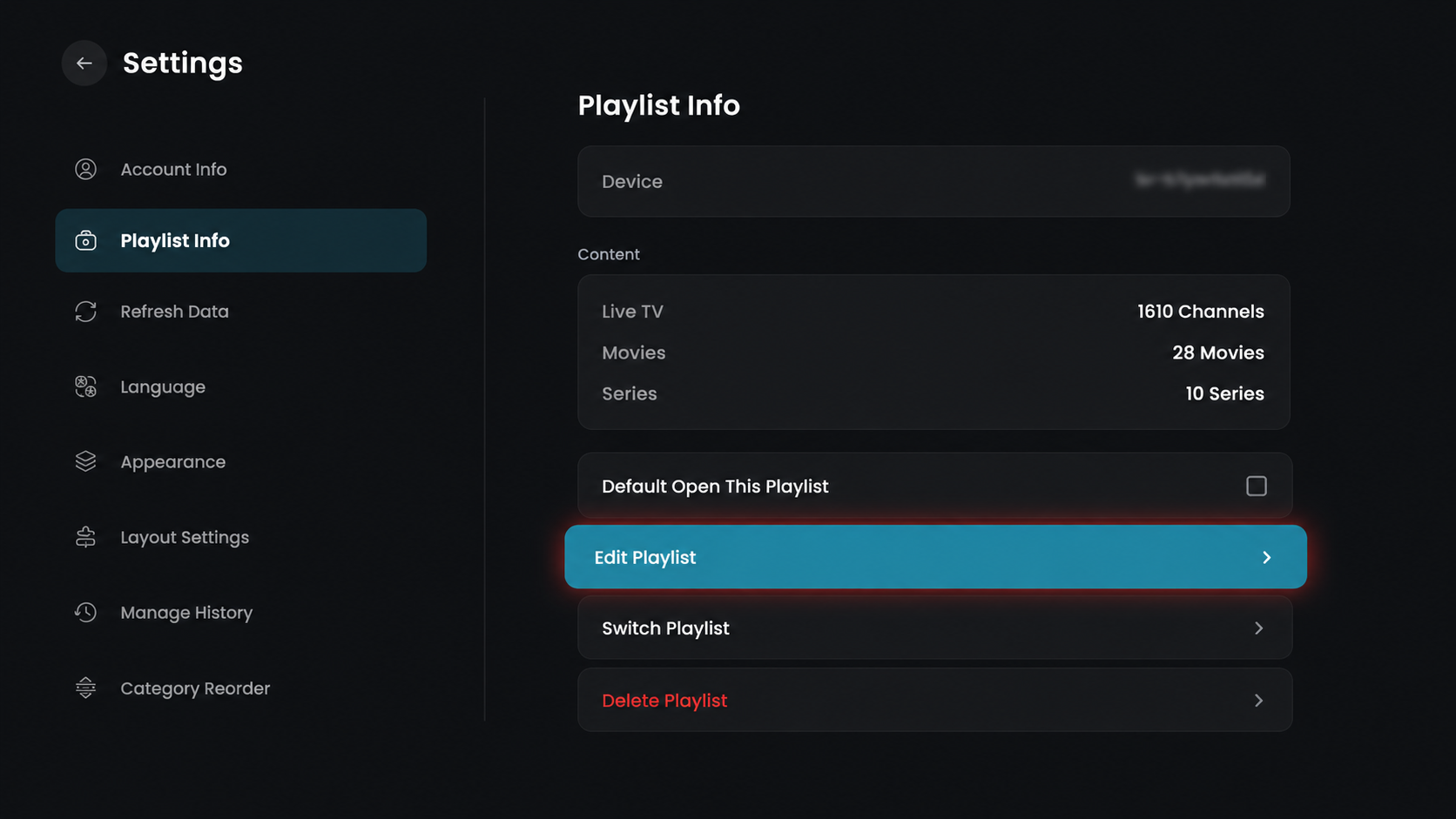
Step 3: Set as Default Playlist
Enable the Default Open This Playlist option to automatically open this playlist when you launch the app.
Step 4: Edit Playlist
Click on the Edit Playlist option to modify your playlist settings.
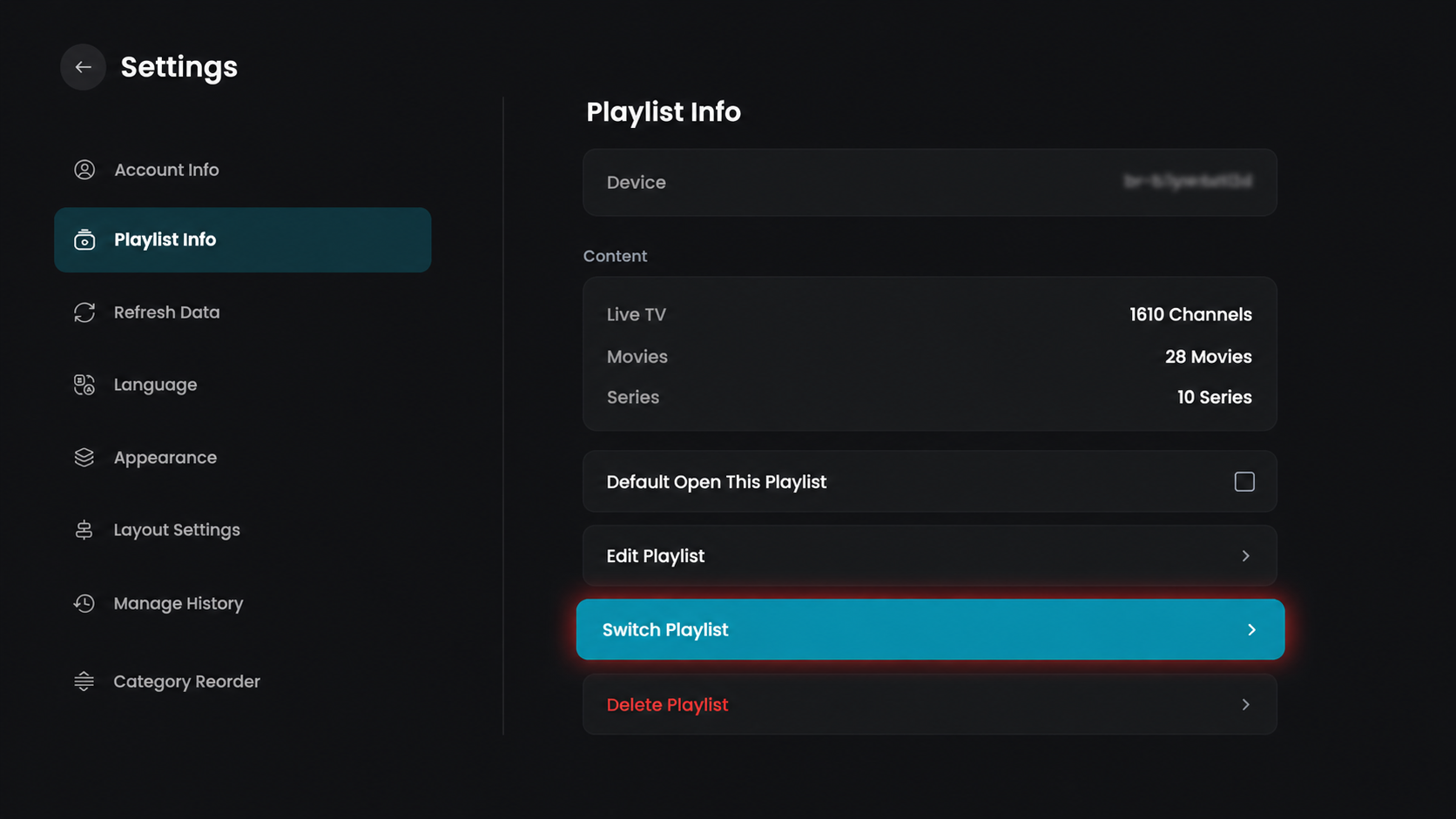
Step 5: Switch Playlist
Click on the Switch Playlist option to change to a different playlist.
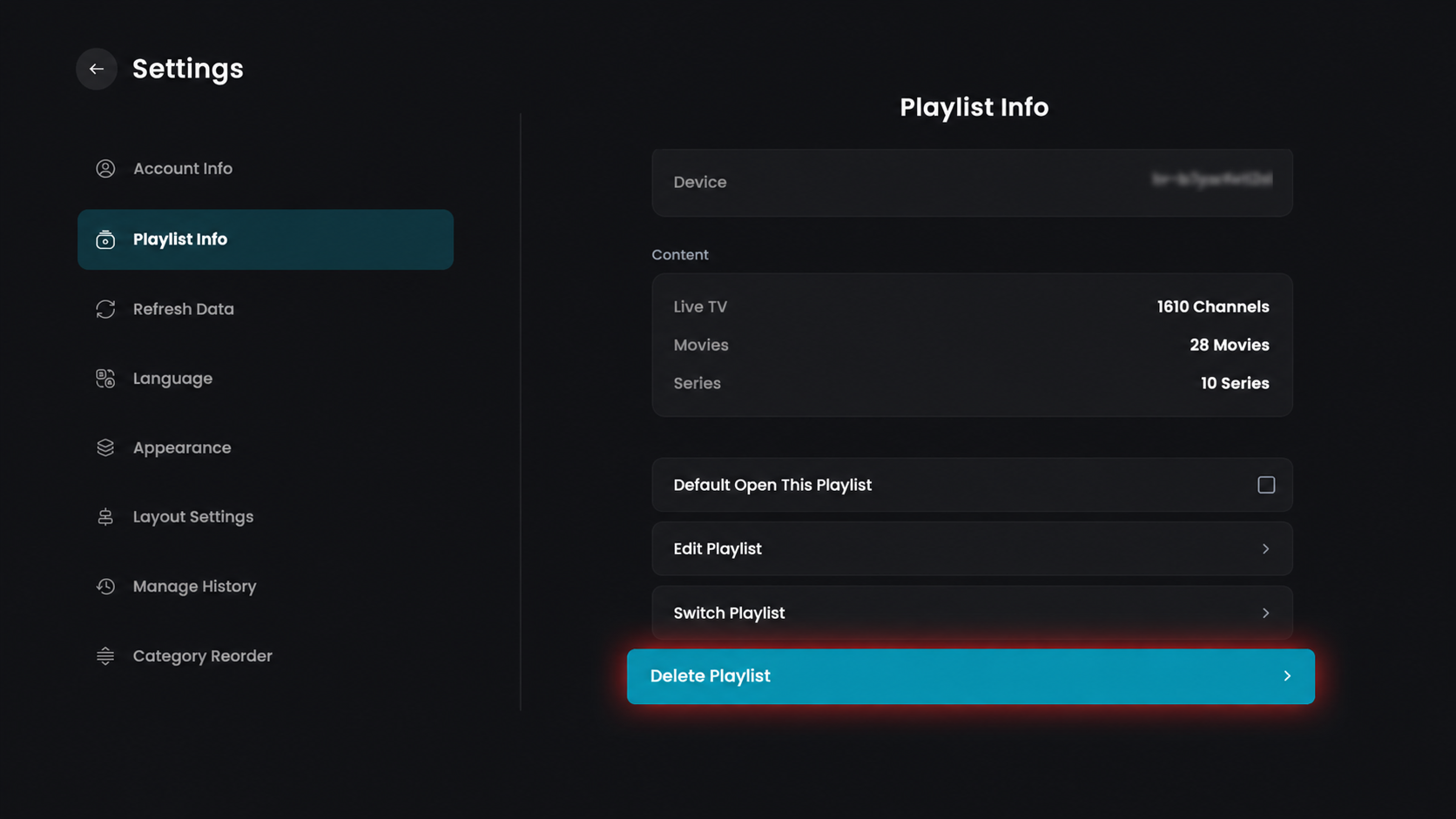
Step 6: Delete Playlist
Click on the Delete Playlist option to remove the selected playlist.