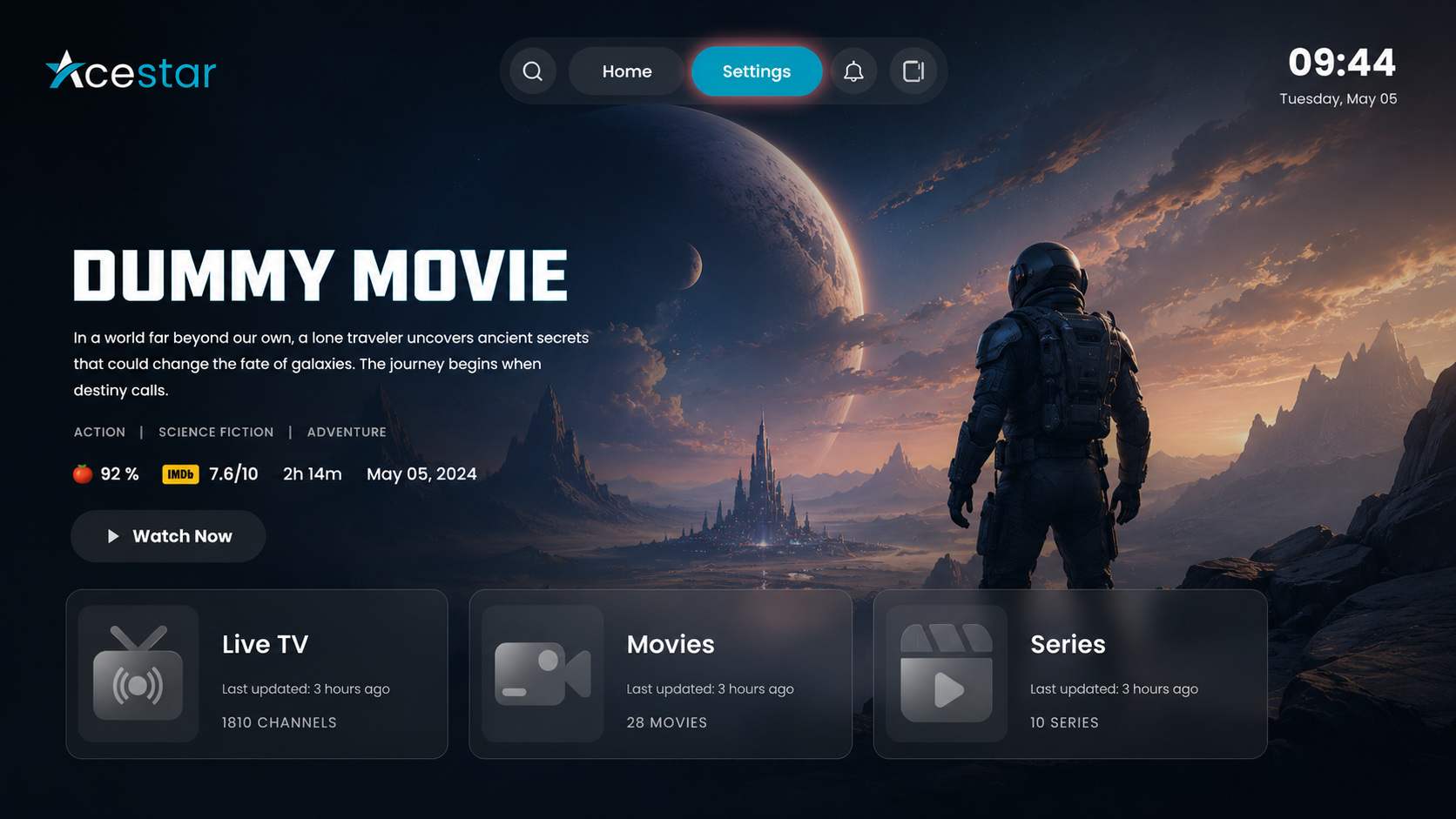
Step 1: Open Settings
Click on the Settings option from the top menu on the home screen to access and manage app preferences and configurations.
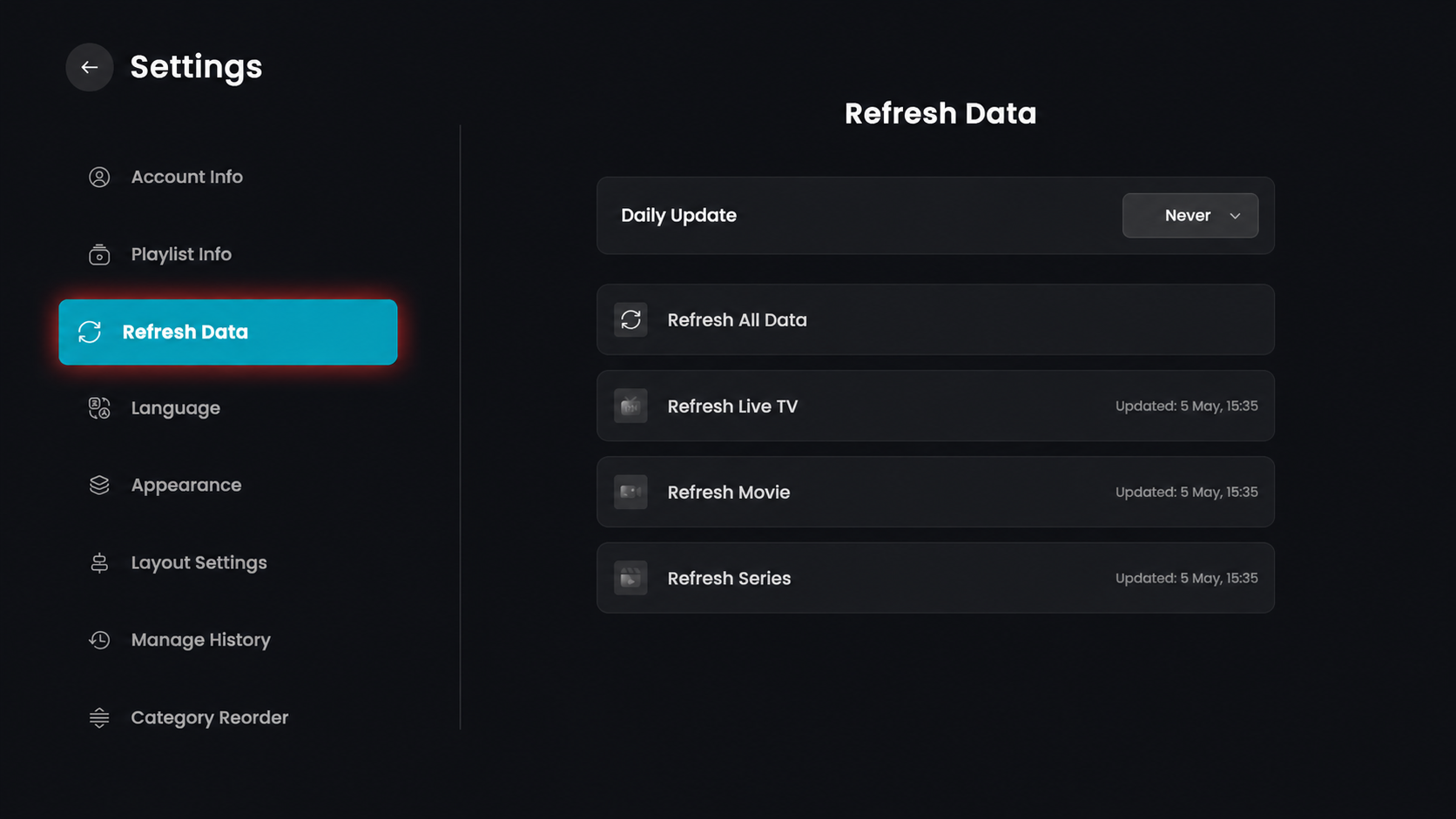
Step 2: Open Refresh Data
Click on the Refresh Data option from the left-side menu.
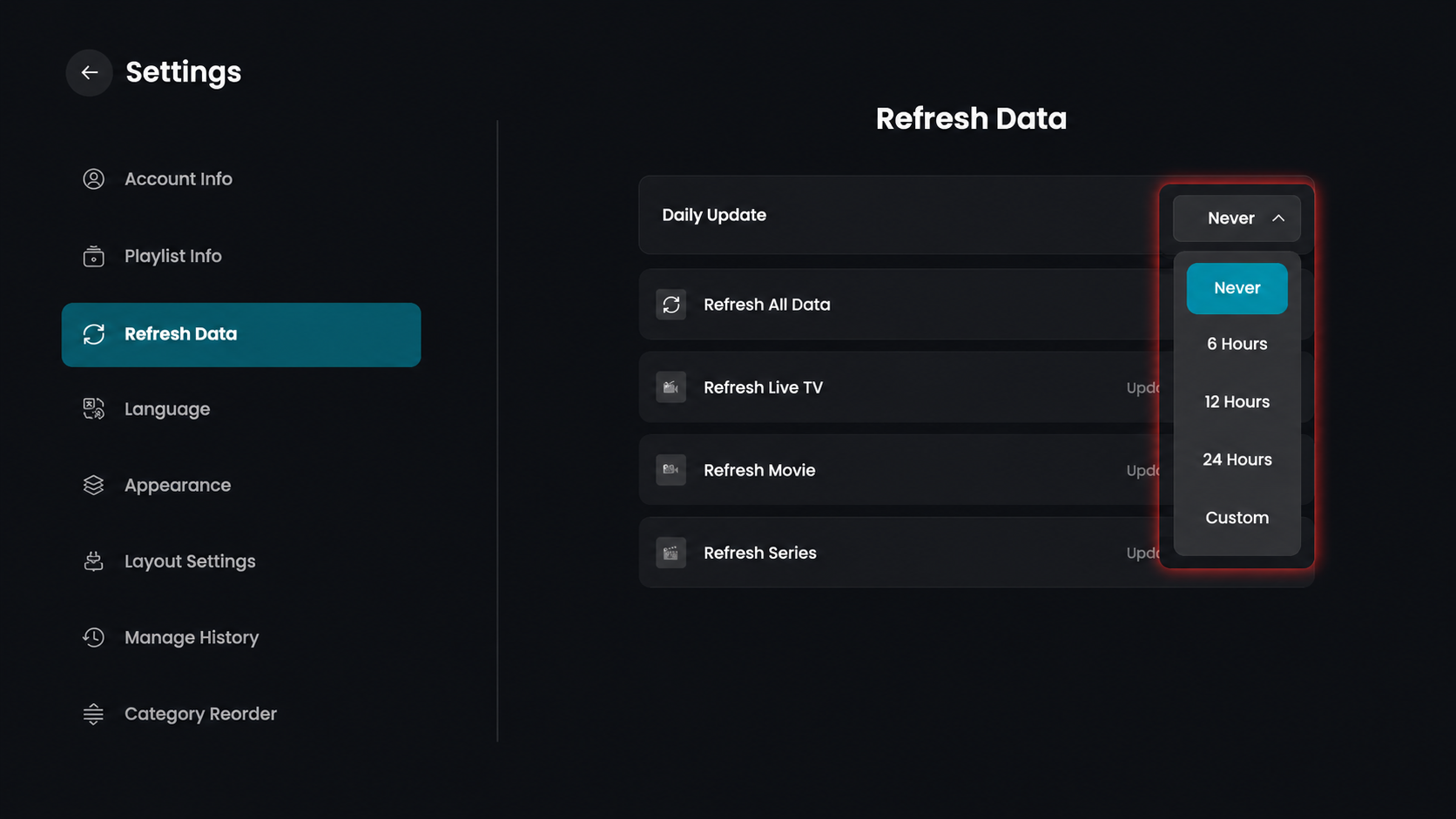
Step 3: Set Daily Update
Click the Daily Update dropdown to choose how often your playlist data updates automatically.
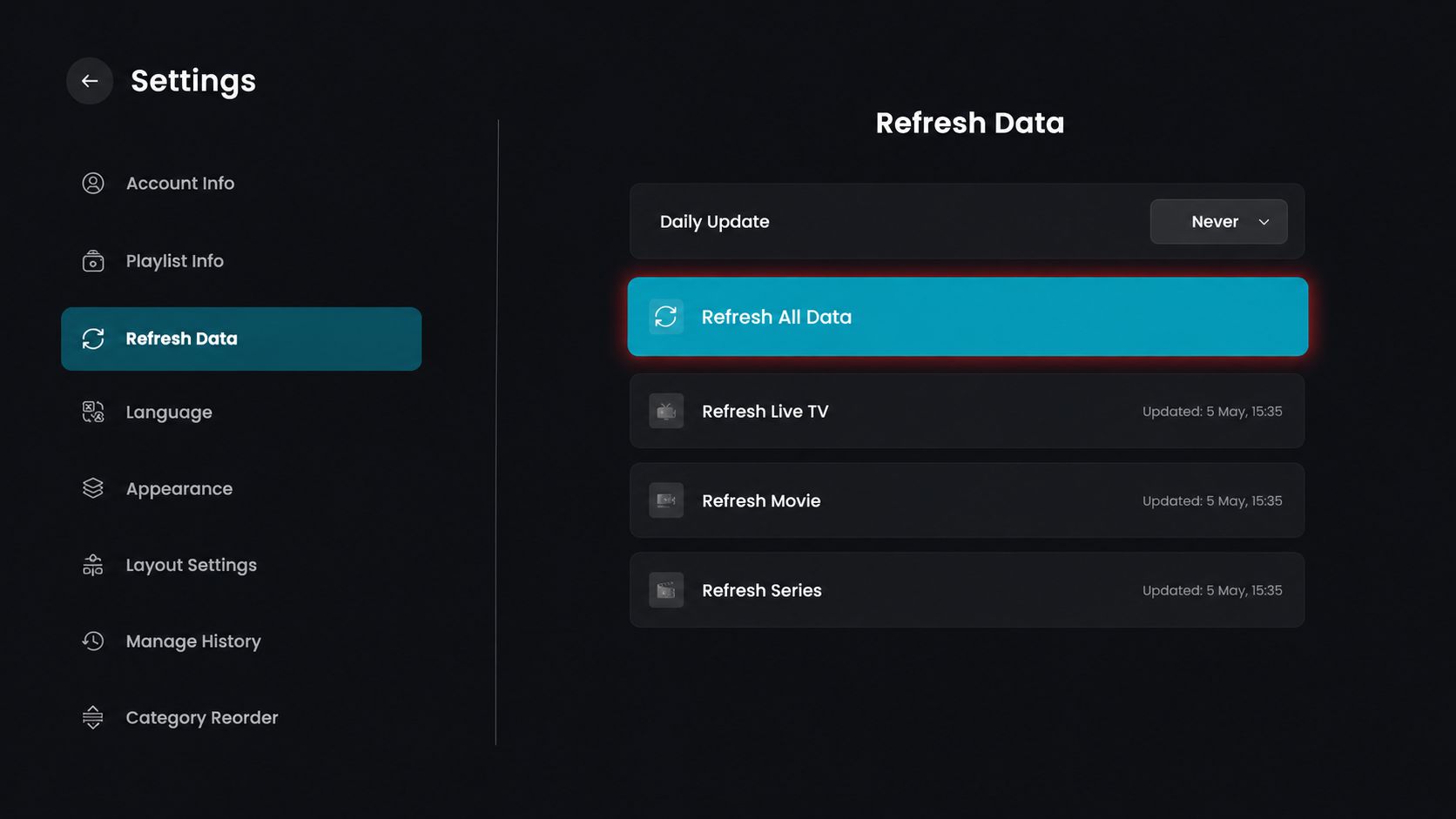
Step 4: Refresh All Data
Click on "Refresh All Data" to update all content, including Live TV, Movies, and Series at once.
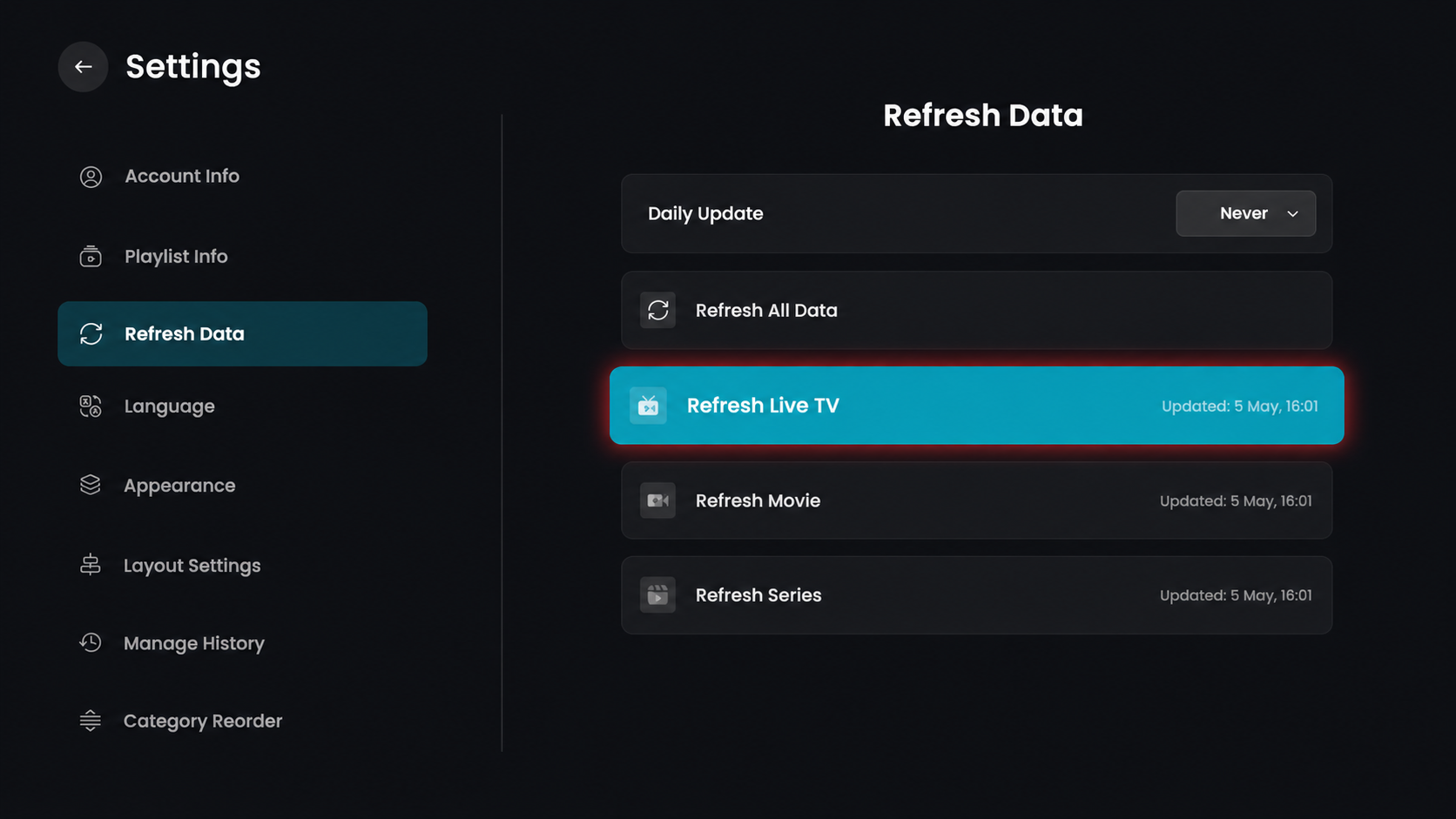
Step 5: Refresh Live TV
Click on Refresh Live TV to update only the live channels.
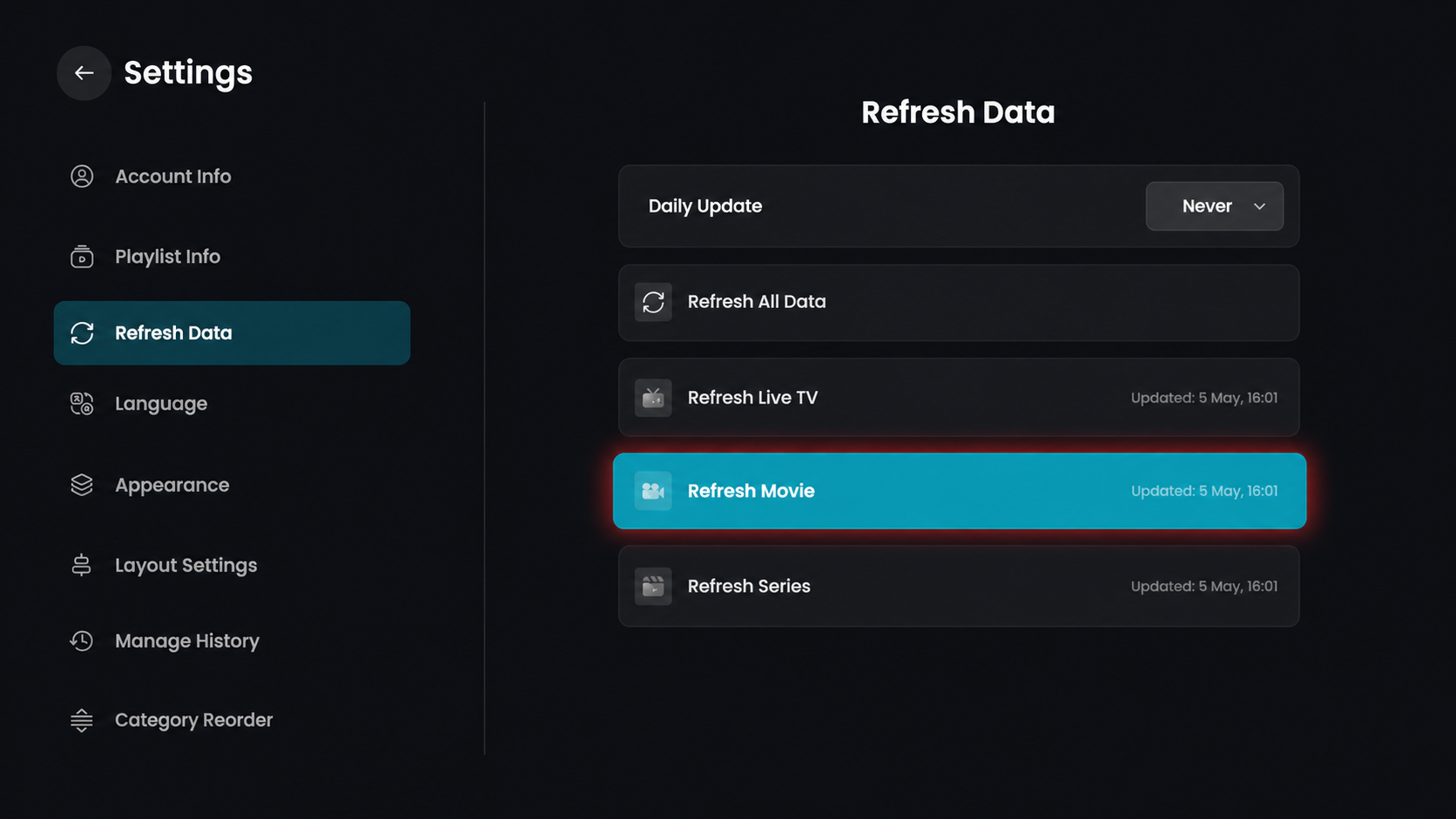
Step 6: Refresh Movies
Click on Refresh Movie to update the movie content.
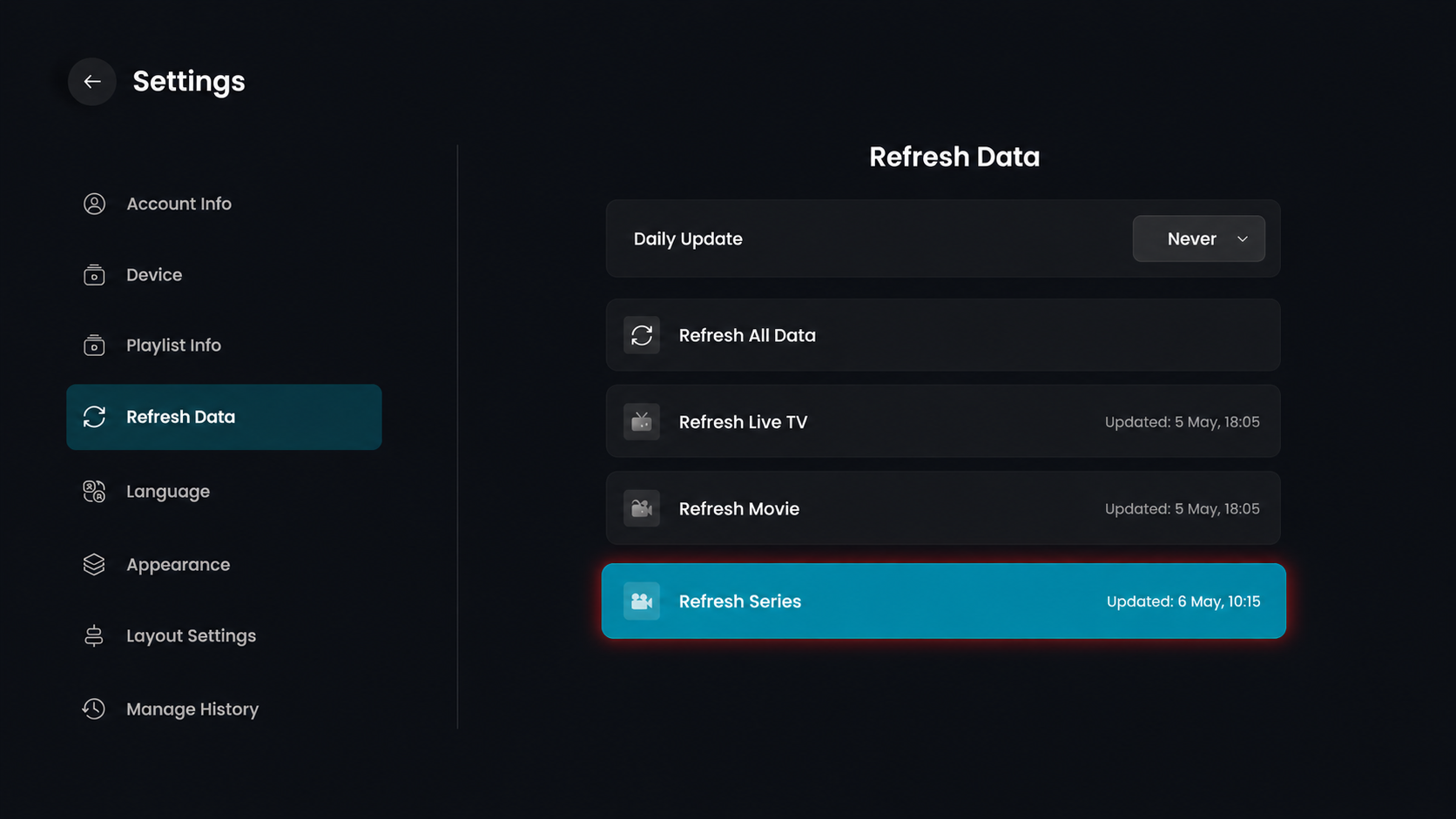
Step 7: Refresh Series
Click on Refresh Series to update the series content.