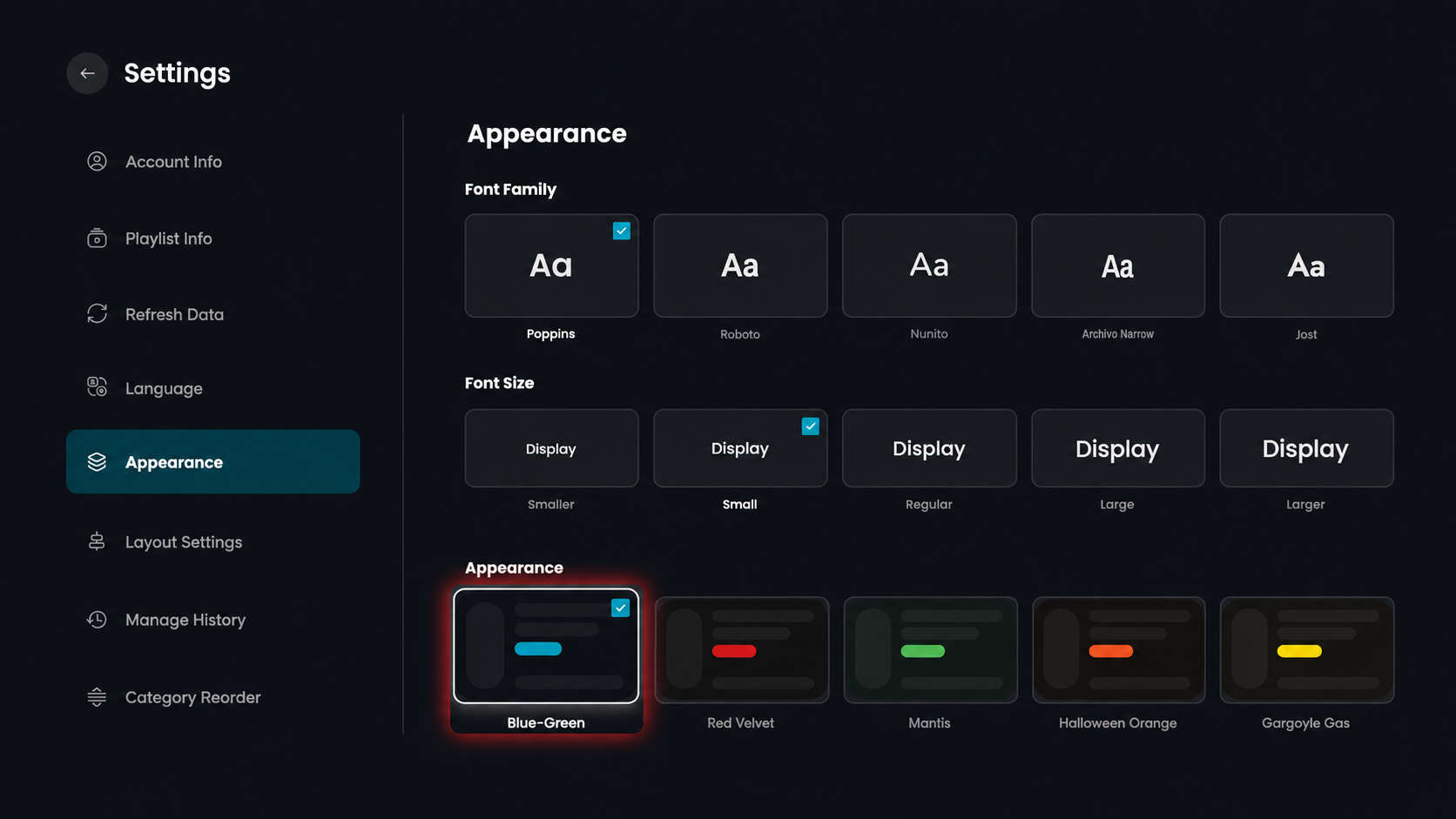
Step 1: Open Settings
Click on the Settings option from the top menu on the home screen to access app preferences.

Step 2: Open Appearance
Click on the Appearance option from the left-side menu.
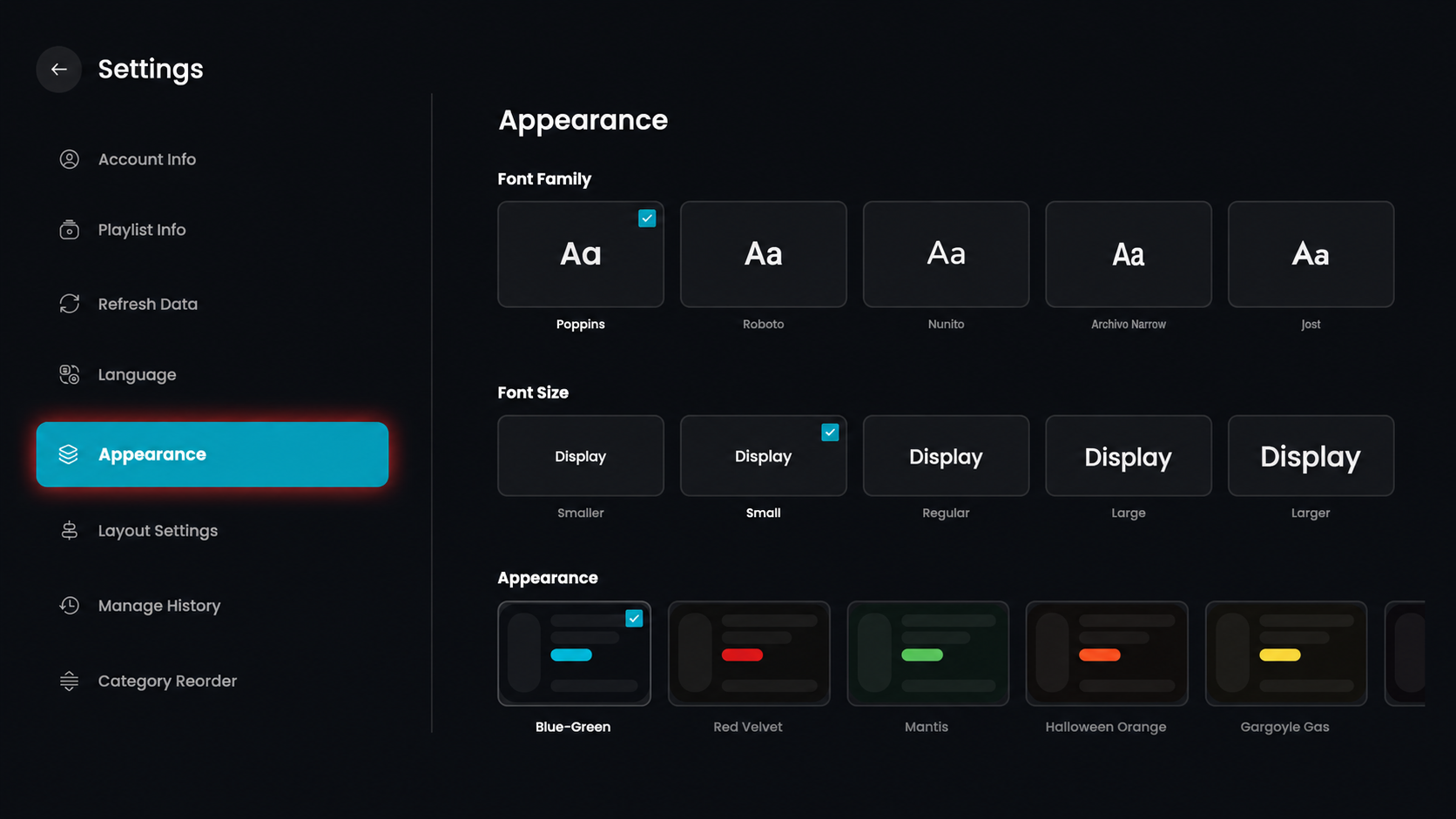
Step 3: Select Font Family
Choose your preferred font style from the available options.
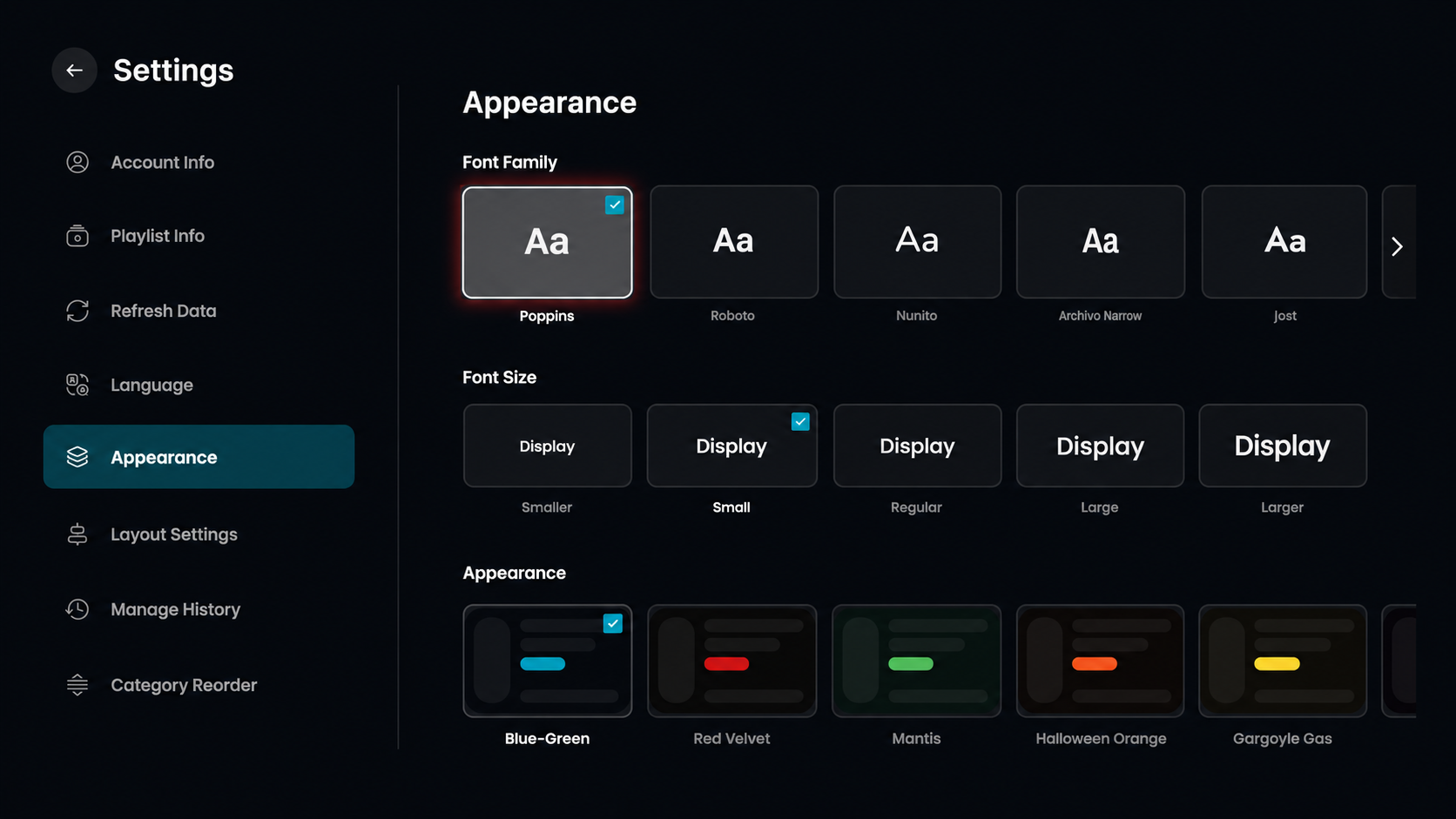
Step 4: Select Font Size
Choose your preferred text size from the available options.
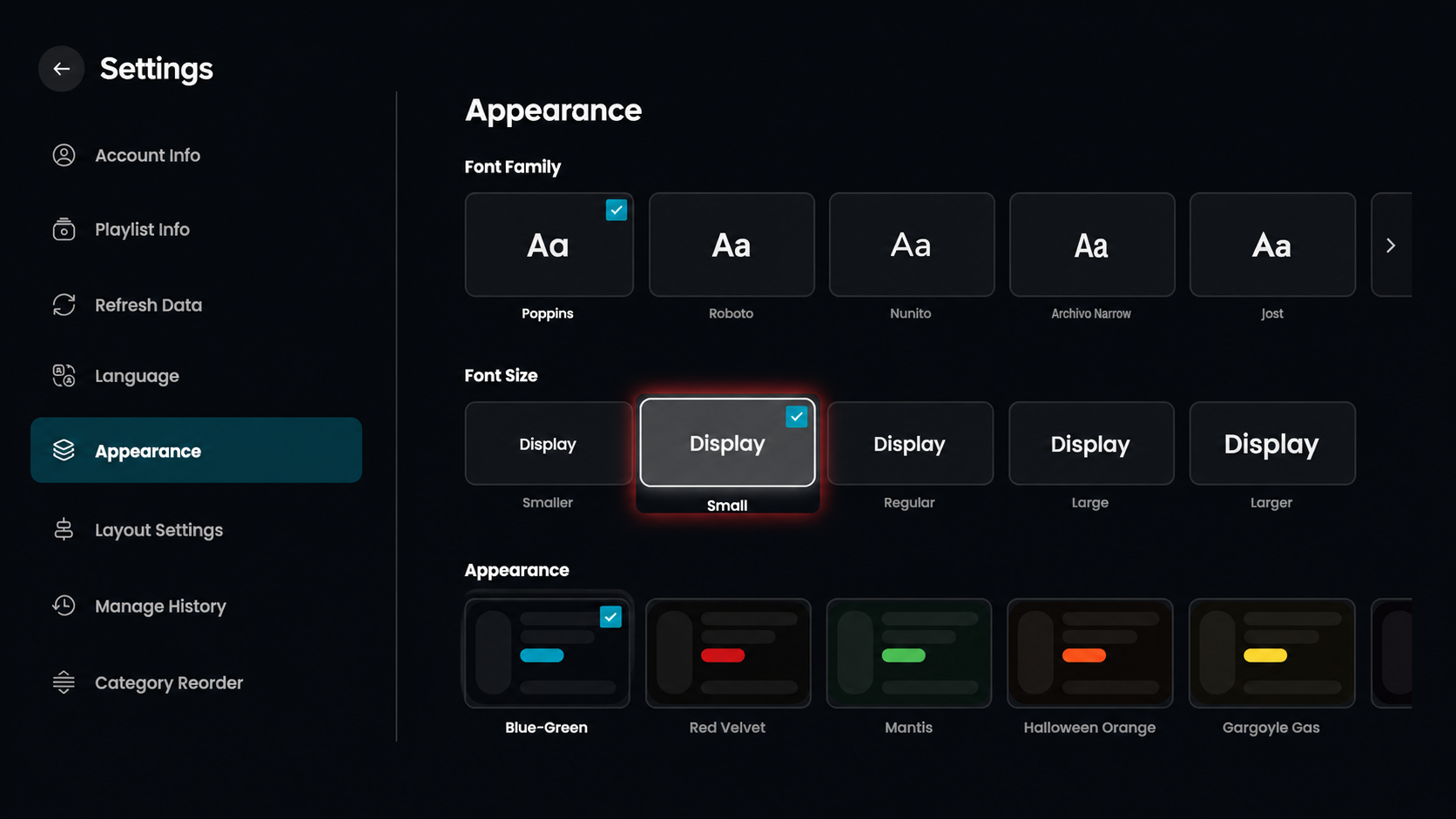
Step 5: Select Theme
Choose your preferred theme style from the available options.