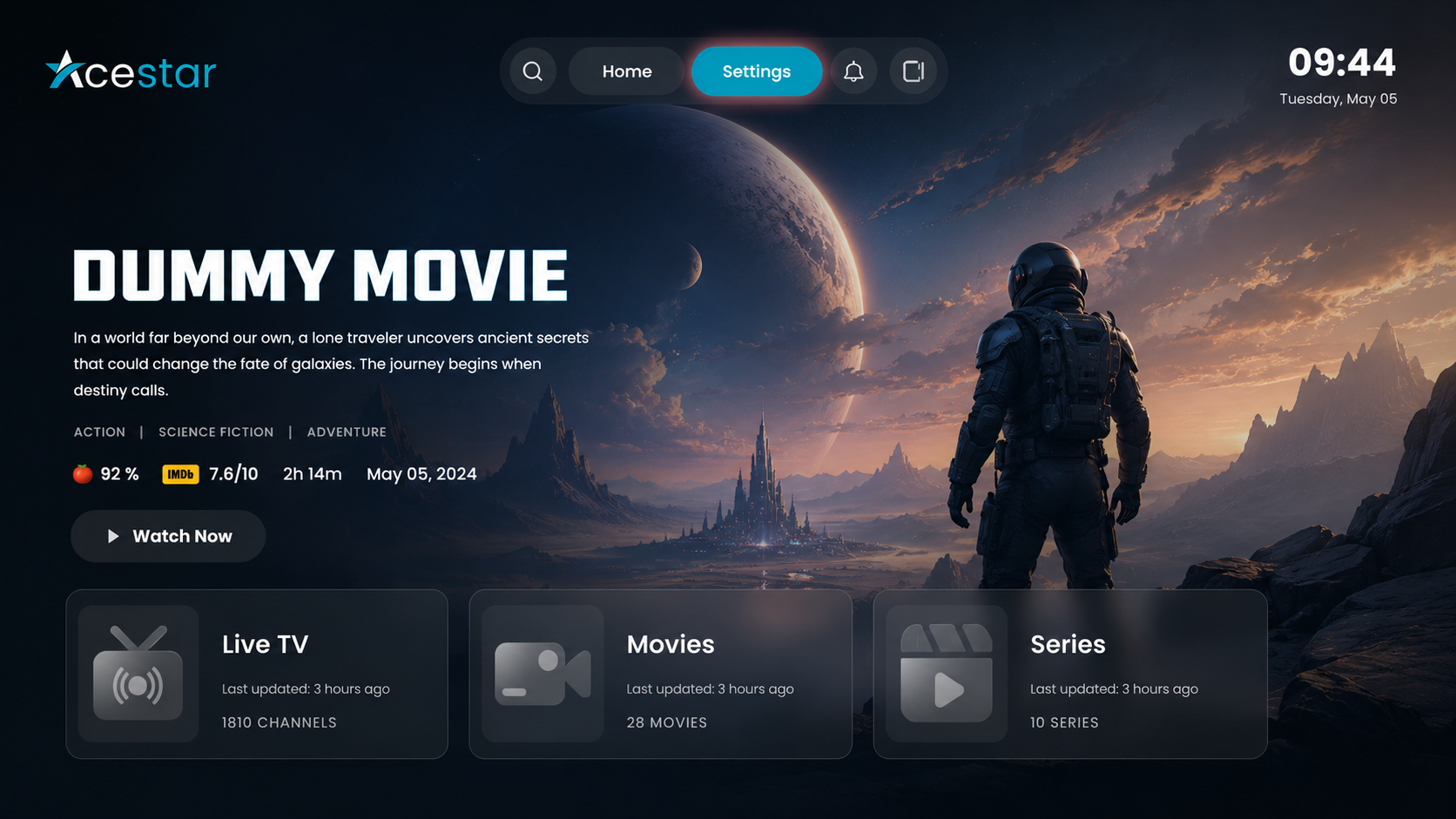
Step 1: Open Settings
Click on the Settings option from the top menu on the home screen to access app preferences.
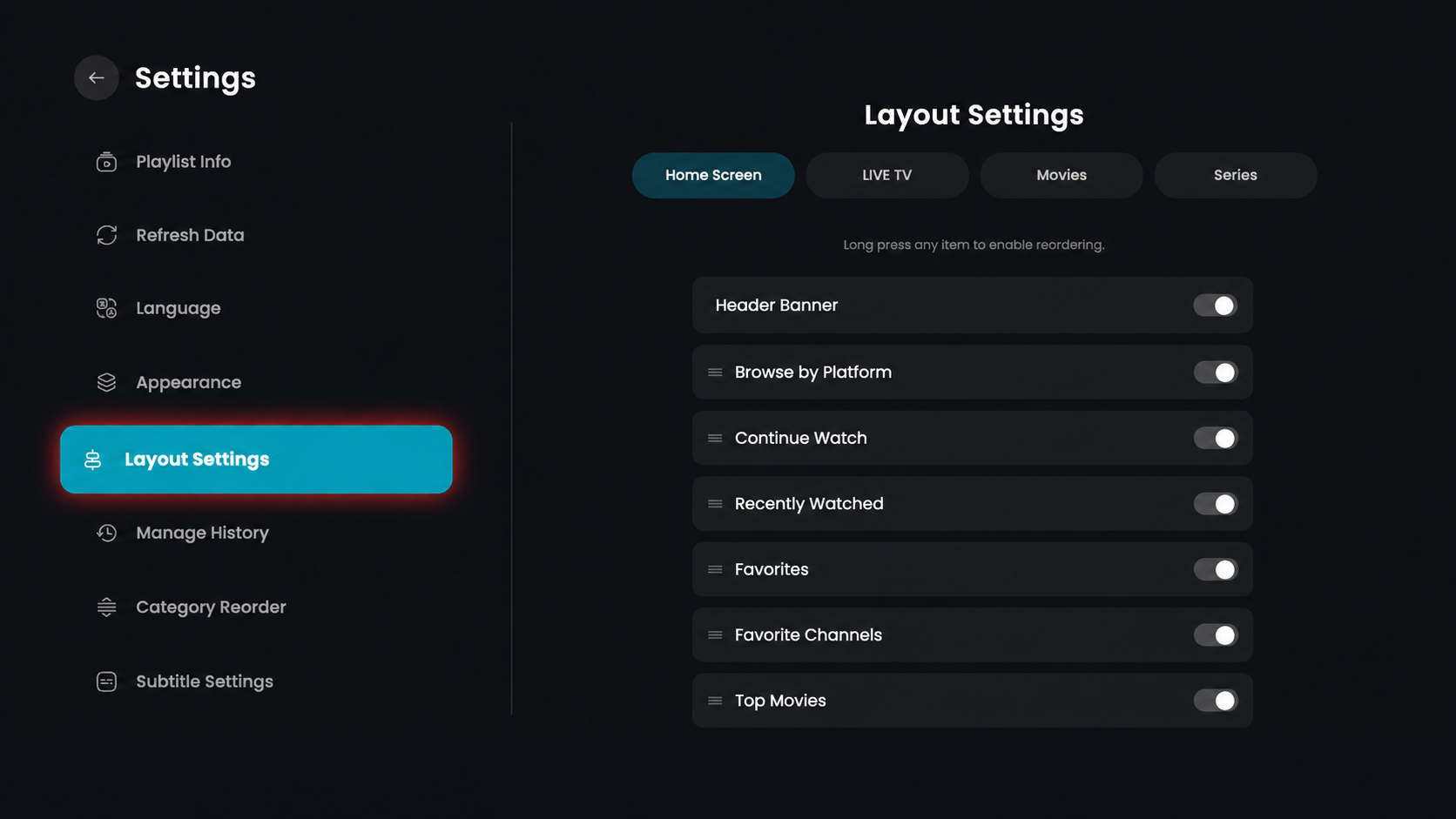
Step 2: Open Layout Settings
Click on the Layout Settings option from the left-side menu.
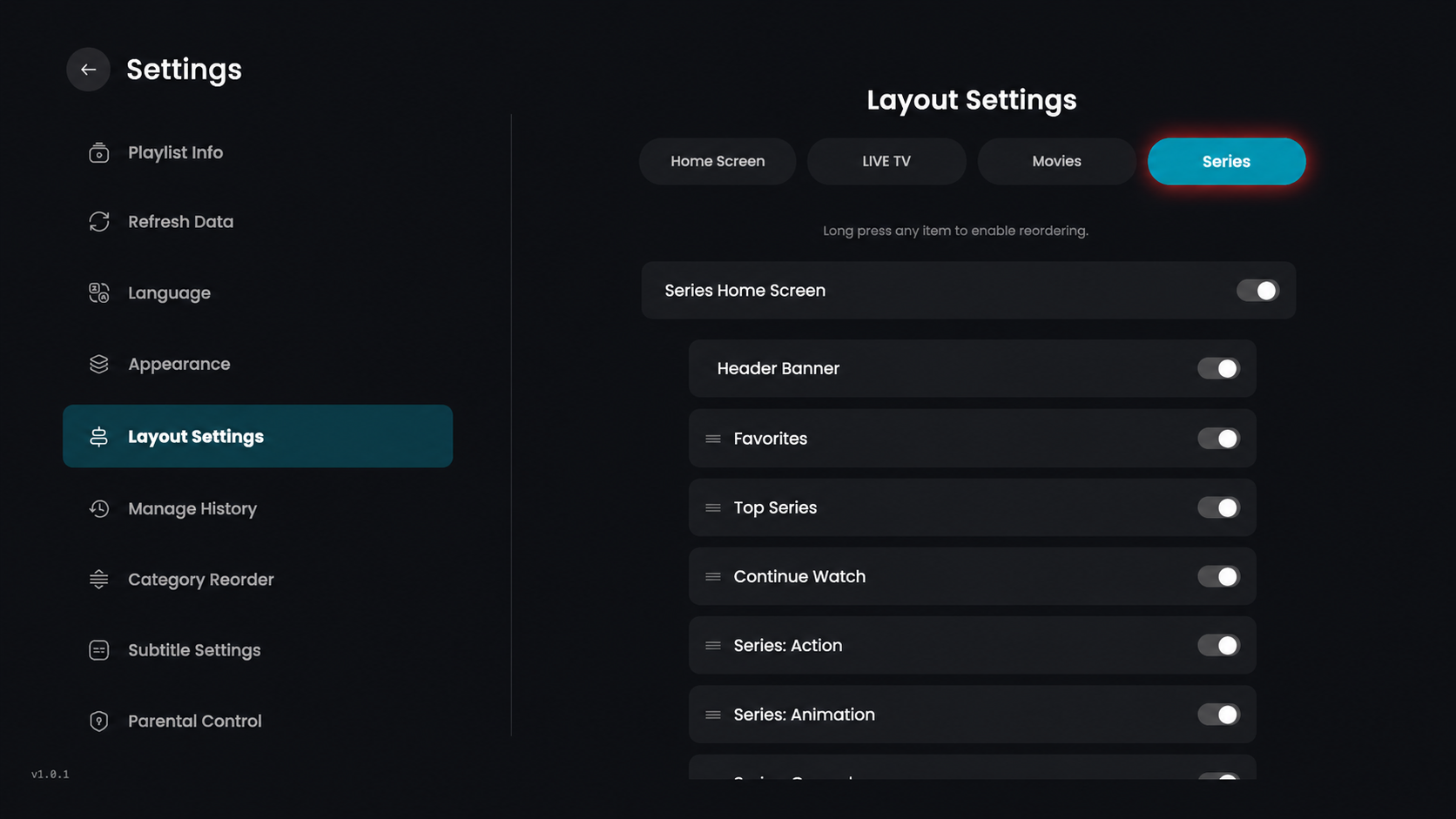
Step 3: Click on Series
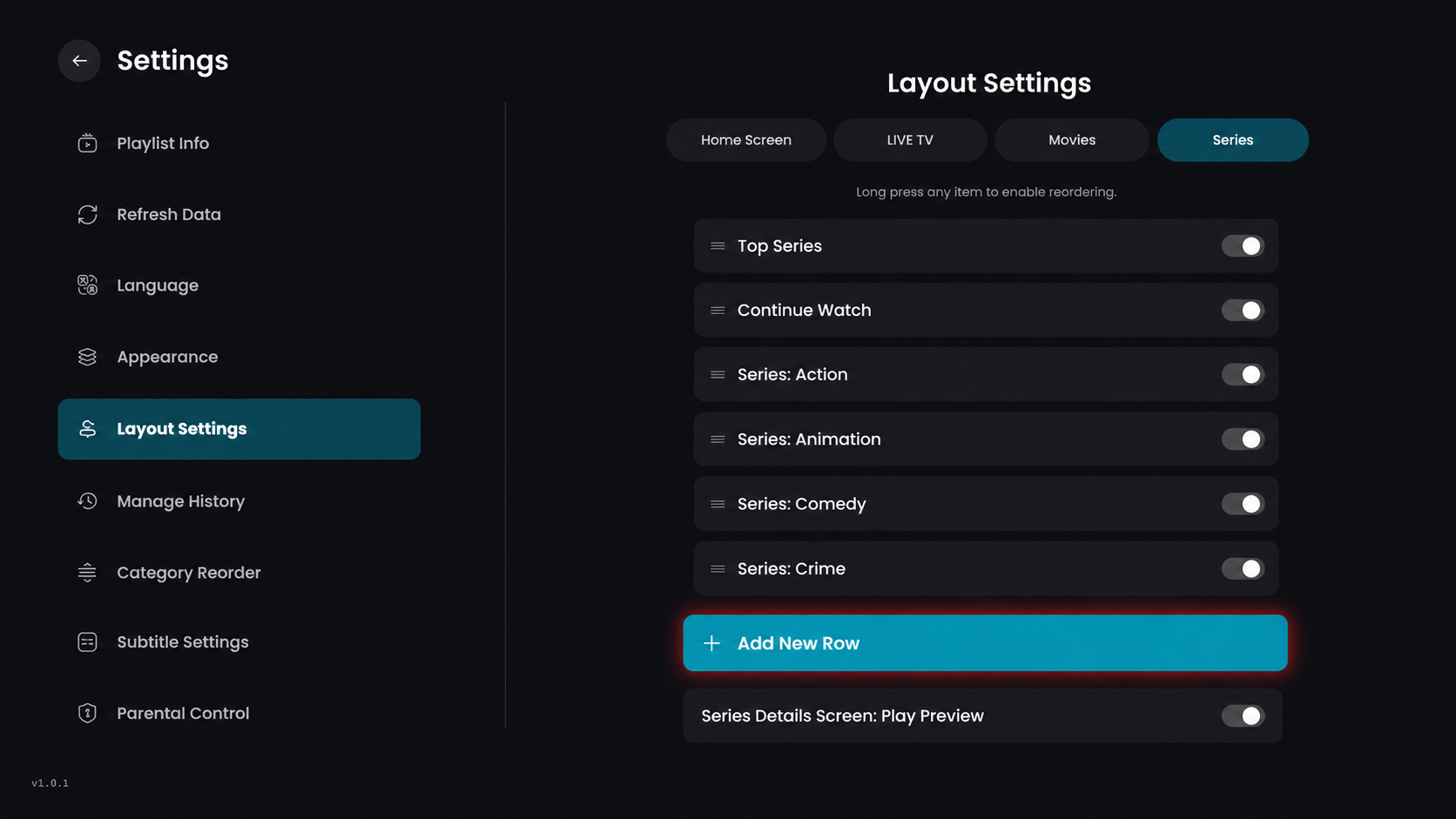
In the Layout Settings section, click on the Series tab at the top to customize the arrangement of your TV show categories.
Layout Options (Toggle Settings)
Series Home Screen – Enable or disable the main home screen section for Series.
Header Banner – Show or hide the promotional banner at the top of the Series page.
Favorites – Toggle the visibility of your bookmarked series.
Top Series – Display or hide the row featuring trending or top-rated series.
Continue Watch – Show or hide the series you are currently watching.
Series: Action – Enable or disable the row for Action-genre series.
Series: Animation – Show or hide the dedicated row for animated series.
Step 4: Click Add New Row
From the series layout screen, click on the Add New Row button.
Step 5: Select Series Category
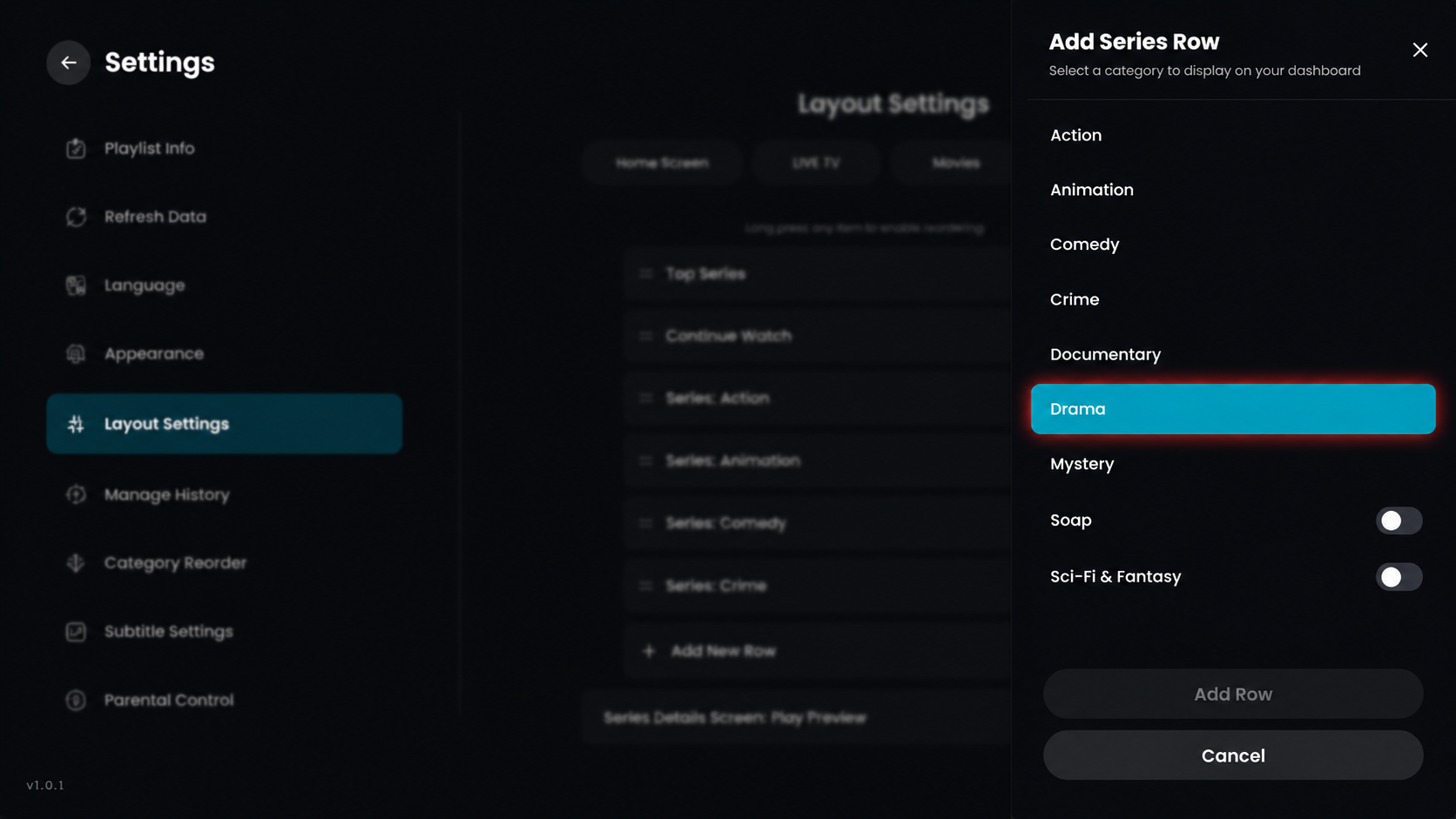
From the Add Series Row sidebar, scroll through the options and click on the genre you wish to add, such as Drama.
Step 6: Click on Add Row
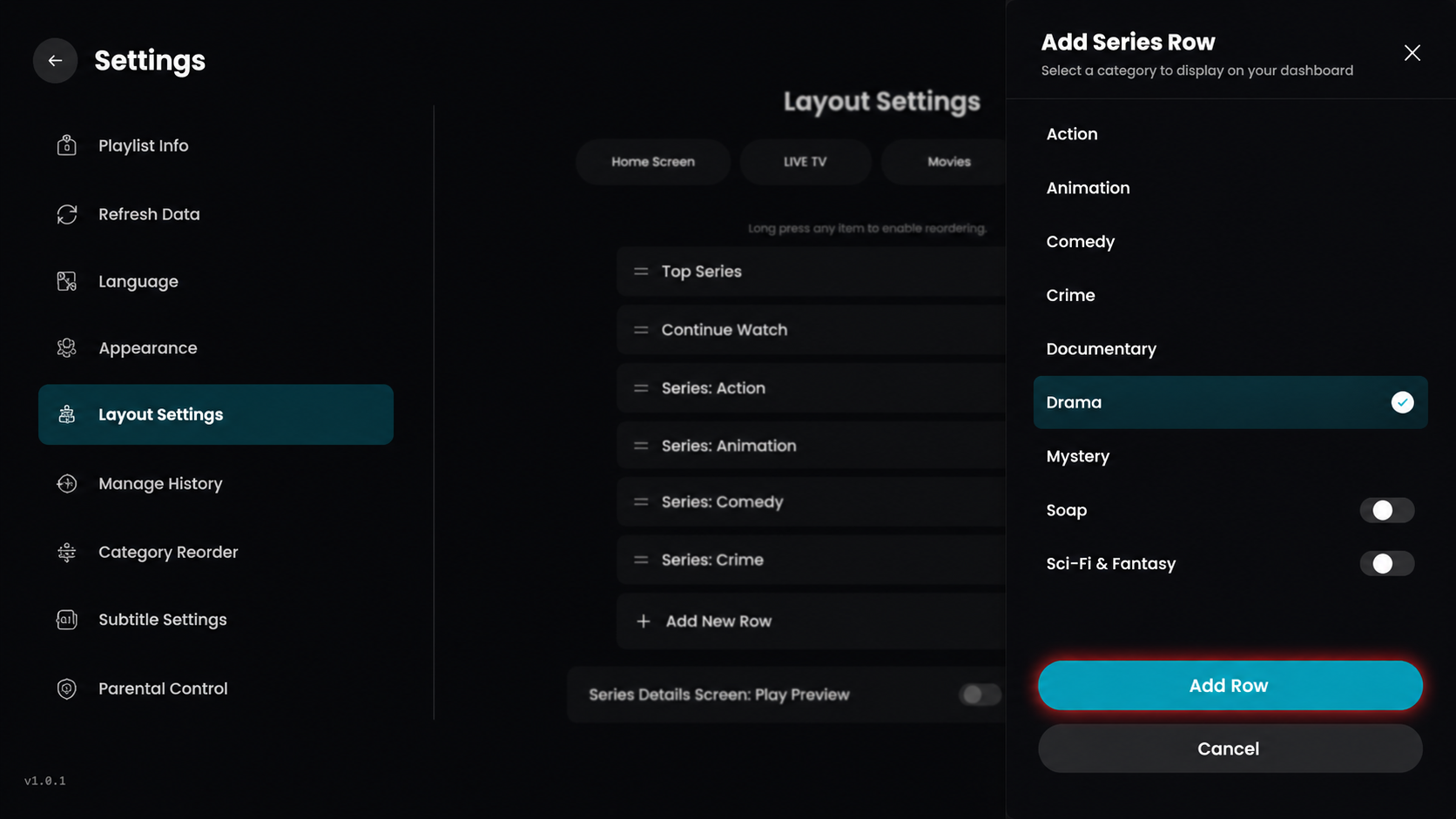
Once you have selected the category, click on the Add Row button at the bottom of the sidebar to include it in your series layout.
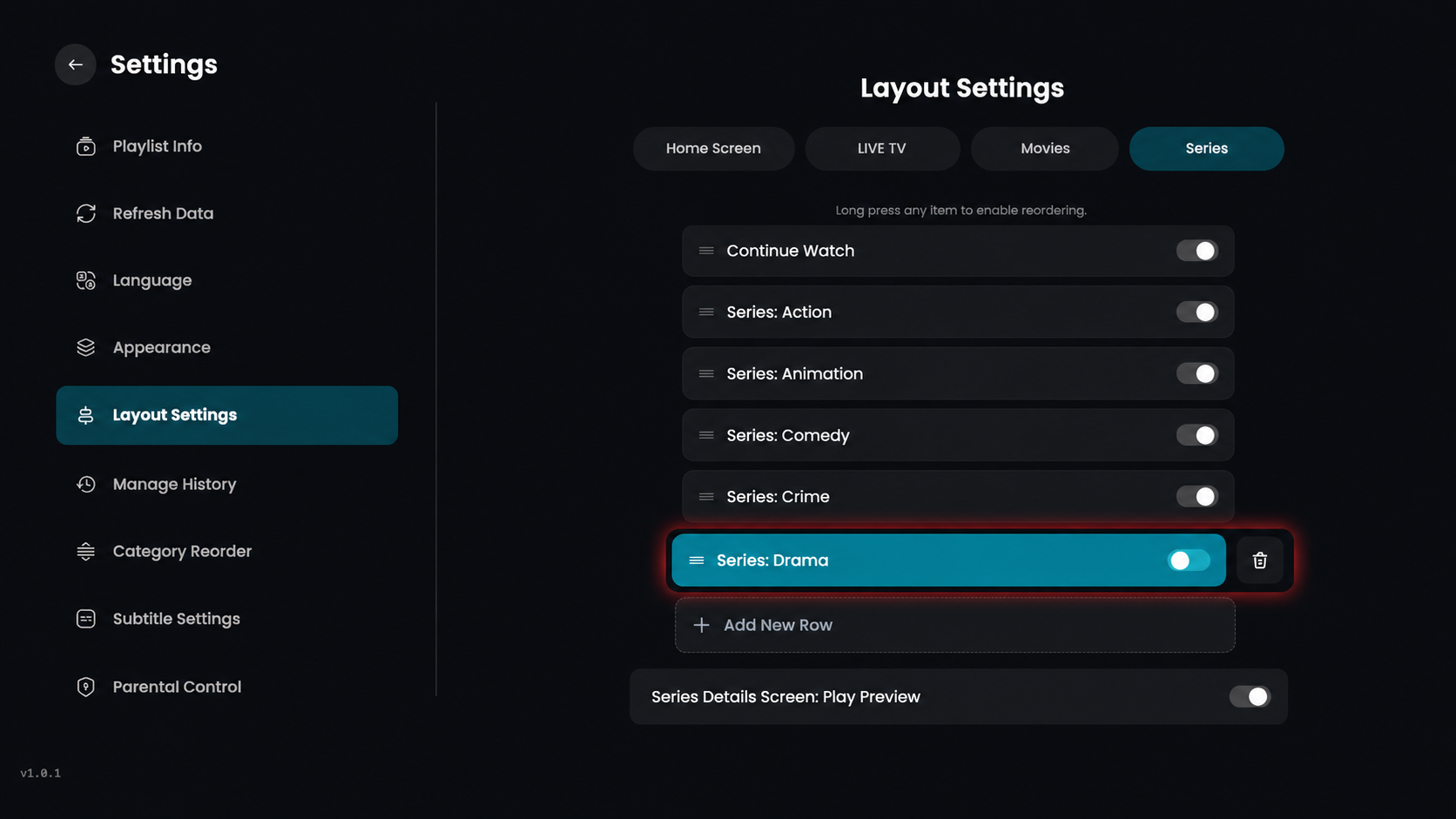
Step 7: Row Added Successfully
The selected category, Series: Drama, is now successfully added to your series layout list.