Open the web app link in your browser, and the splash screen will appear instantly, displaying the app branding before redirecting to the language selection page.

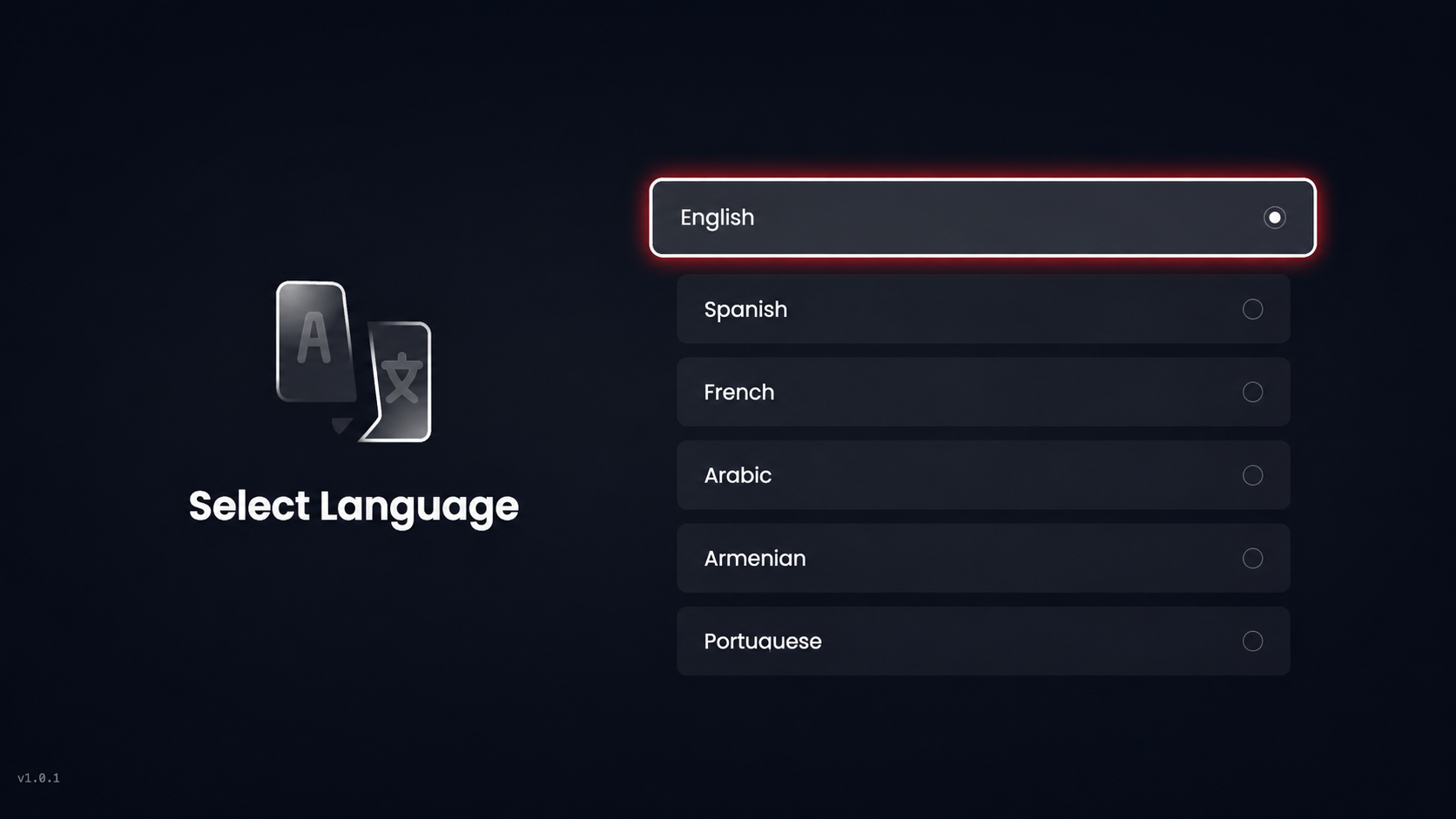
Select Language lets you choose your preferred language to proceed.
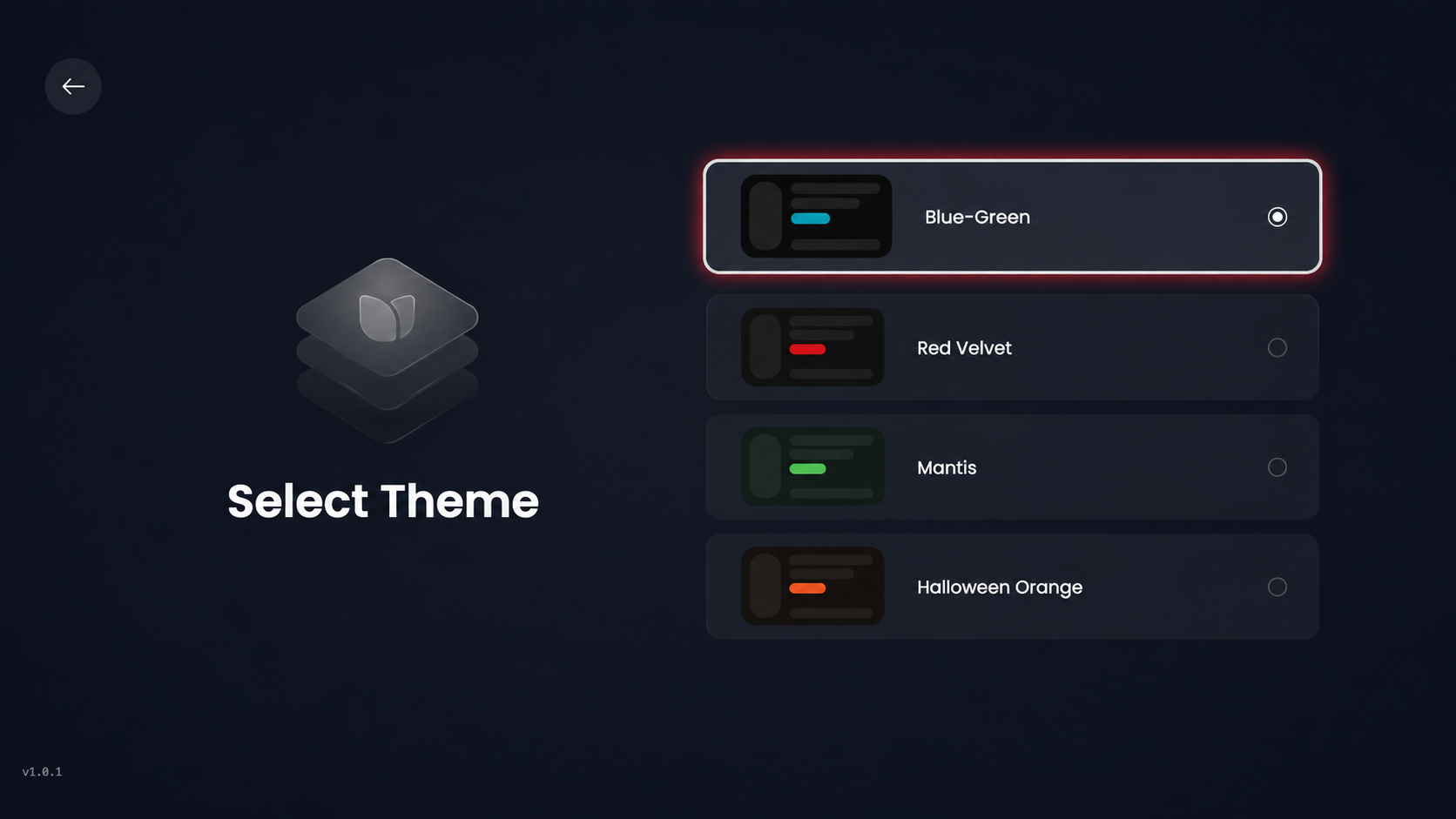
Select your preferred theme from the available options to customize the app’s appearance.
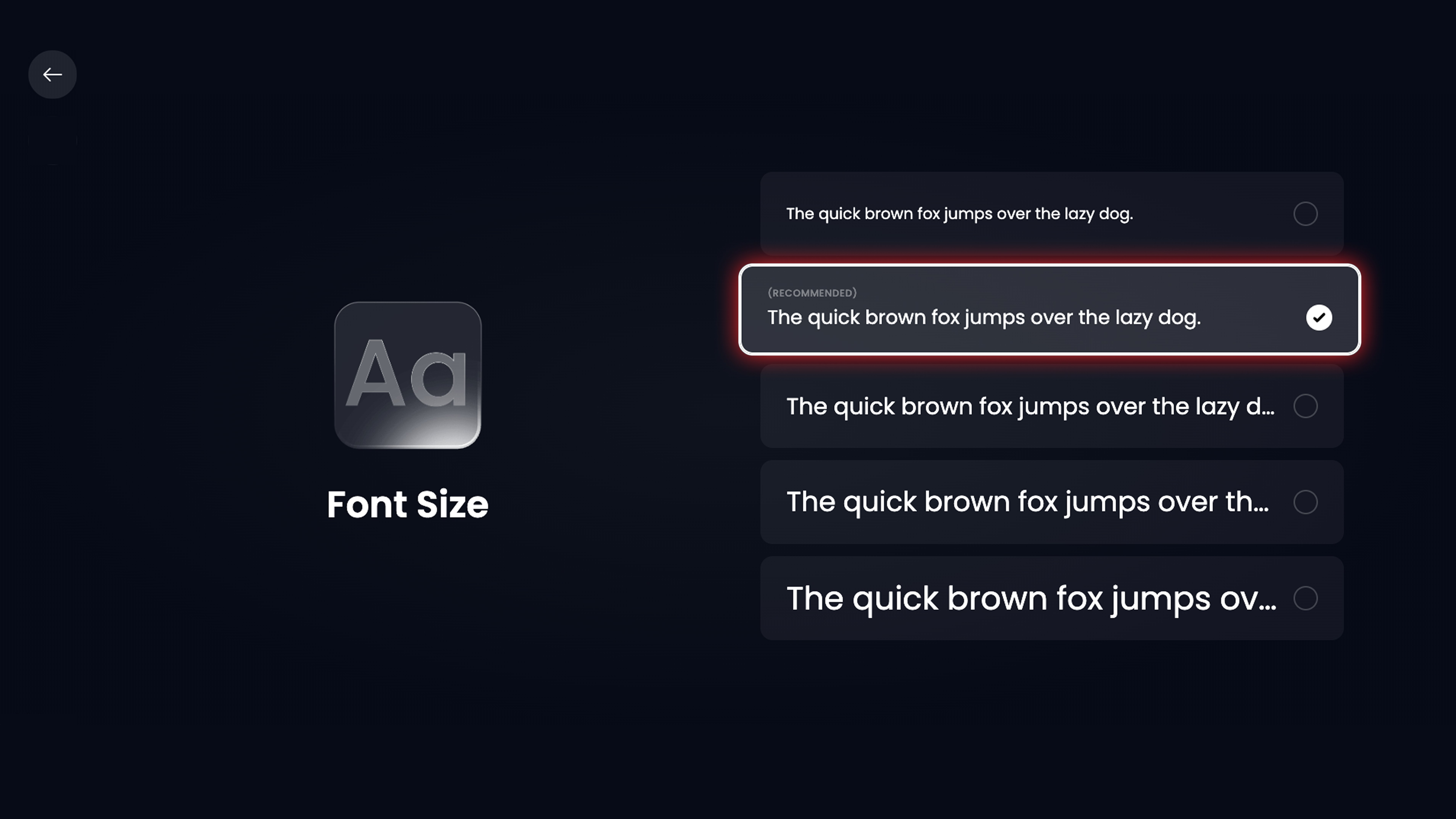
Select your preferred font size from the available options (recommended size is pre-selected) to adjust text readability.
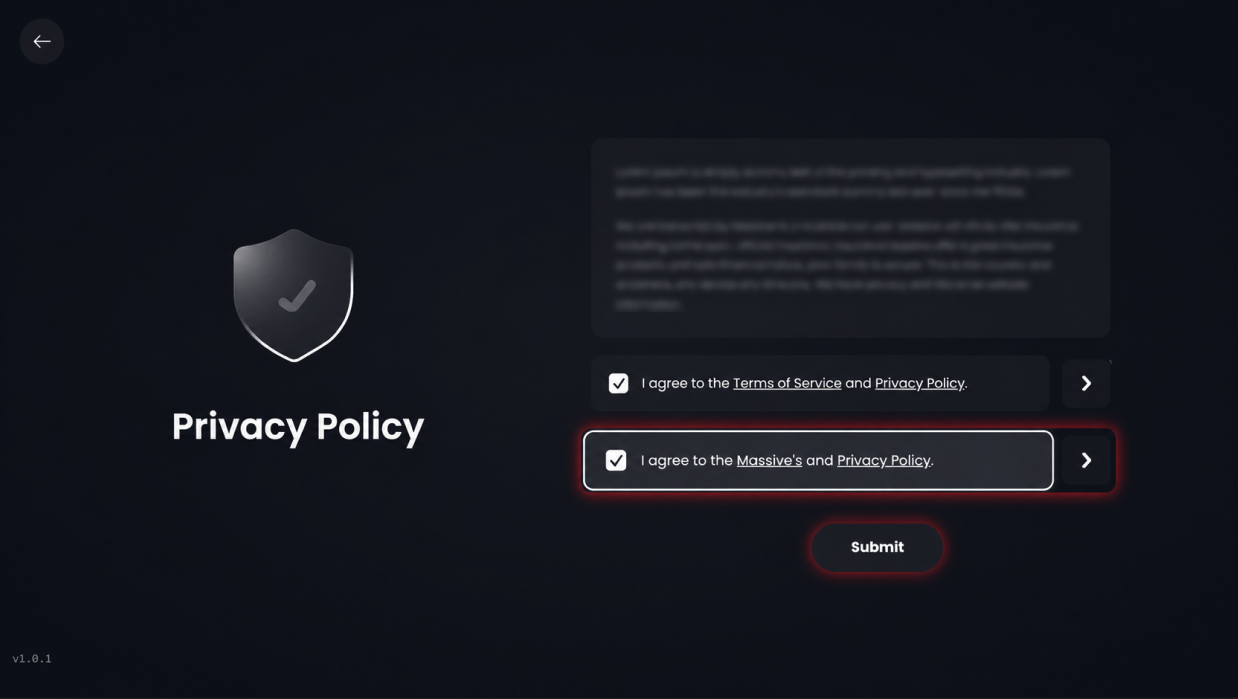
Review the privacy policy agreement, then click Submit to continue.
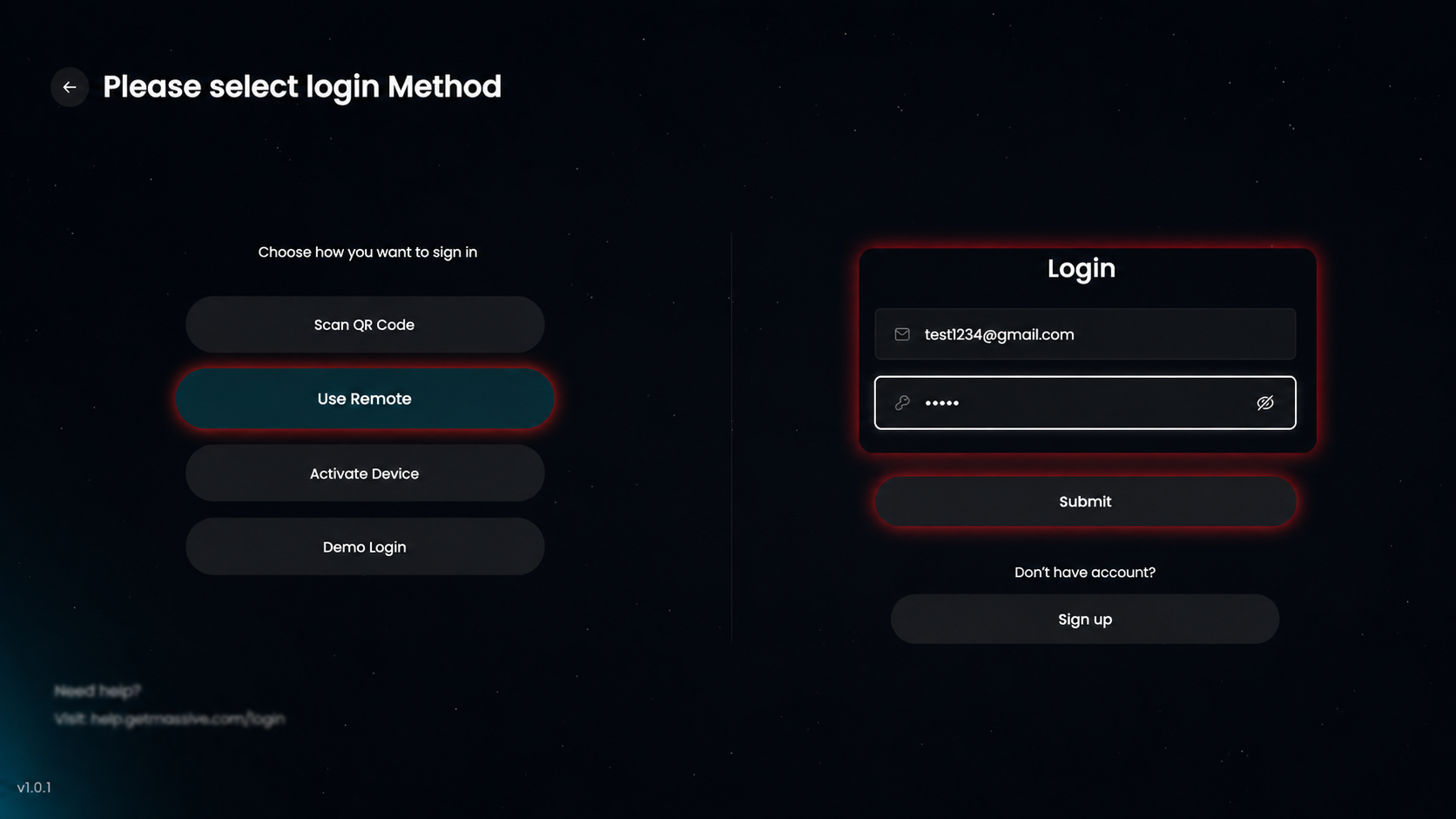
Choose your preferred login option (e.g., Use Remote) or enter your email and password to sign in.
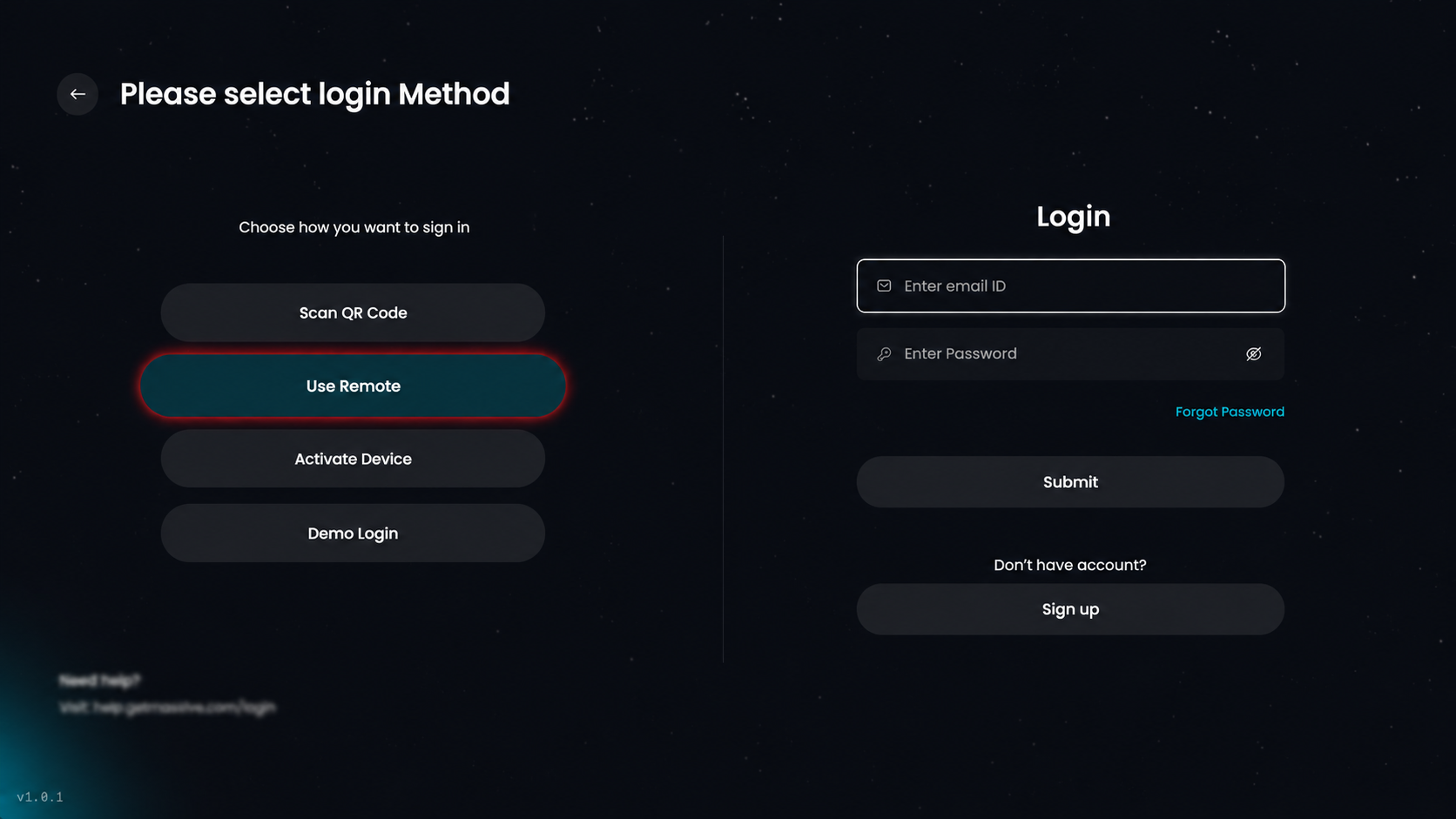
Enter your email and password, then click Submit to log in.