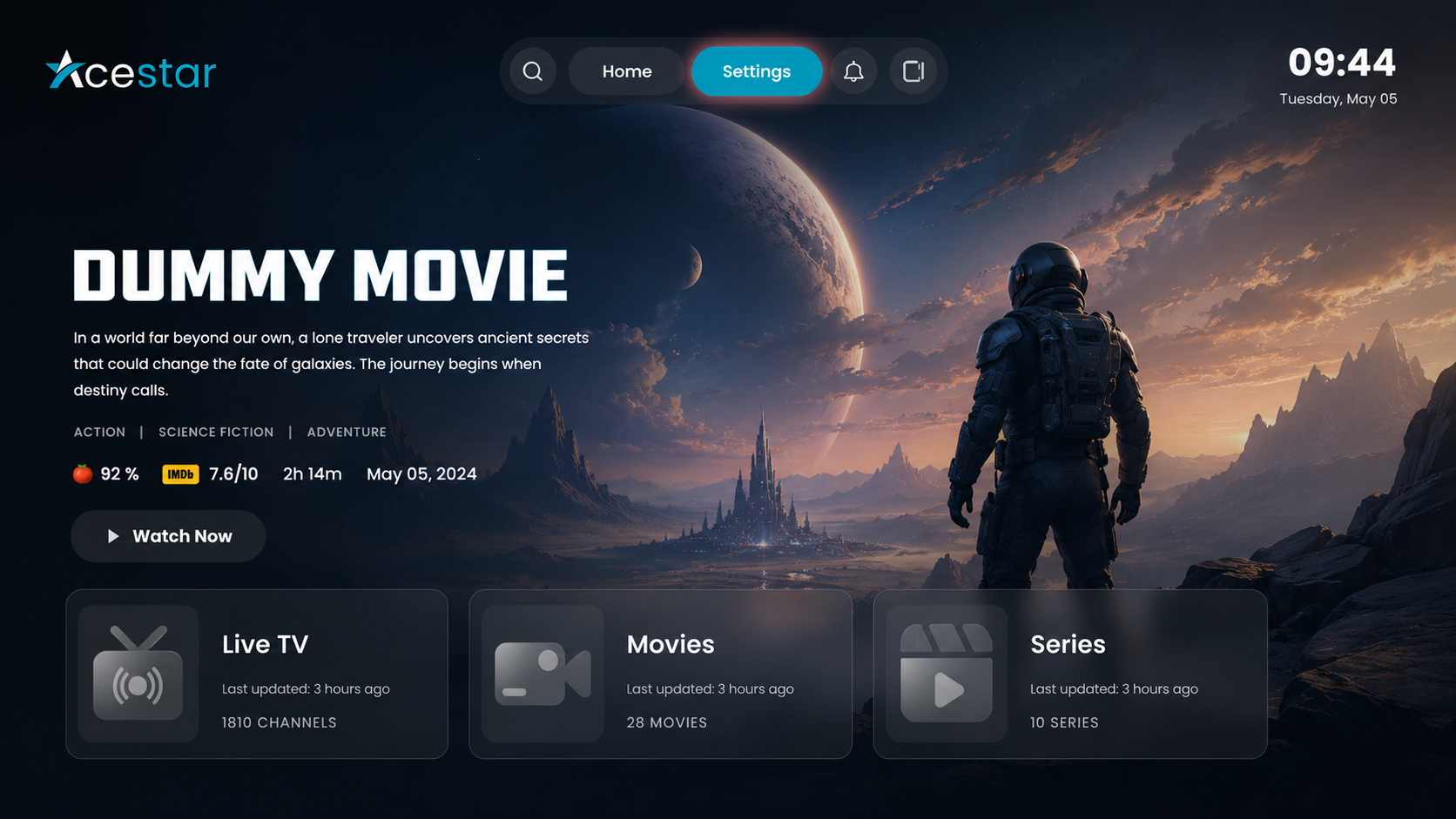
Click on the Settings option from the top menu on the home screen to access app preferences.
Click on the Layout Settings option from the left-side menu.
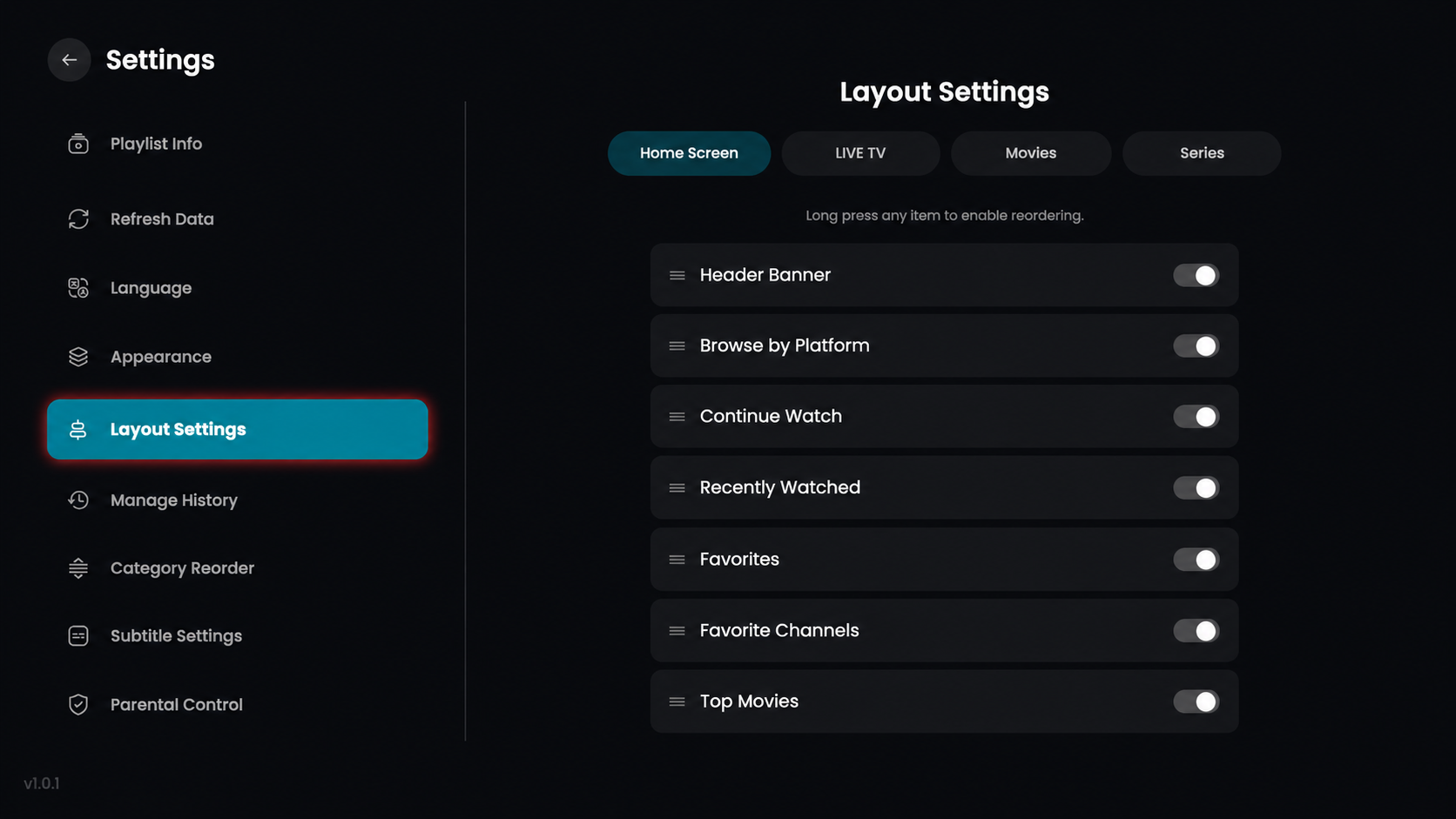
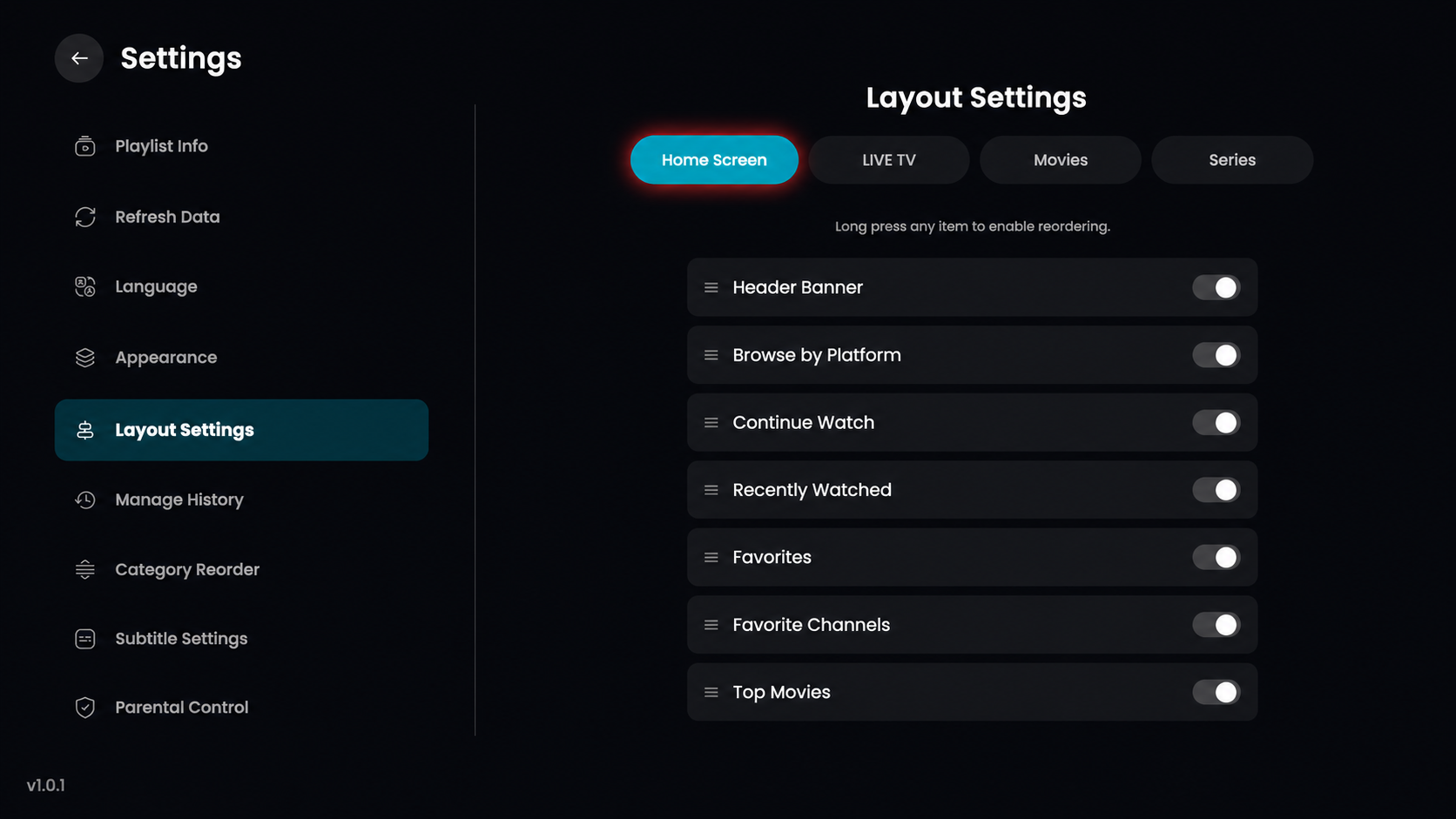
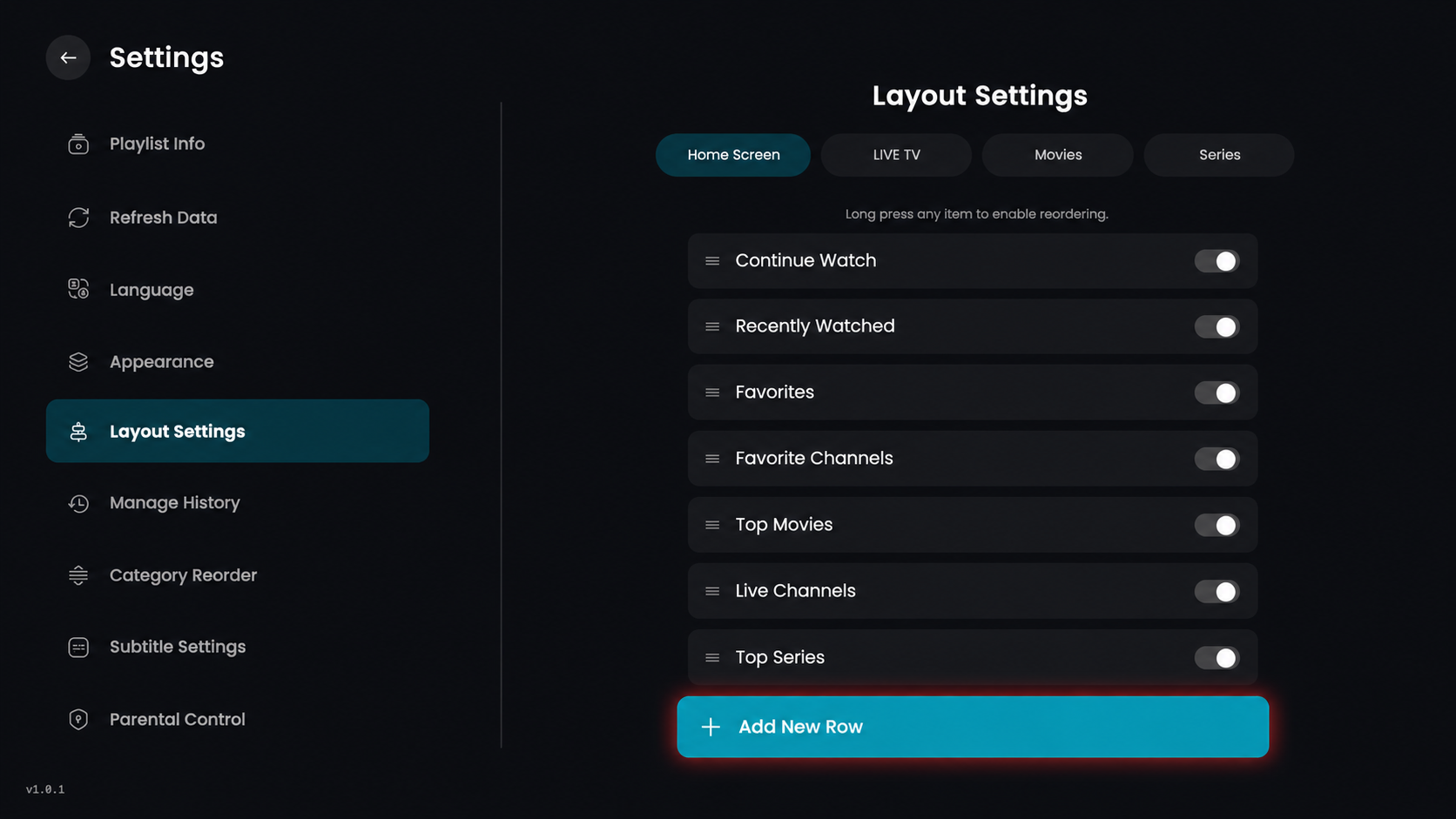
Click on the Home Screen option from the top menu under Layout Settings to customize the home screen layout.
Header Banner – Enable or disable the header banner on the home screen.
Browse by Platform – Show or hide the platform-based browsing section.
Continue Watch – Display your ongoing content to resume watching easily.
Recently Watched – Show the list of recently watched items.
Favorites – Enable quick access to your favorite content.
Favorite Channels – Display your saved favorite channels.
Top Movies – Show top or trending movies on the home screen.
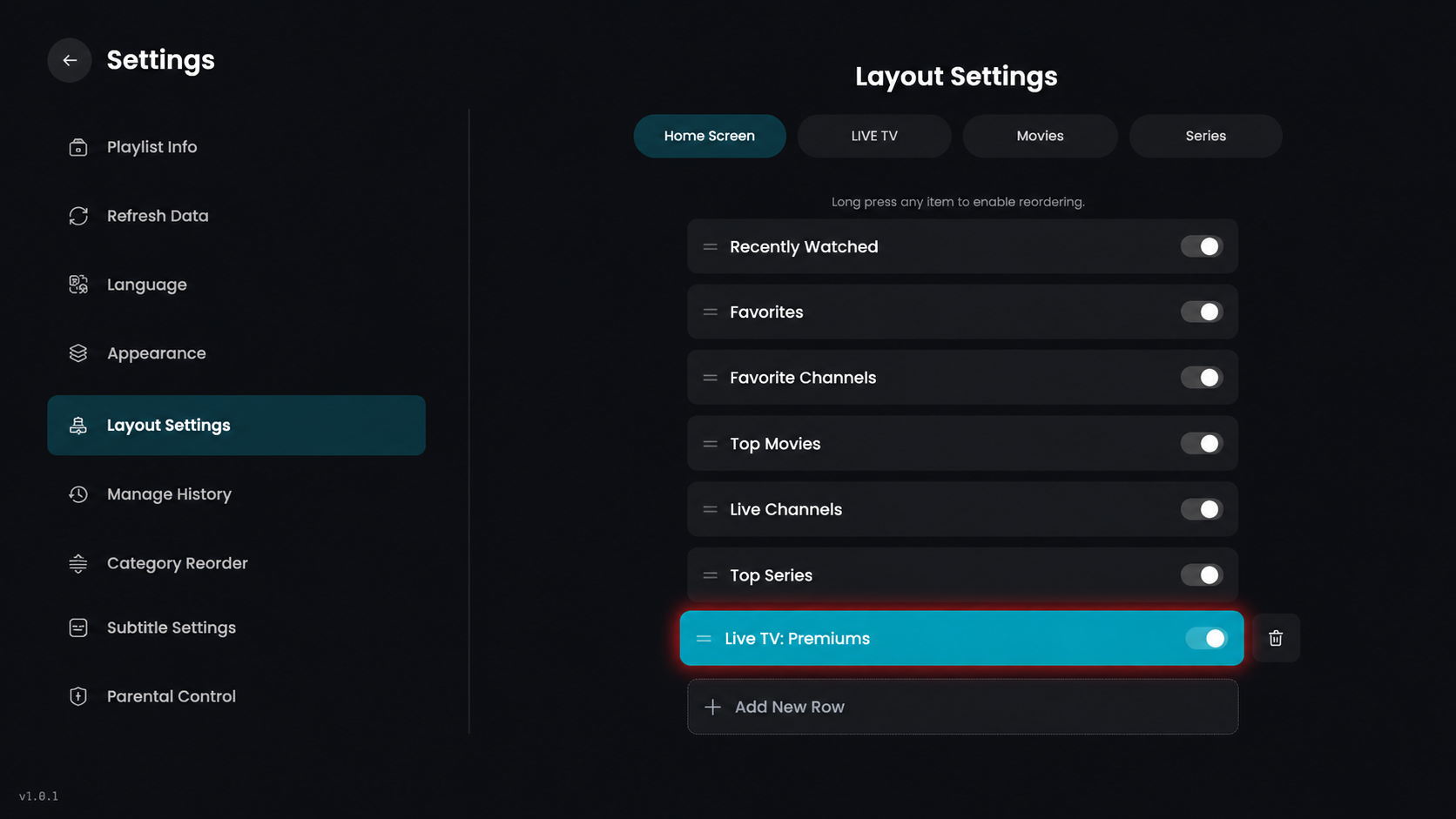
Click on the Add New Row button to create a new content row in the selected section.
In the category selection panel, click on Live TV.
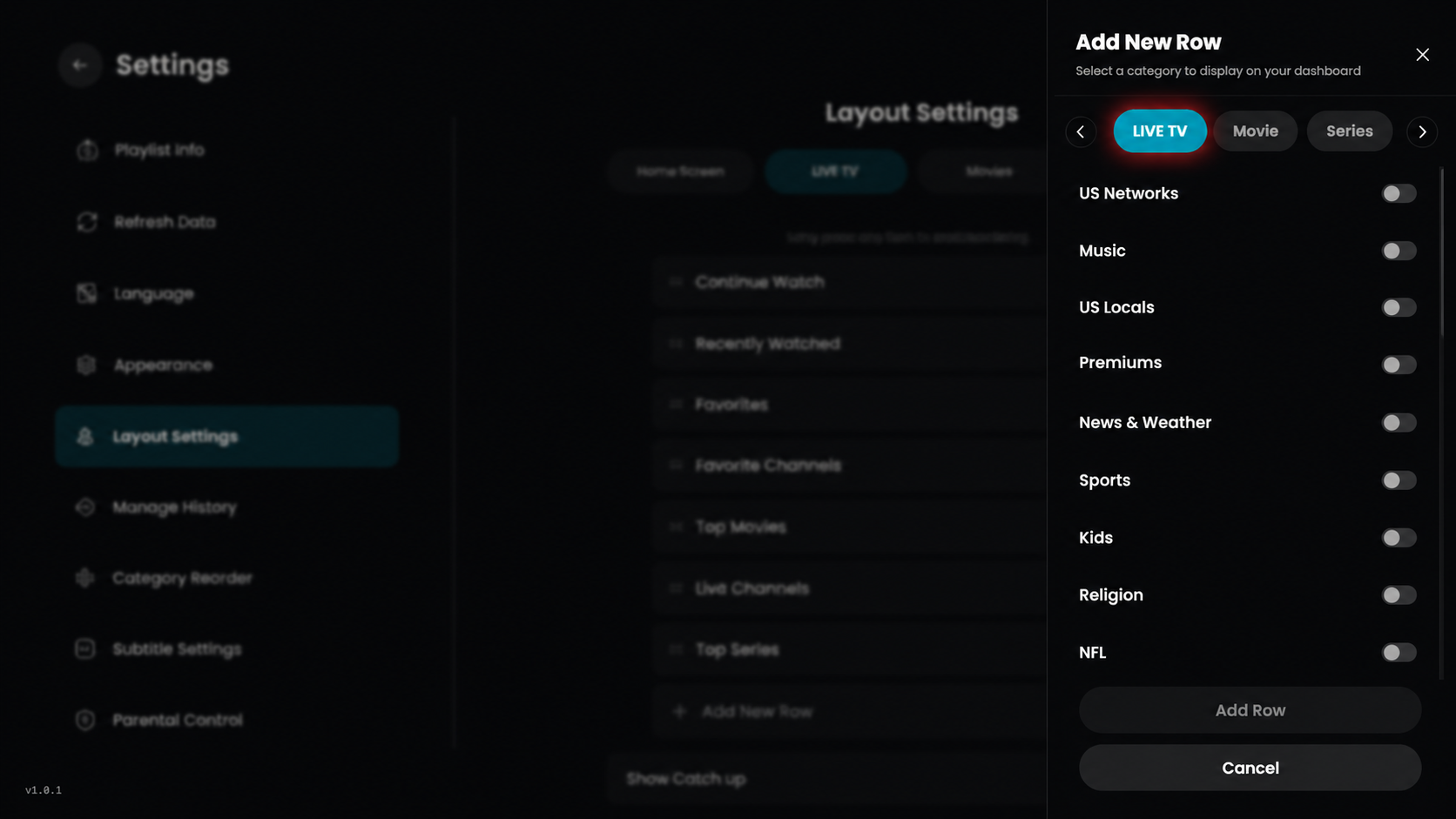
Select any preferred category based on your choice, such as Premiums. You can also select categories from Movies or Series in the same way as Live TV.
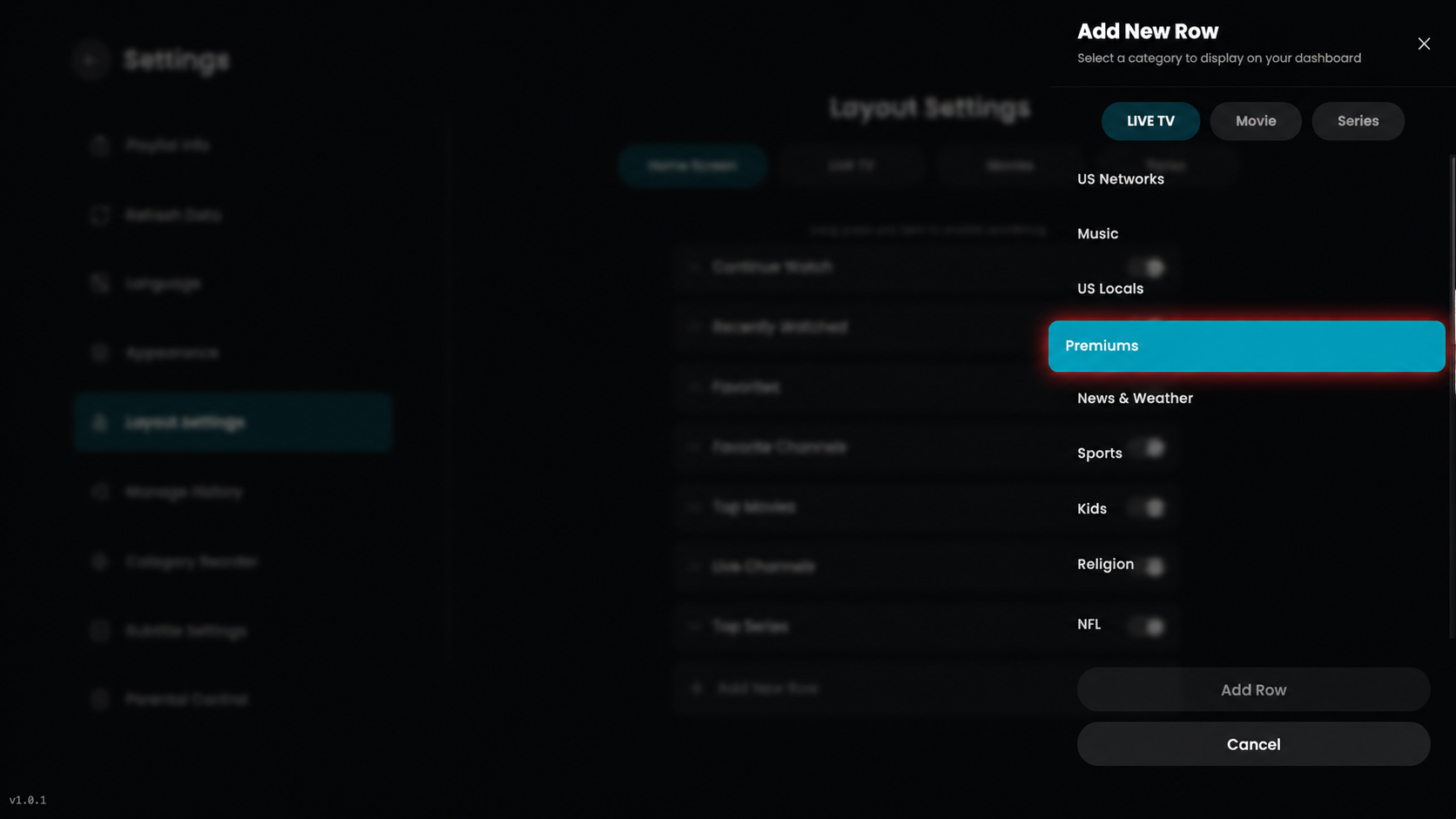
After selecting the category, click on the Add Row button to add it to your layout.
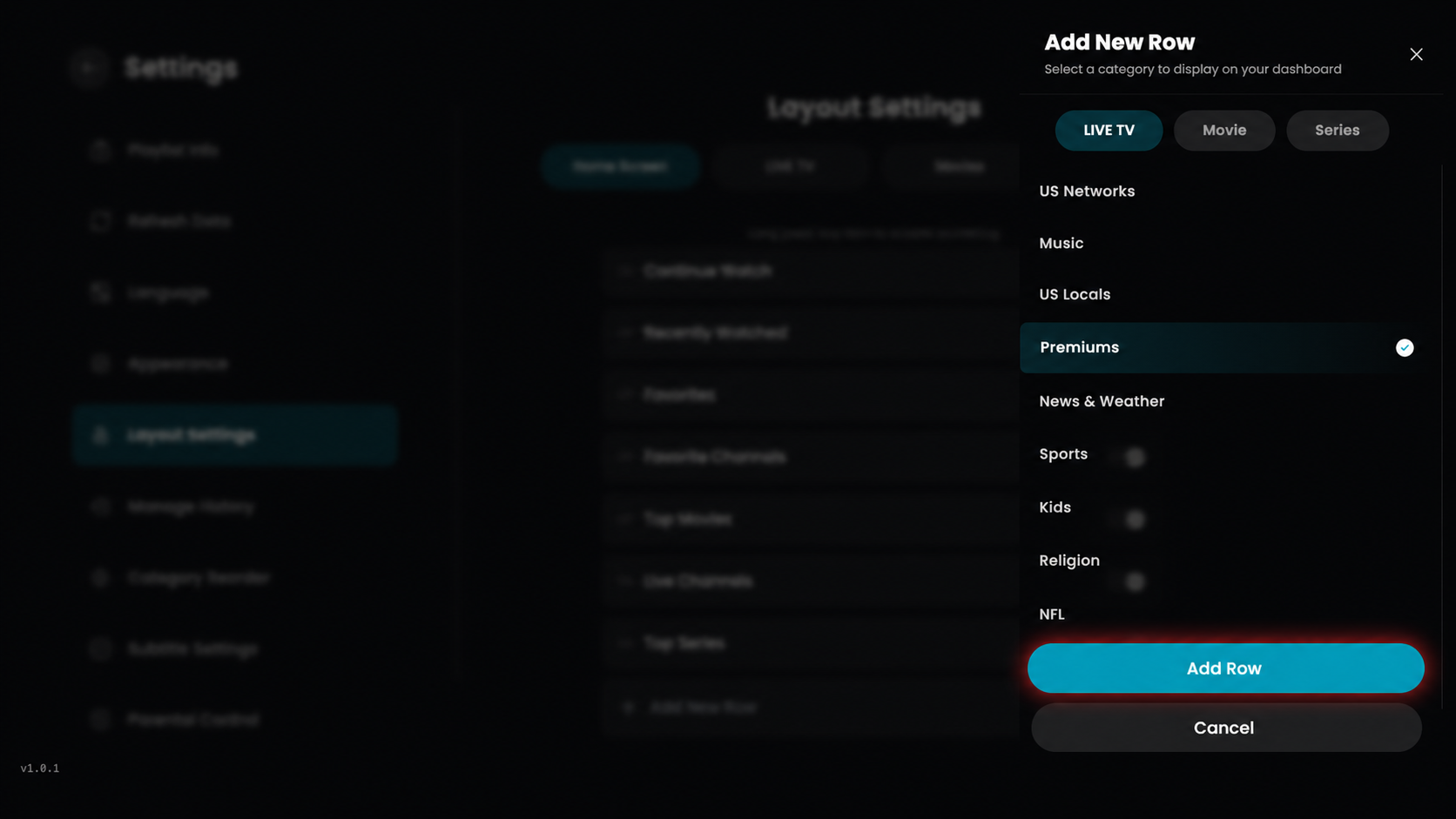
The selected category will be added as a new row (e.g., Live TV: Premiums) in your layout.