Step 1: Open Settings
Click on the Settings option from the top menu on the home screen to access and manage app preferences and configurations.

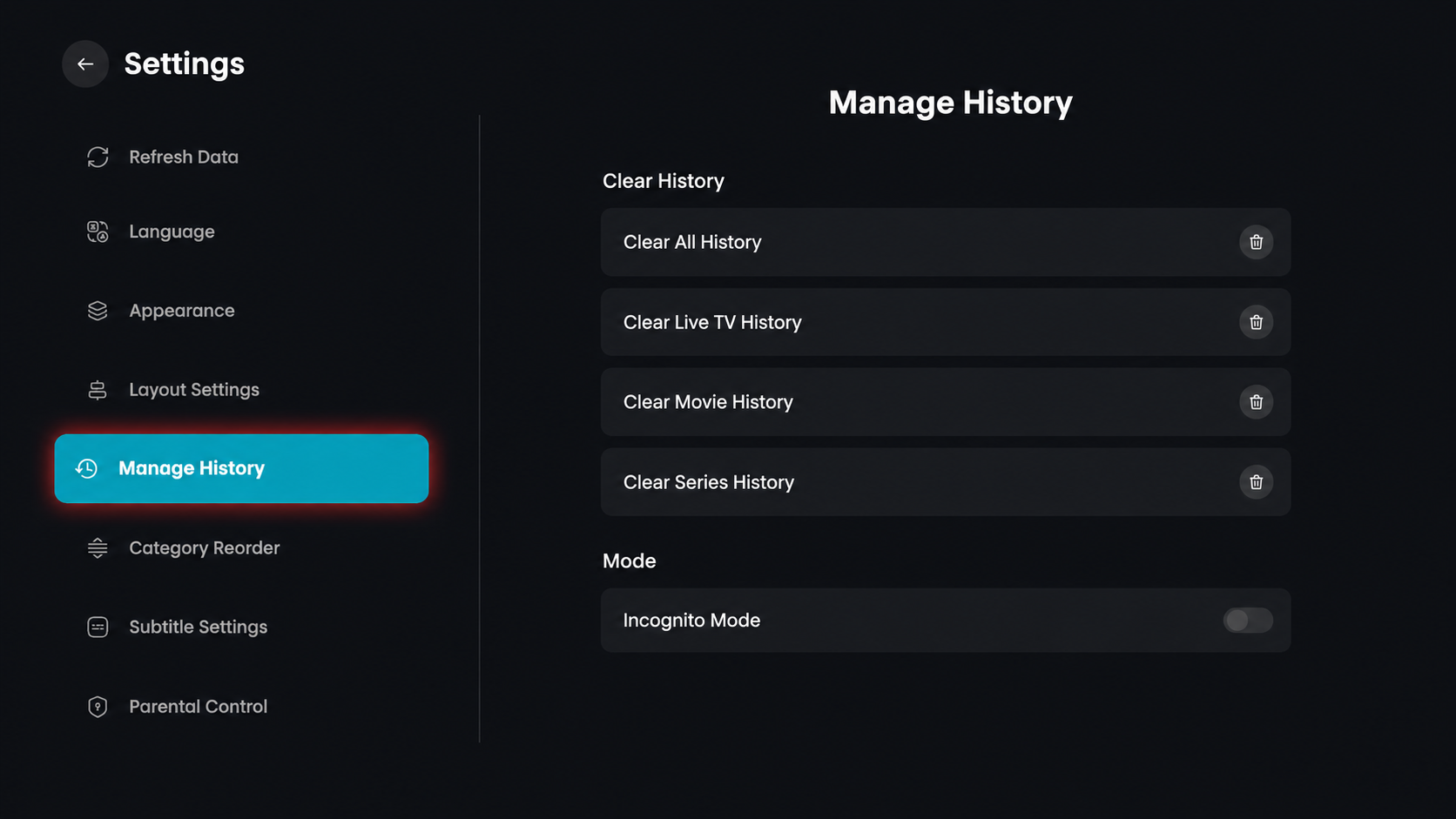
Step 2: Click on Manage History
From the settings menu on the left side, click on the Manage History option to view your viewing history and privacy settings.
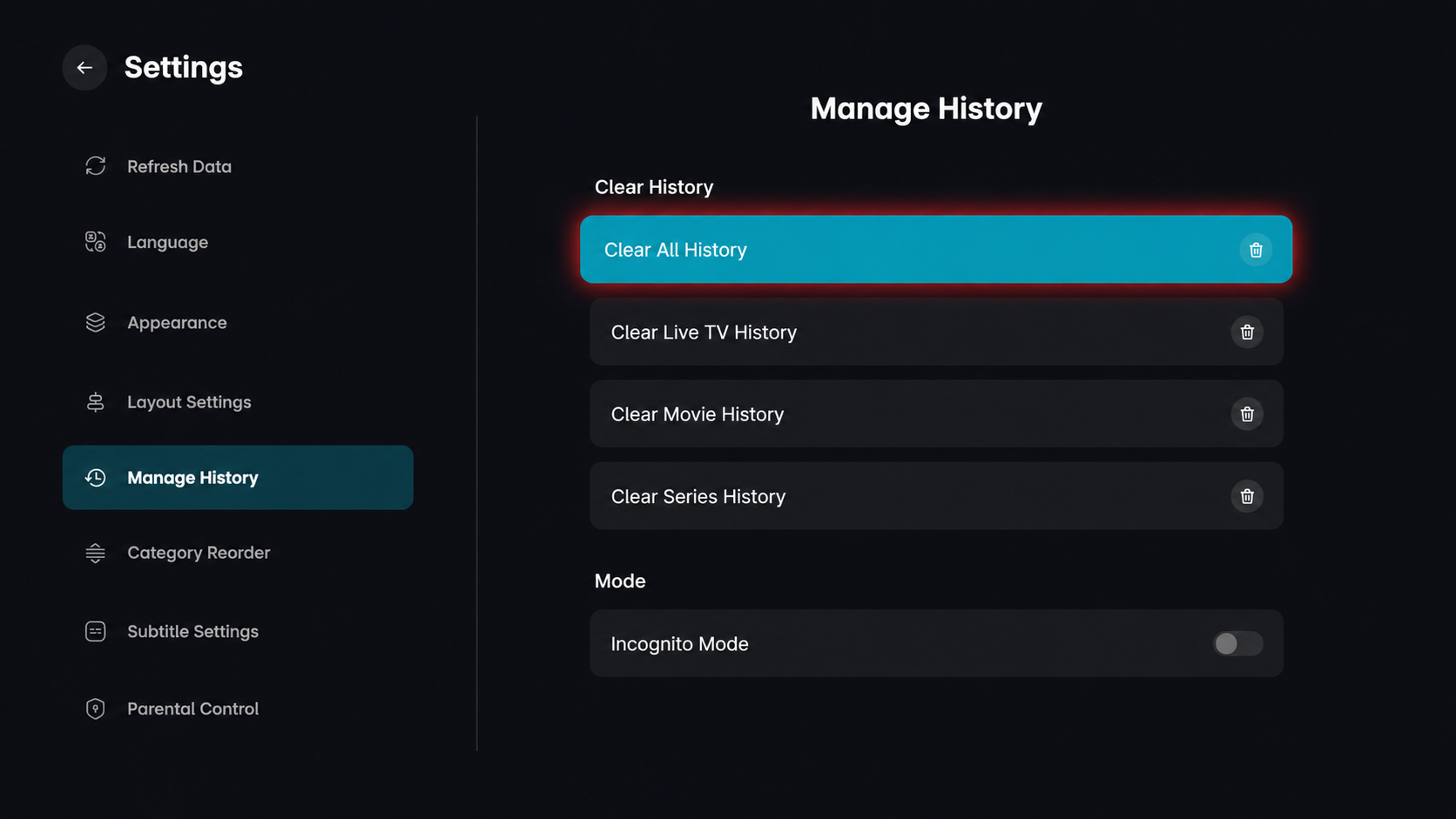
Step 3: Click on Clear All History
From the Manage History screen, click on the Clear All History option to remove all your viewing records across the entire application.
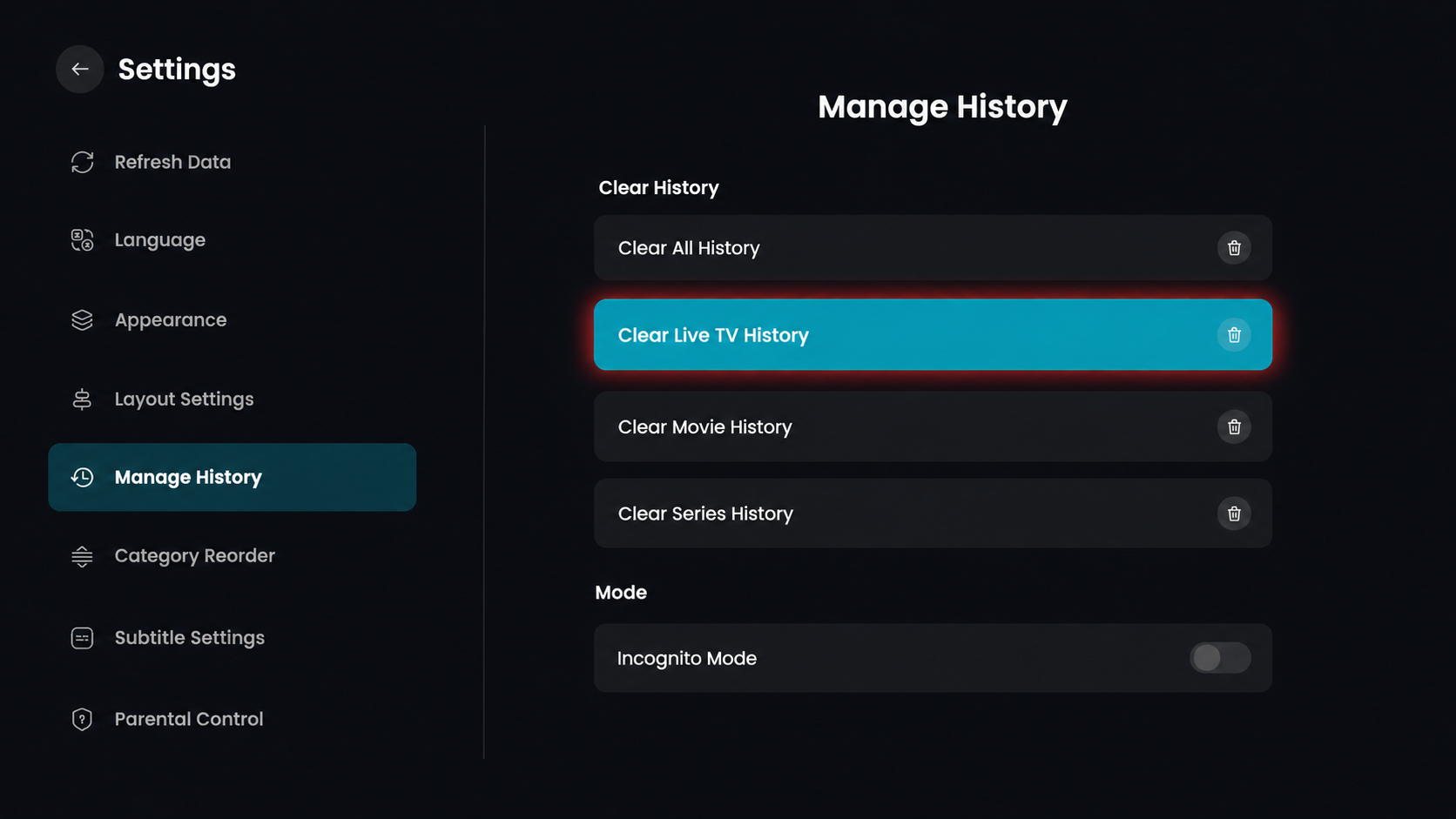
Step 4: Select Clear Live TV History
In the Manage History menu, click on the Clear Live TV History option to specifically target your Live TV viewing records.
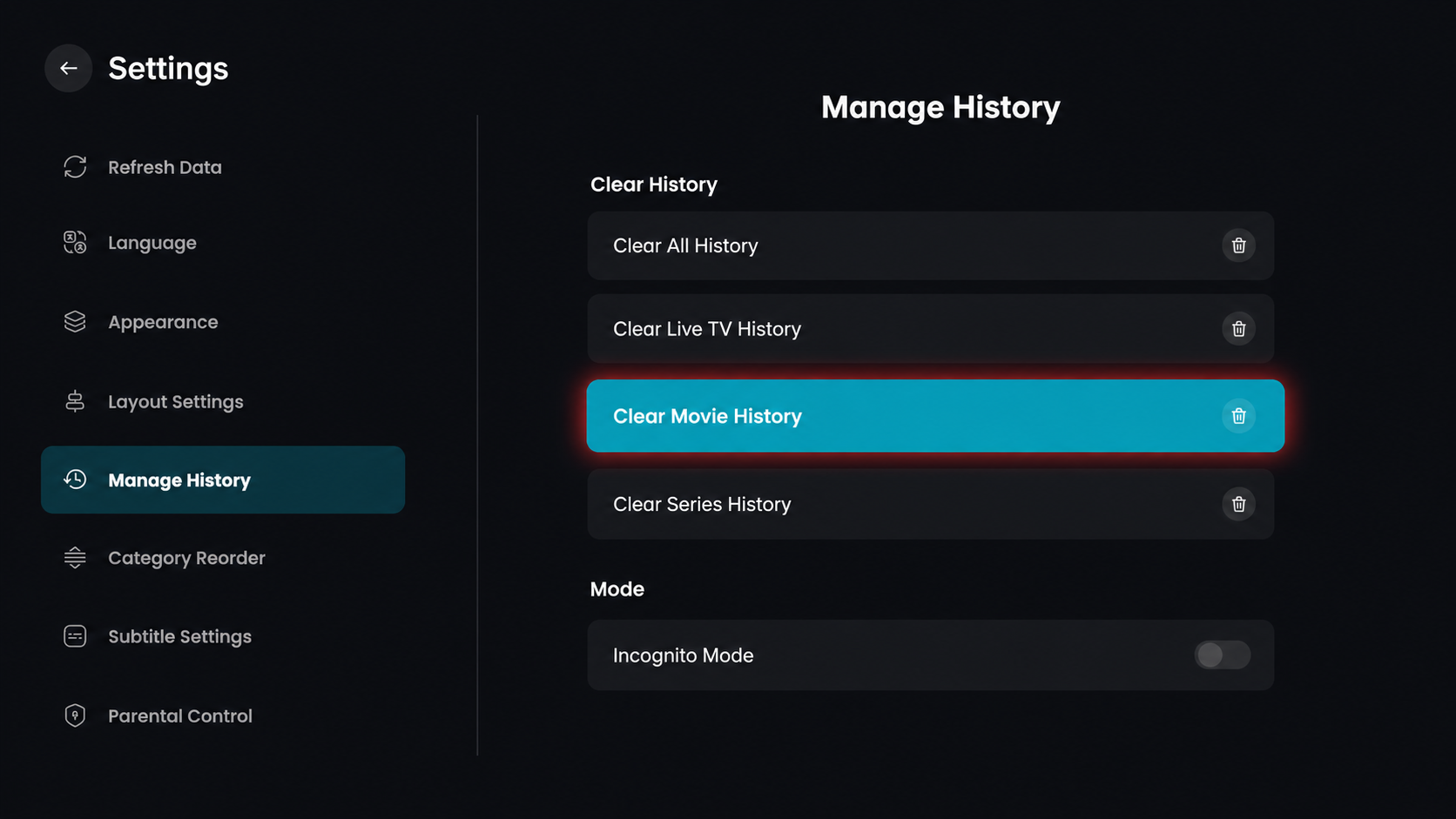
Step 5: Select Clear Movie History
In the Manage History menu, click on the Clear Movie History option to focus on deleting your movie-specific viewing records.
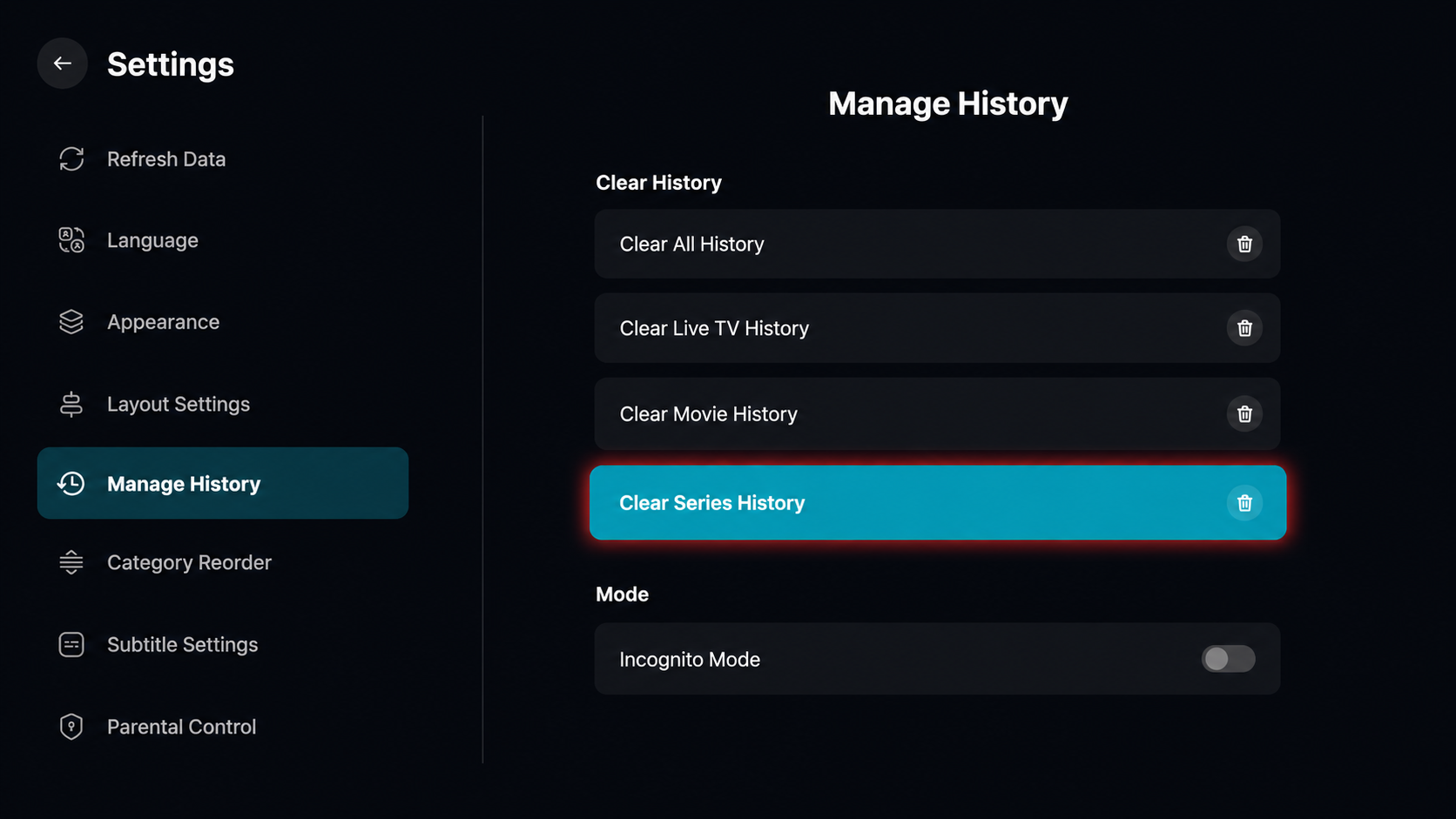
Step 6: Select Clear Series History
In the Manage History menu, click on the Clear Series History option to focus on deleting your TV show and series viewing records.
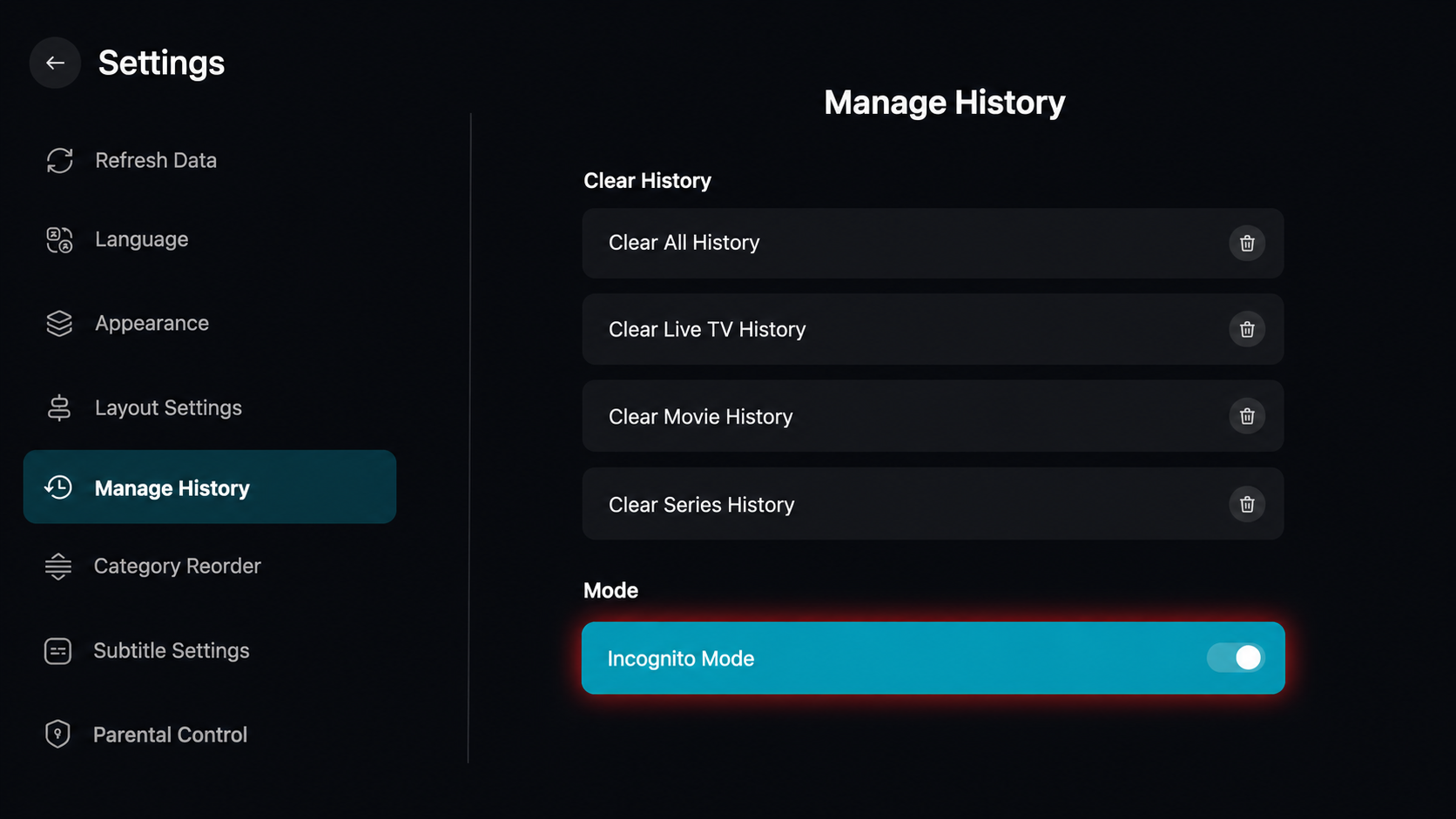
Step 7: Enable Incognito Mode
In the Manage History menu, locate the Mode section at the bottom. Click the toggle switch next to Incognito Mode to turn it on.