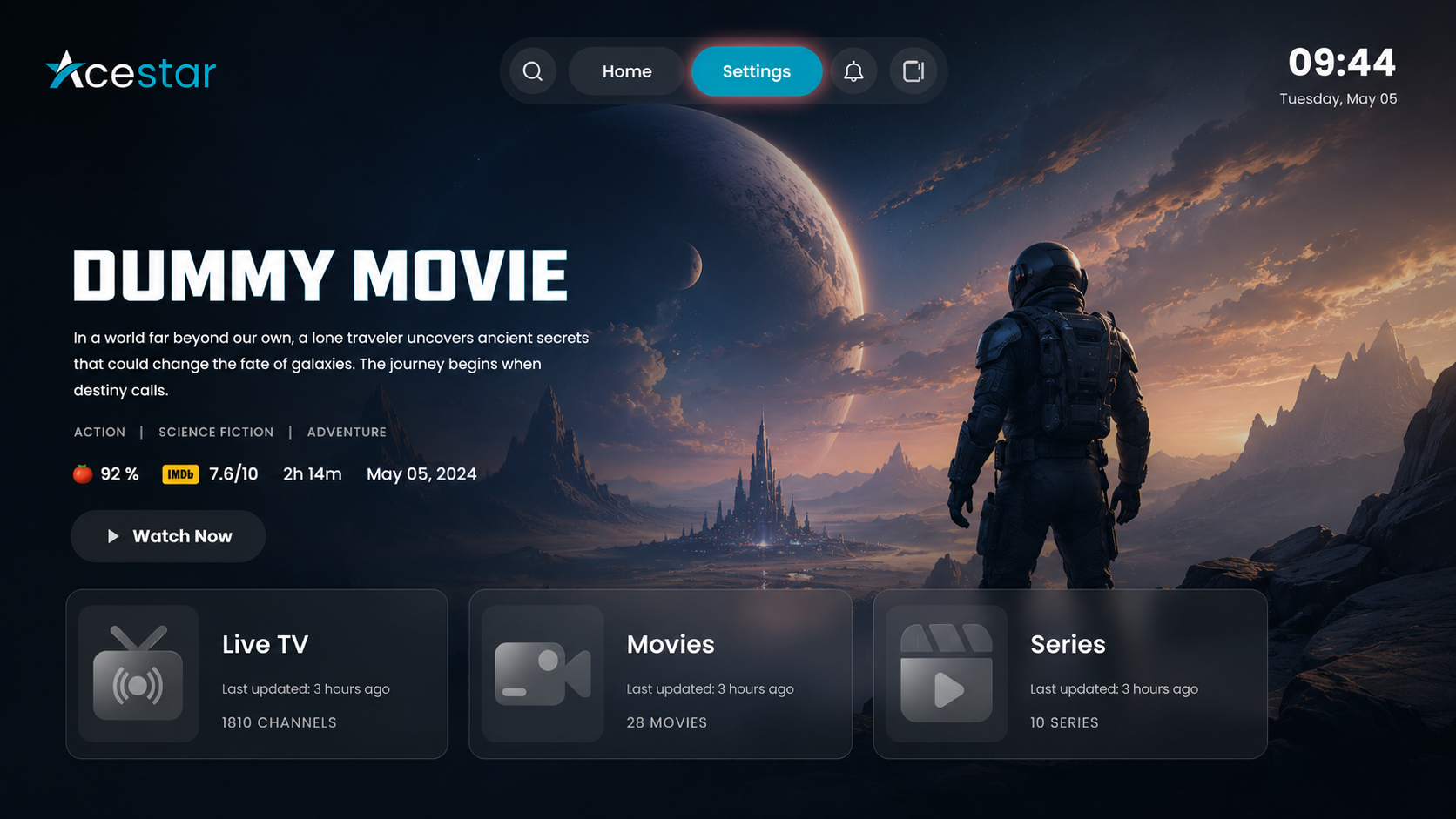
Step 1: Open Settings
Click on the Settings option from the top menu on the home screen to access and manage app preferences and configurations.
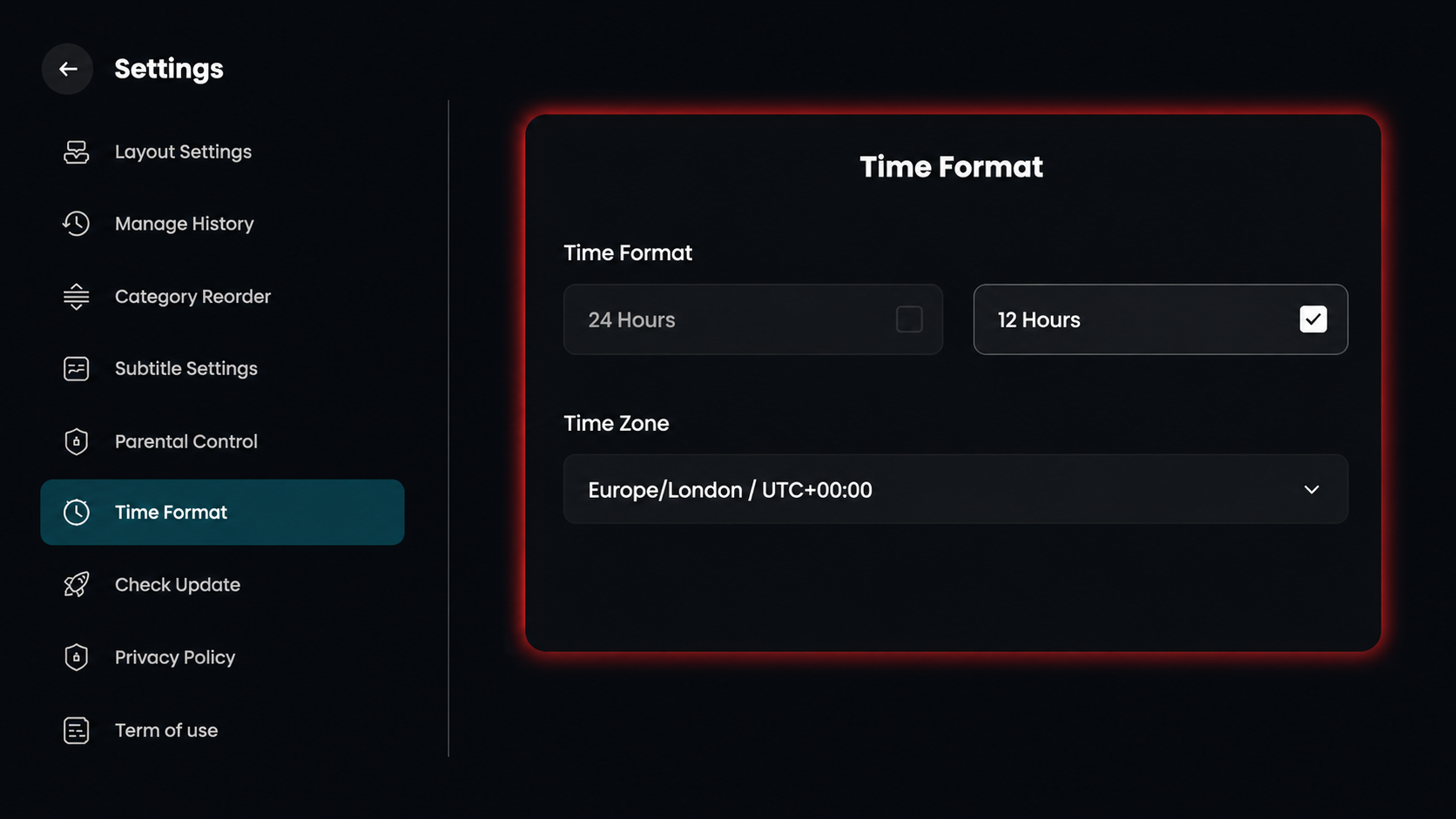
Step 2: Select Time Format
Click on Time Format from the settings menu on the left side to adjust how your clock is displayed.
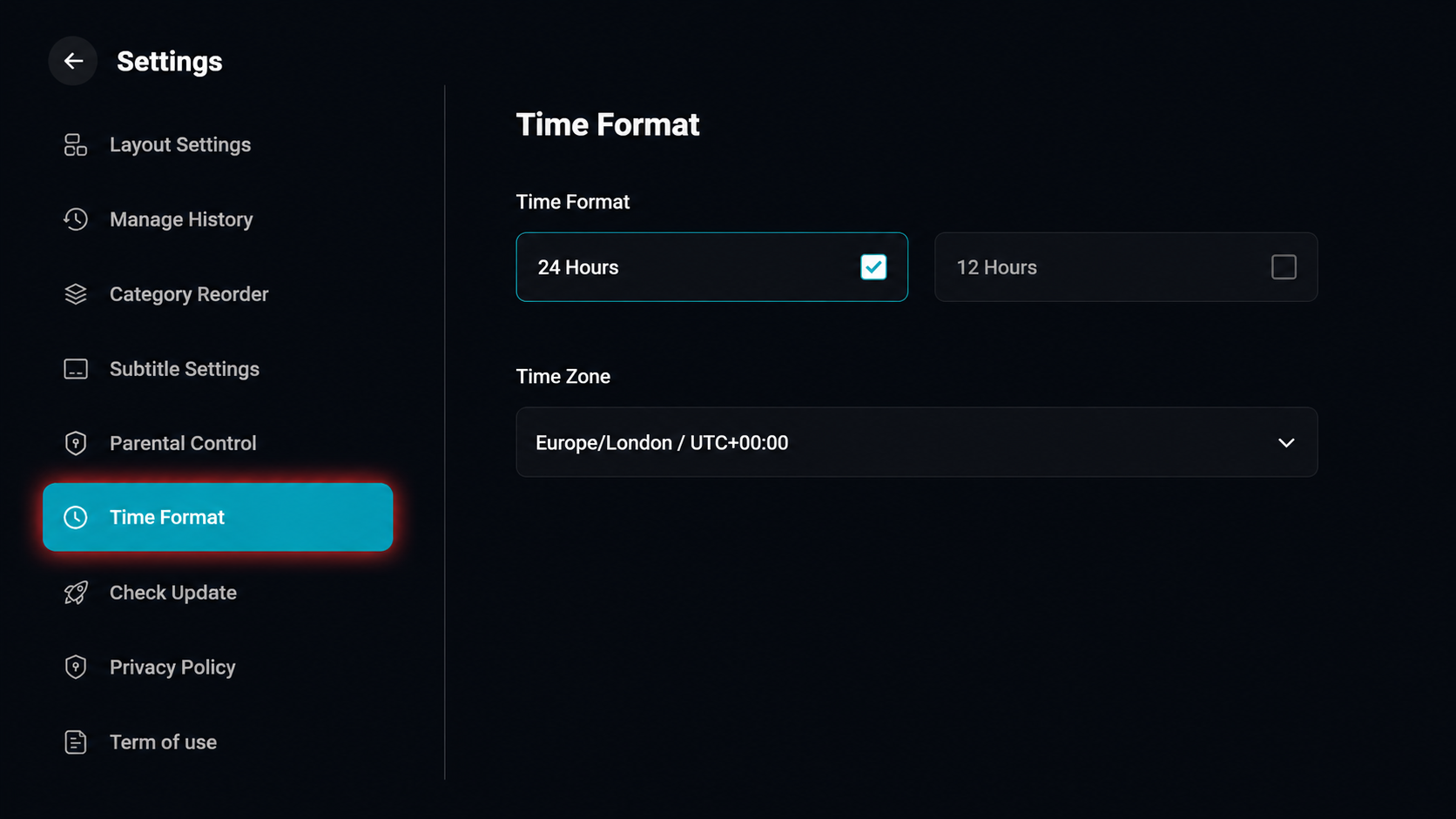
Step 3: Configure Time and Zone
Select your preferred clock display by checking either 12 hours or 24 hours, and then use the time zone dropdown menu to select your specific region and UTC offset.