Click the ACE Installer Windows download link to start downloading the Windows installer file.
Go to your Downloads folder and double-click the ACE Installer setup file.
If Windows asks for permission, click Yes to allow ACE Installer to run.
If the Windows security warning appears, click More Info, then click Run Anyway.
Follow the on-screen instructions and complete the ACE Installer setup.
Launch the Ace Installer app on your device and wait for the splash screen to load.

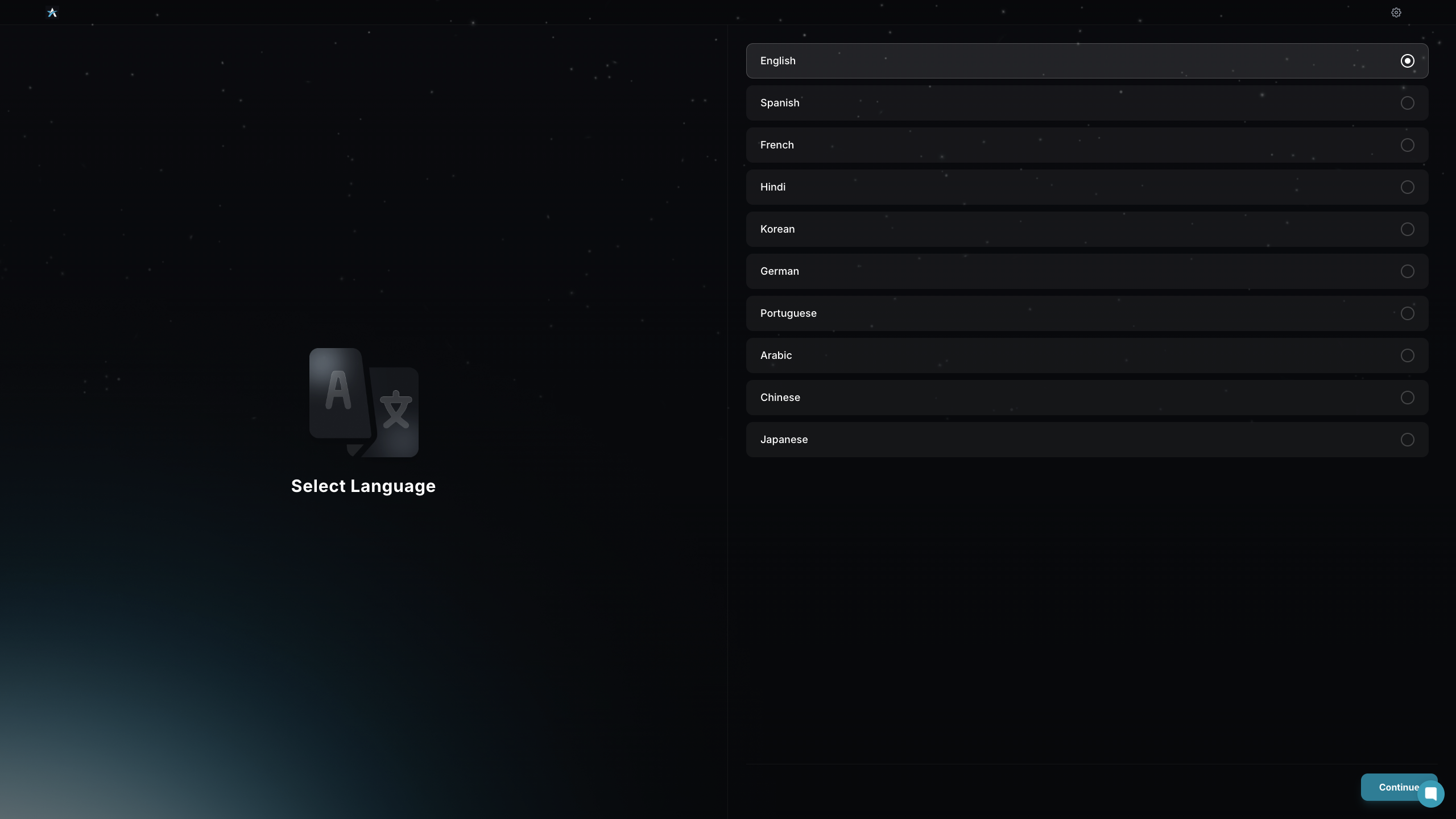
Select Language lets you choose your preferred language to proceed.
Select your preferred theme from the available options to customize the app’s appearance.

Review the privacy policy agreement, then click Submit to continue.

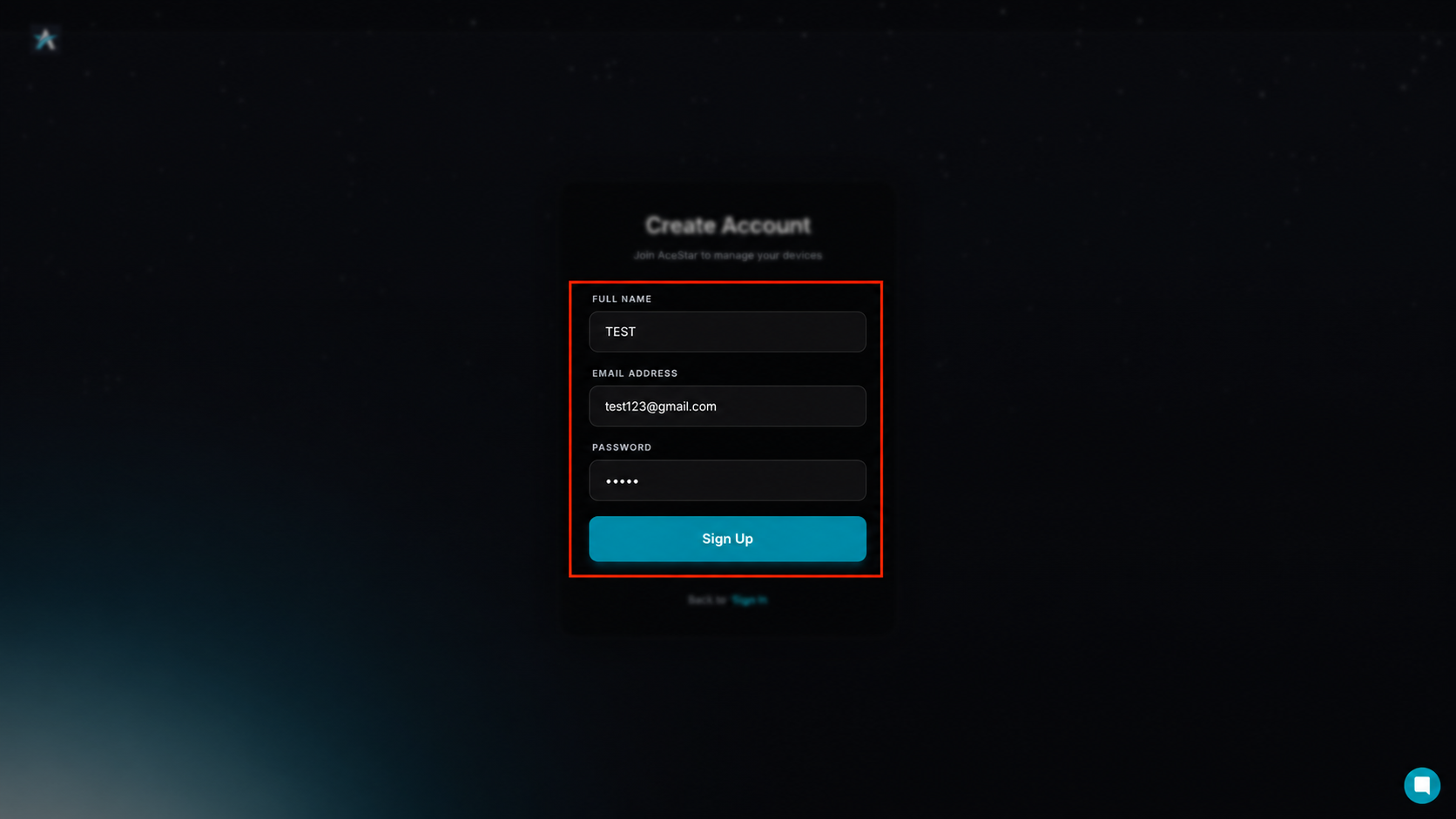
Enter your full name, email address, and password, then click the Sign Up button.
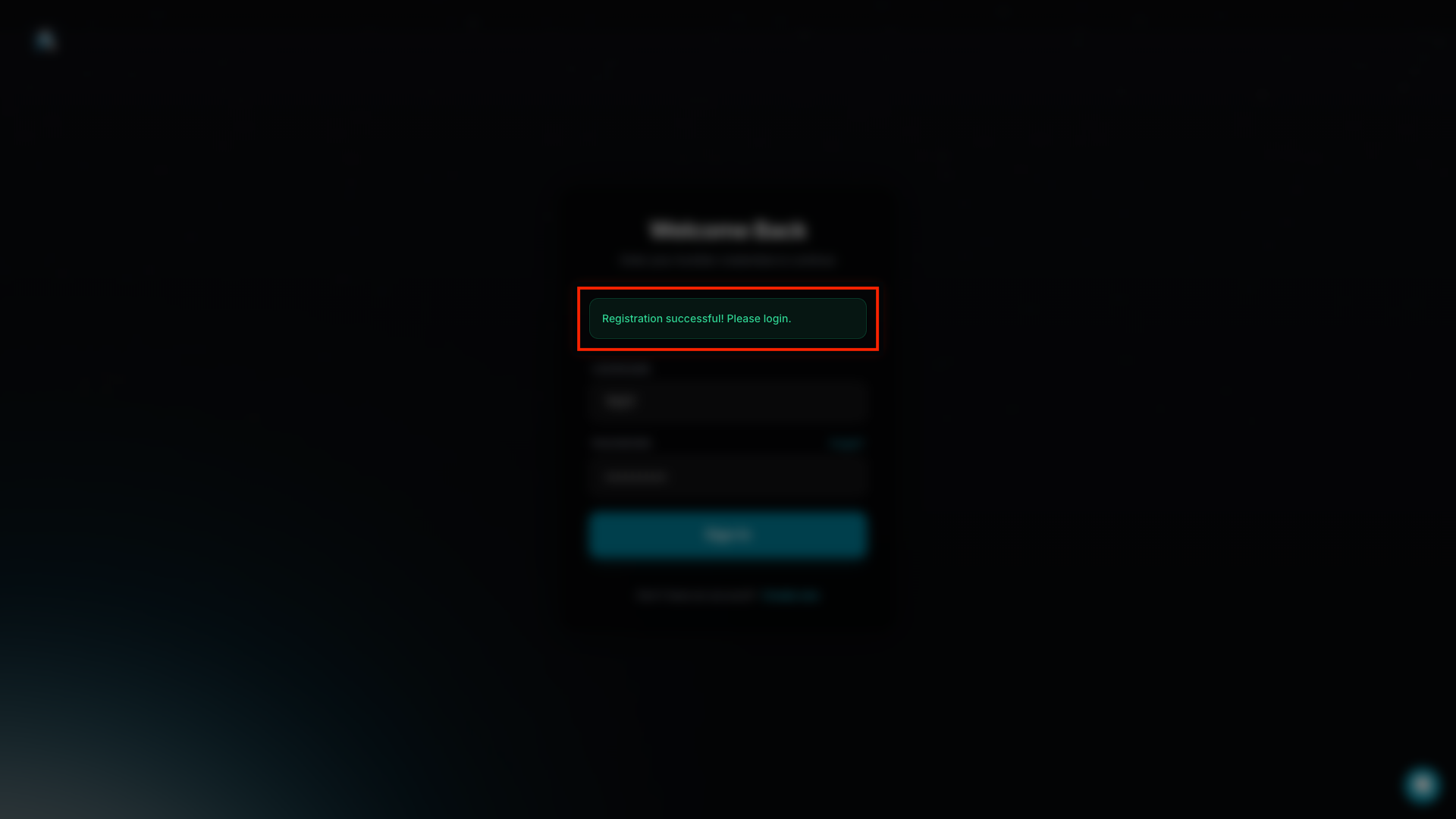
Once the message “Registration successful! Please log in.” appears, your Ace Installer account has been created successfully.
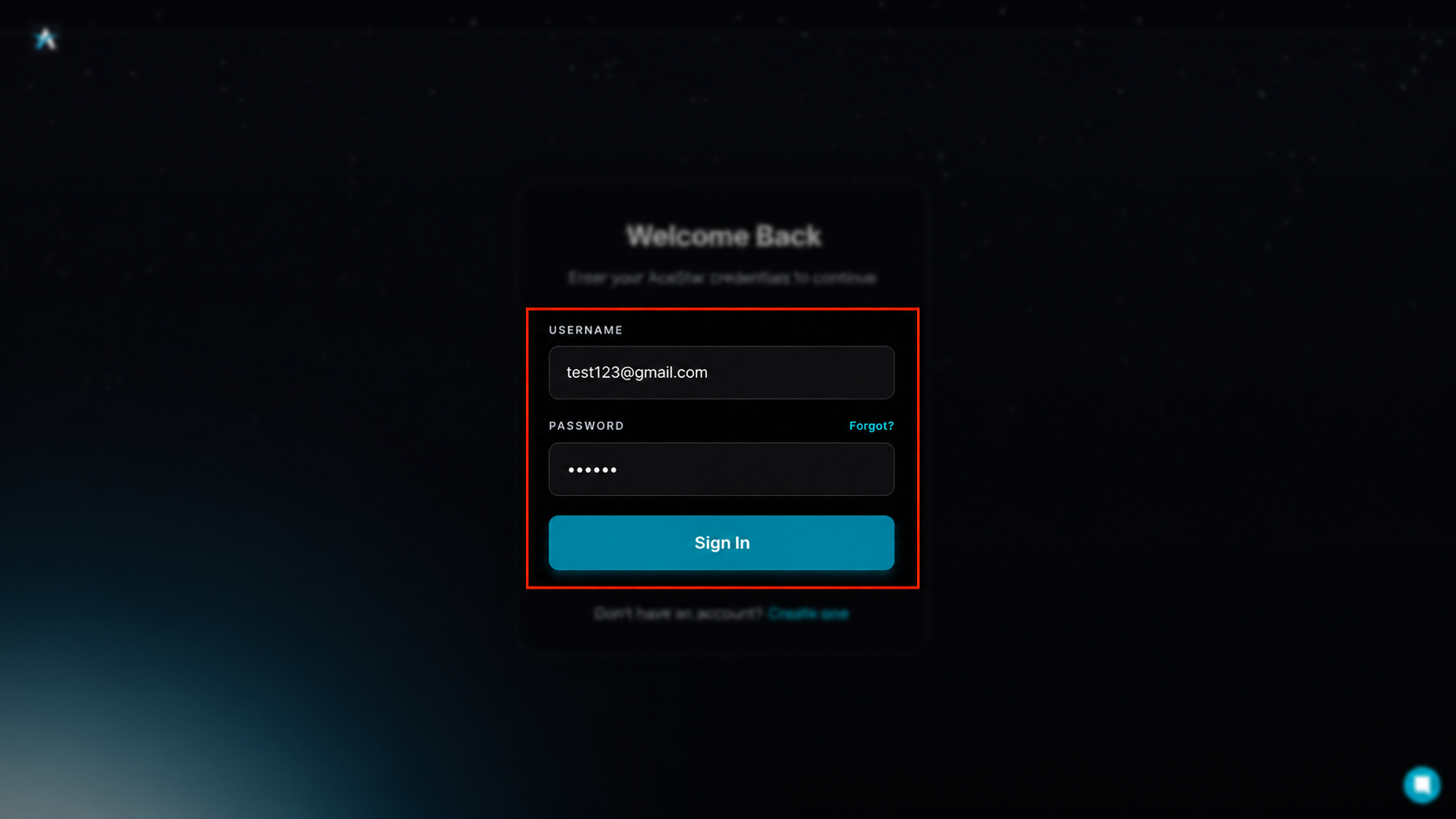
Enter your registered username and password, then click the Sign In button.
After signing in, the ACE Installer main dashboard will open.