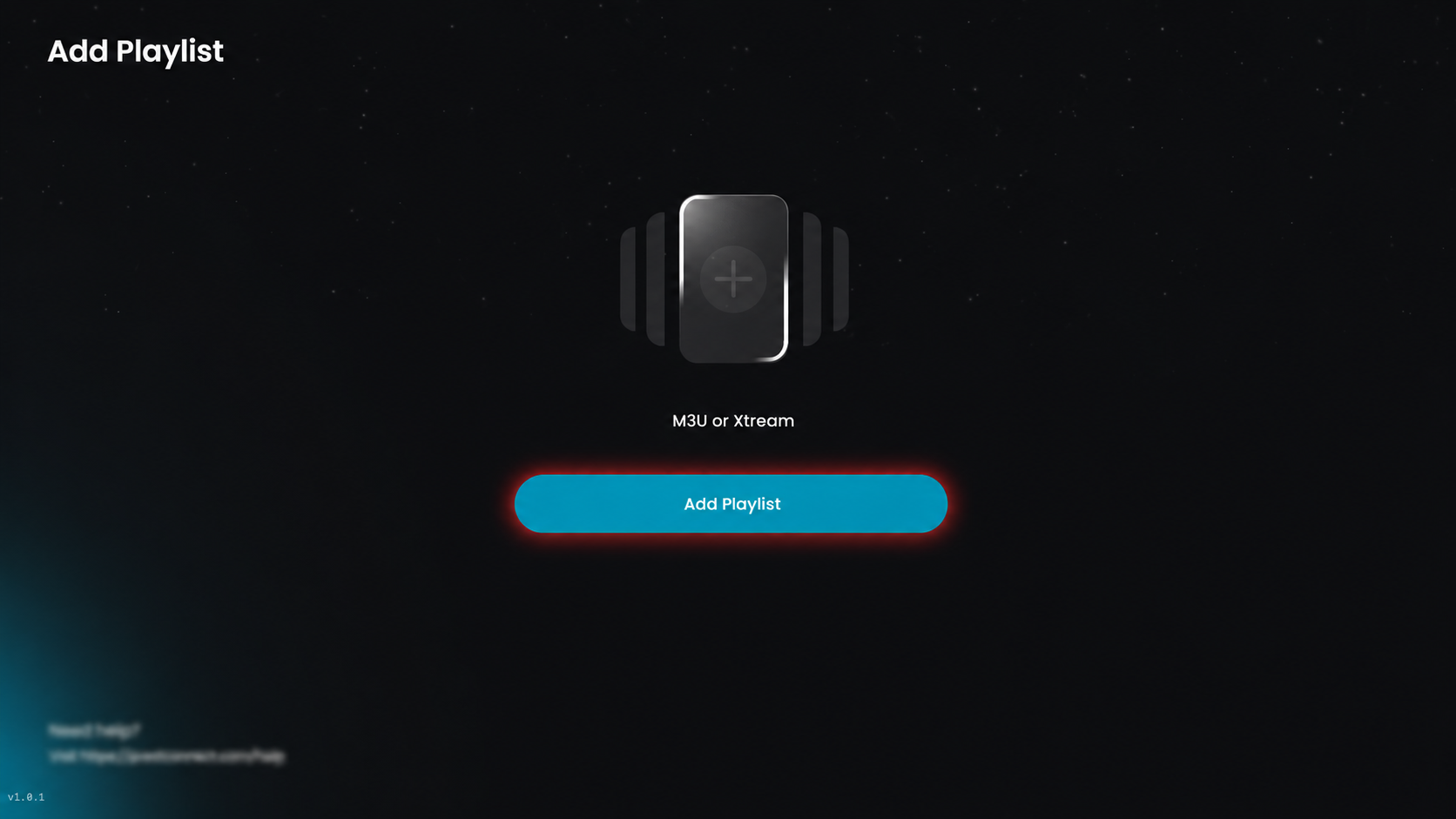
Step 1: Add a Playlist
Click Add Playlist to add a new playlist.
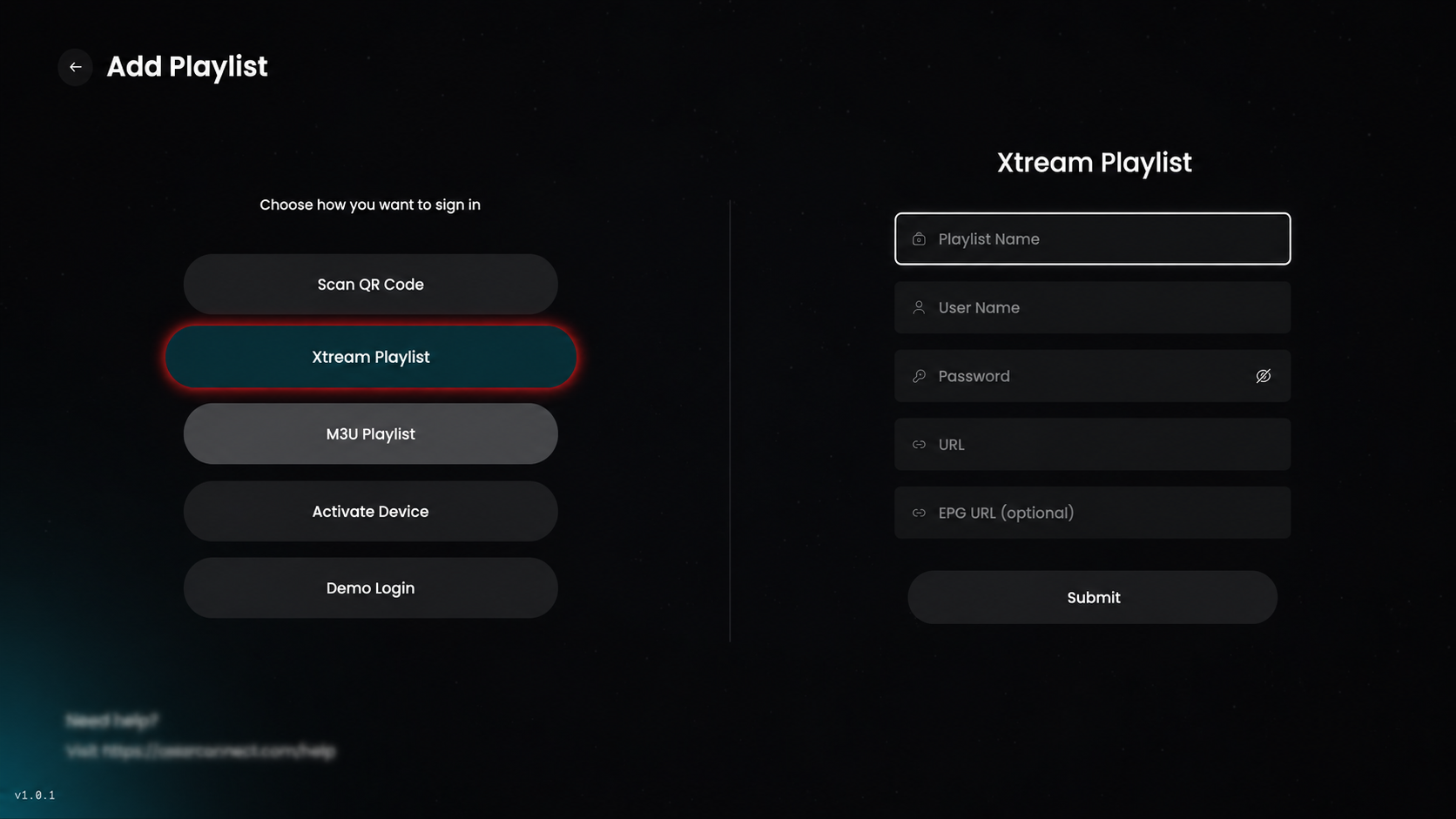
Step 2: Select Xtream Playlist
Click on Xtream Playlist, then enter the required details to proceed.
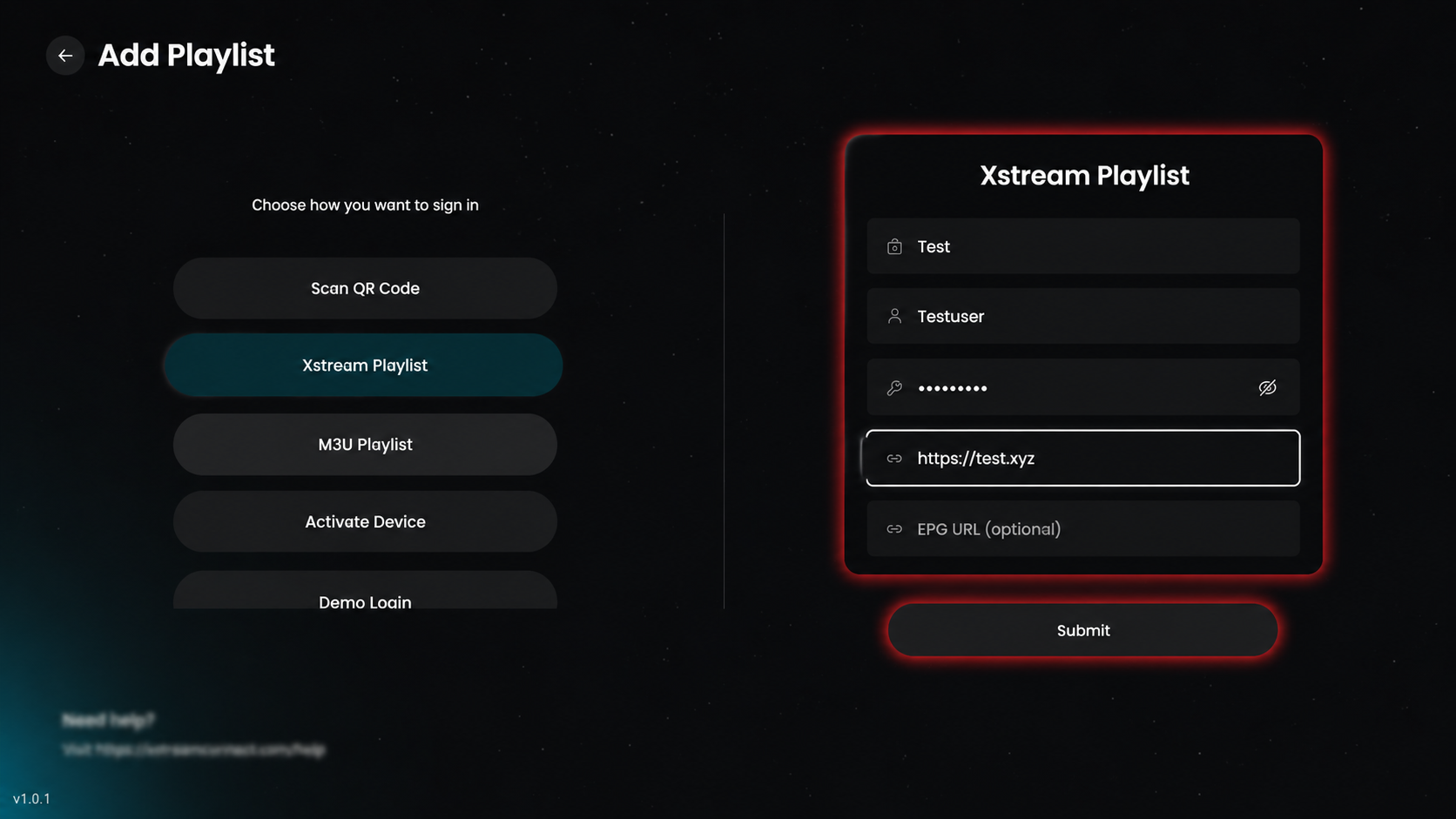
Step 3: Add Xtream Playlist
Enter the required details (Playlist Name, Username, Password, and Server URL); optionally add the EPG URL; then click Submit to add the playlist.
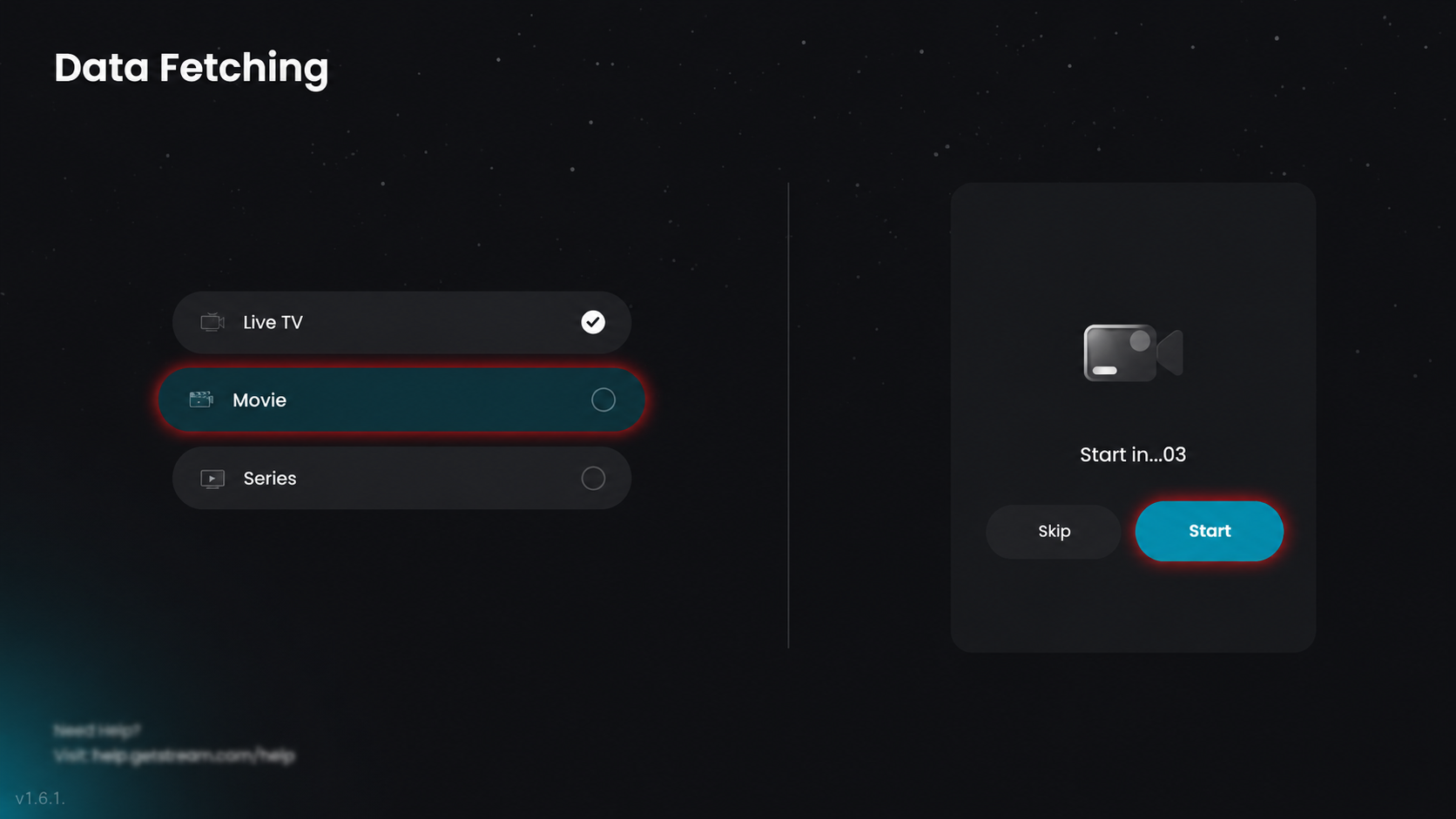
Step 4: Data Fetching in Progress
All content (live TV, movies, and series) is being fetched automatically. Please wait or click Start to continue.
Step 5: Select Playlist
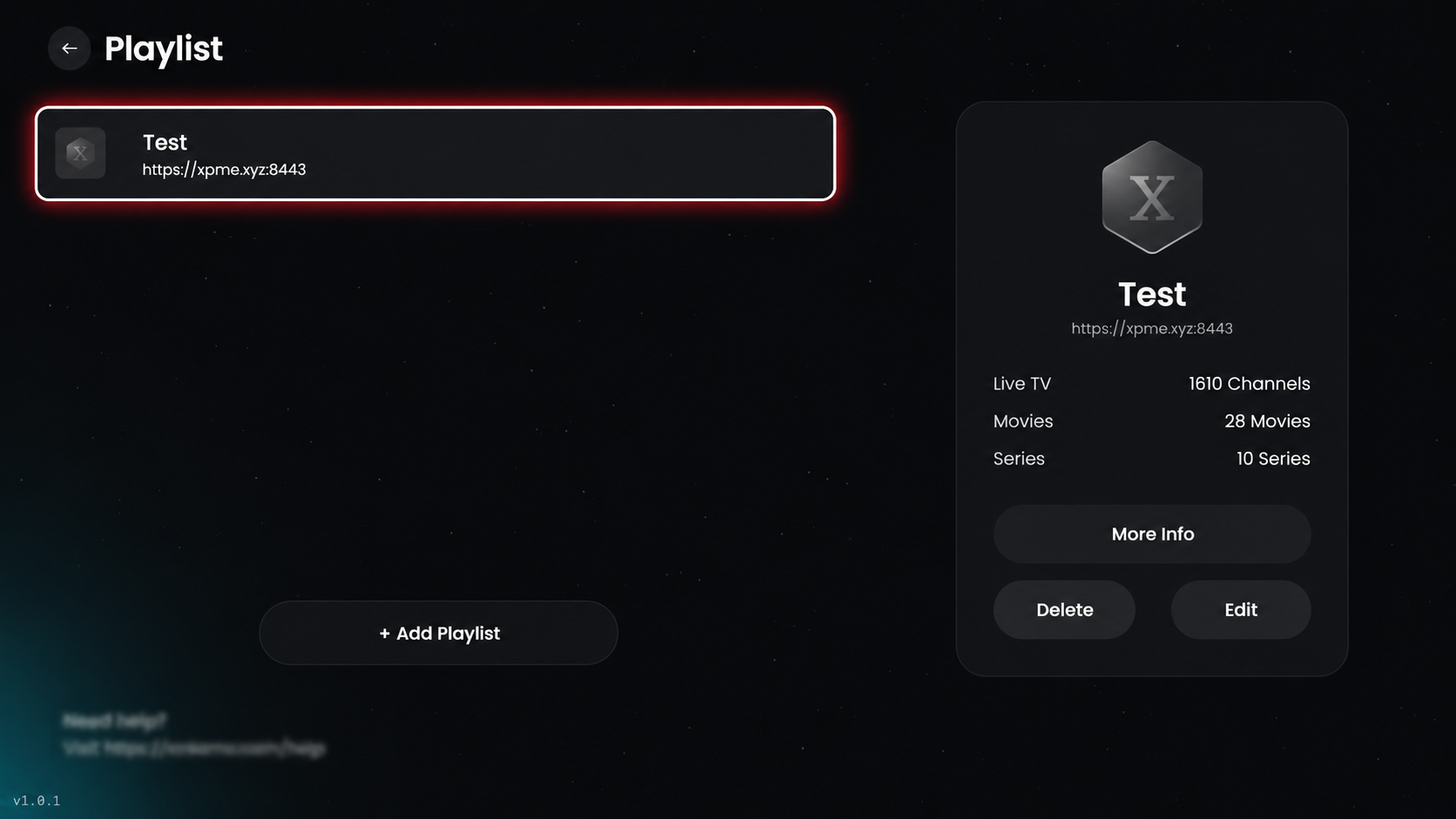
Hover on the added playlist to view its details in the right-side information box. Click the added playlist to view its details, then proceed.
Step 6: Select Layout
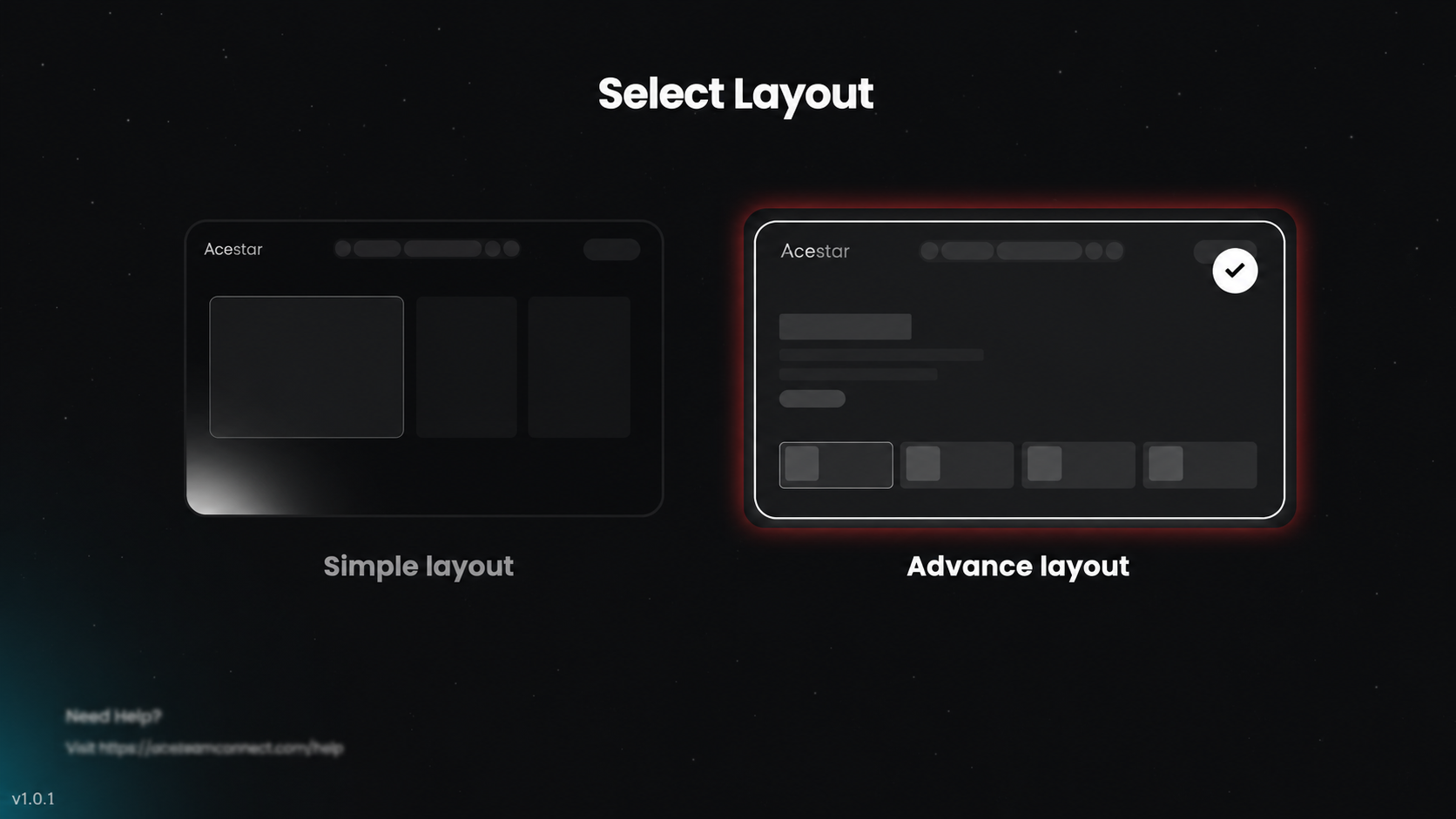
After selecting the playlist, you will be redirected to the layout page. Choose your preferred layout (simple or advanced) to customize the viewing experience.
Step 7: Home Screen
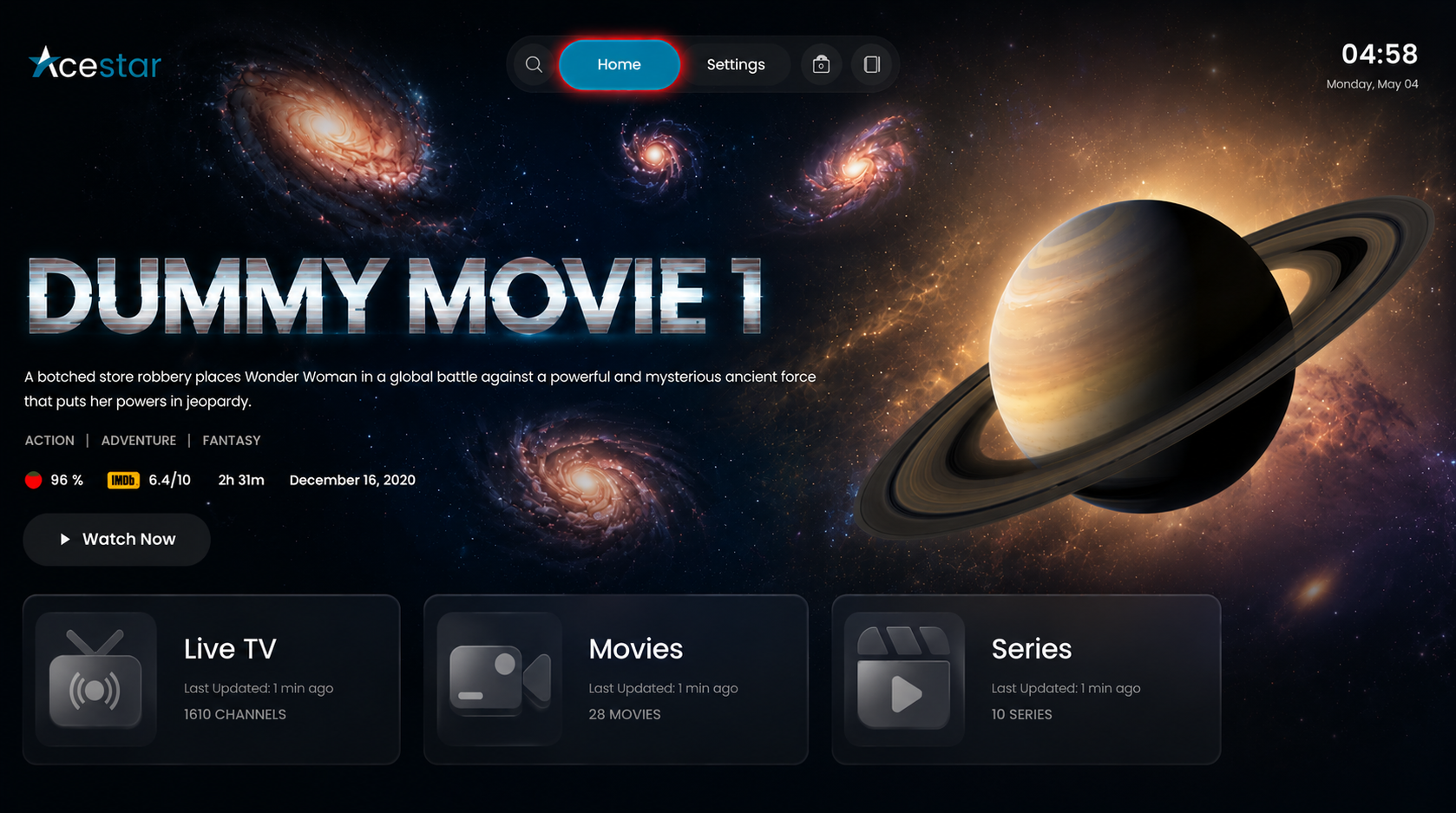
After setup, you will be redirected to the home screen, where you can access live TV, movies, and series.