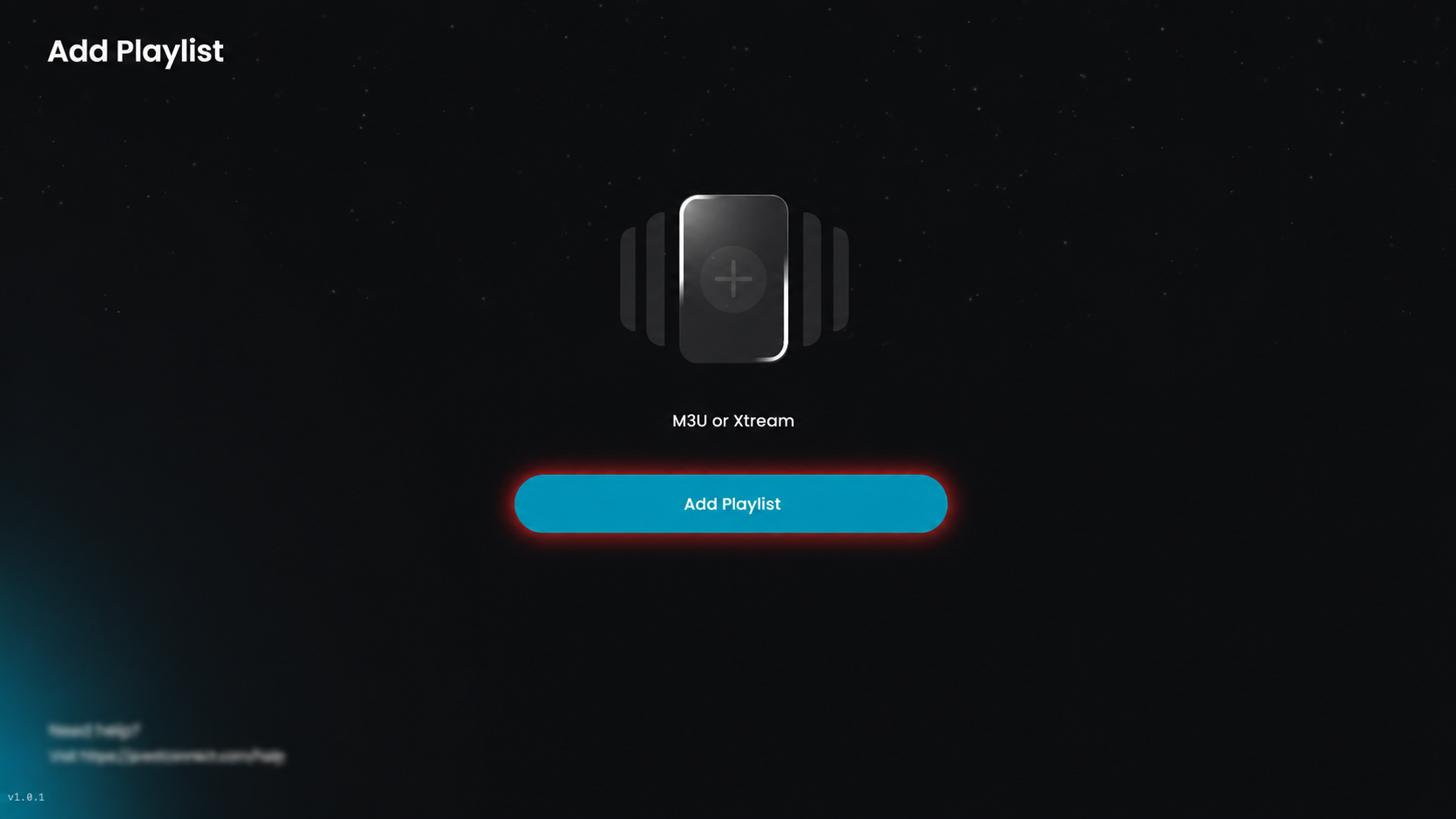
Step 1: Add Playlist
Click Add Playlist to add a new playlist.
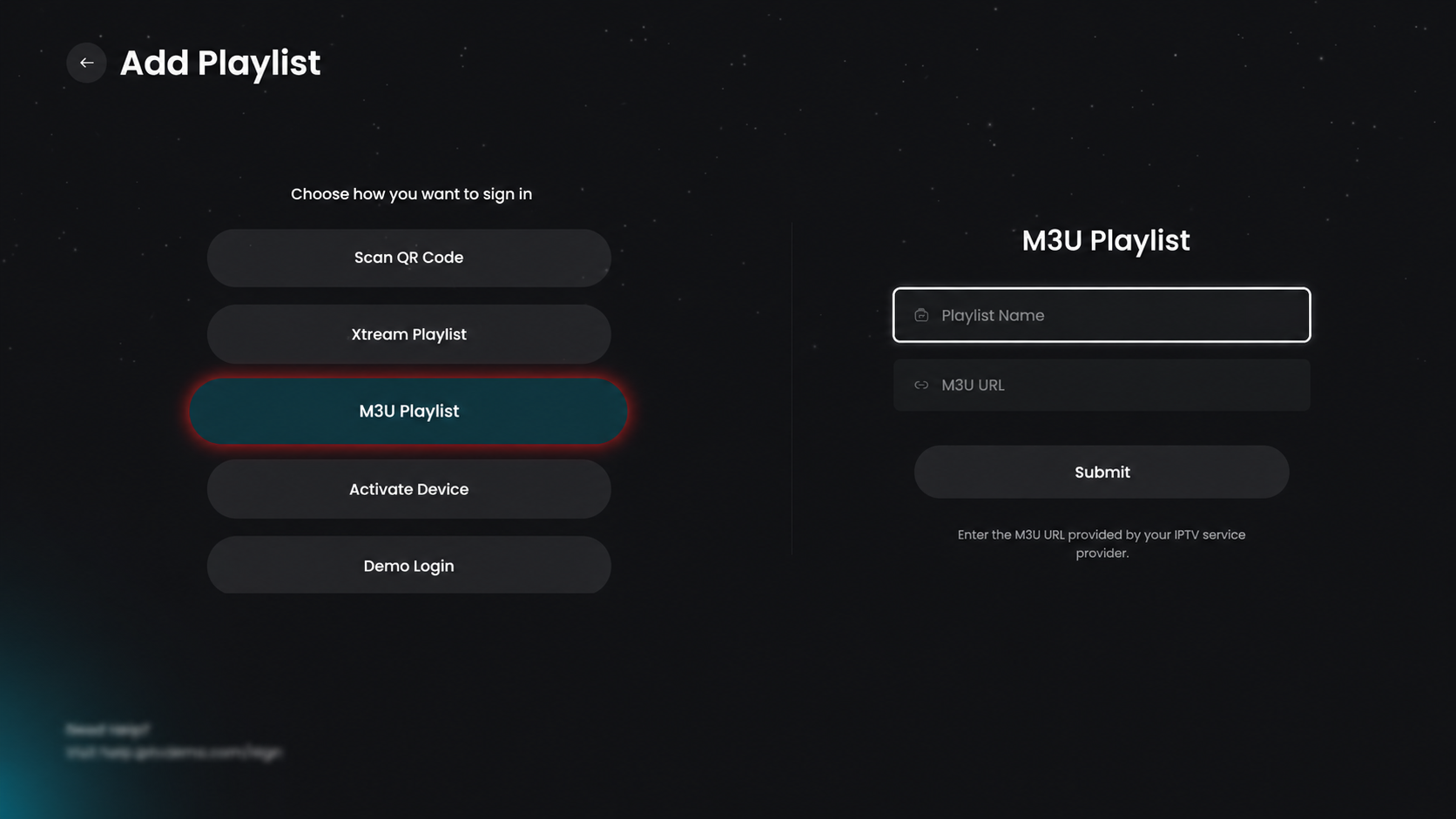
Step 2: Select M3U Playlist
Click on the M3U Playlist option to add your playlist using an M3U URL.
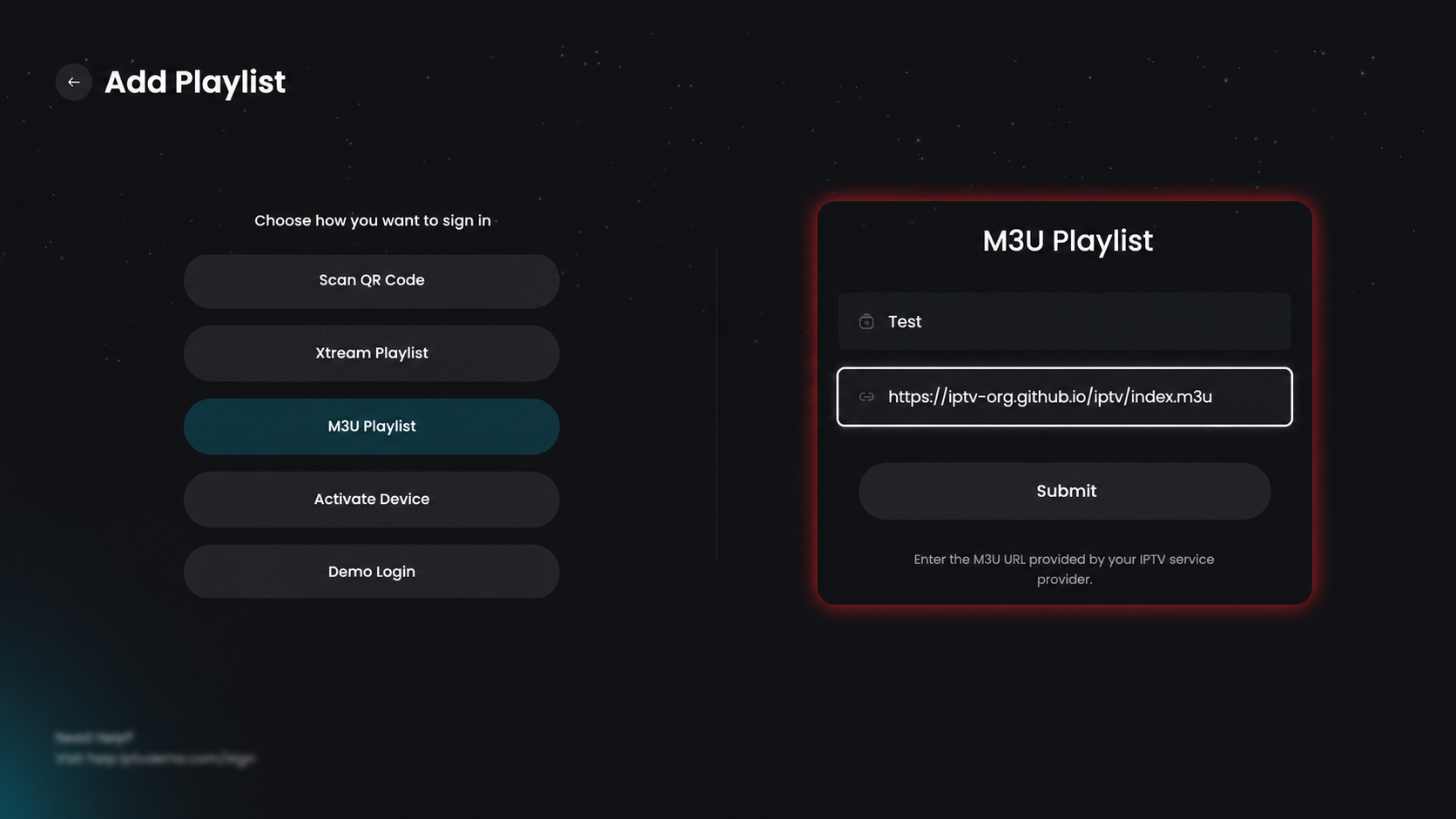
Step 3: Add M3U Playlist
Select M3U Playlist, enter a Playlist Name, and paste your M3U URL, then click Submit to load and add the channels.
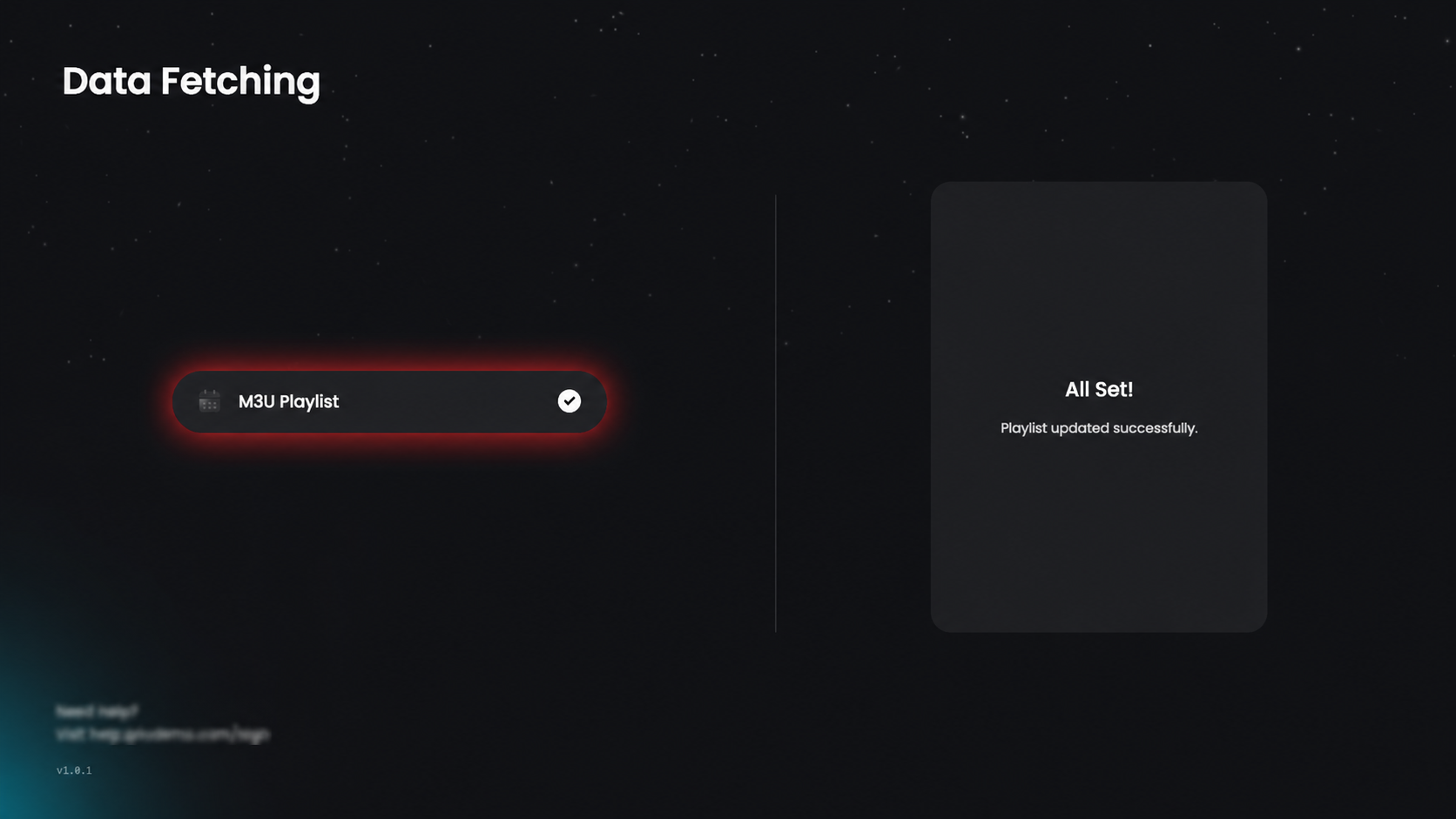
Step 4: Data Fetching
The app will now start fetching and updating your playlist data. Once the process is completed successfully, an “All Set!” confirmation message will appear on the screen.
Step 5: Playlist Added Successfully
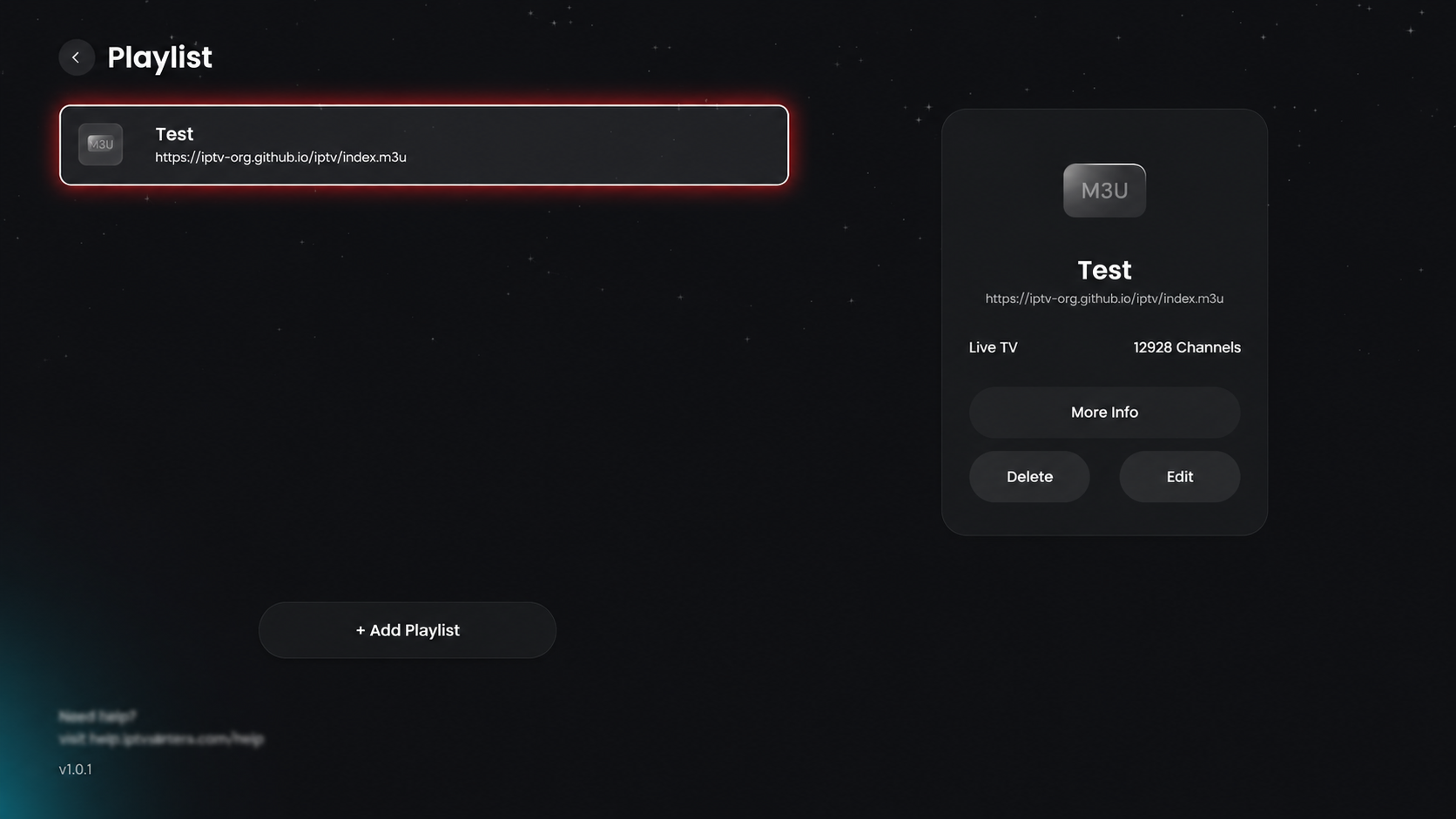
After clicking Submit, your playlist is successfully added and will appear in the Playlist screen with its name and M3U URL. Now you can select the playlist to start watching or use options like More Info (to view details), Edit (to update URL/name), or Delete (to remove it).
Step 6: Access Playlist & View Channels
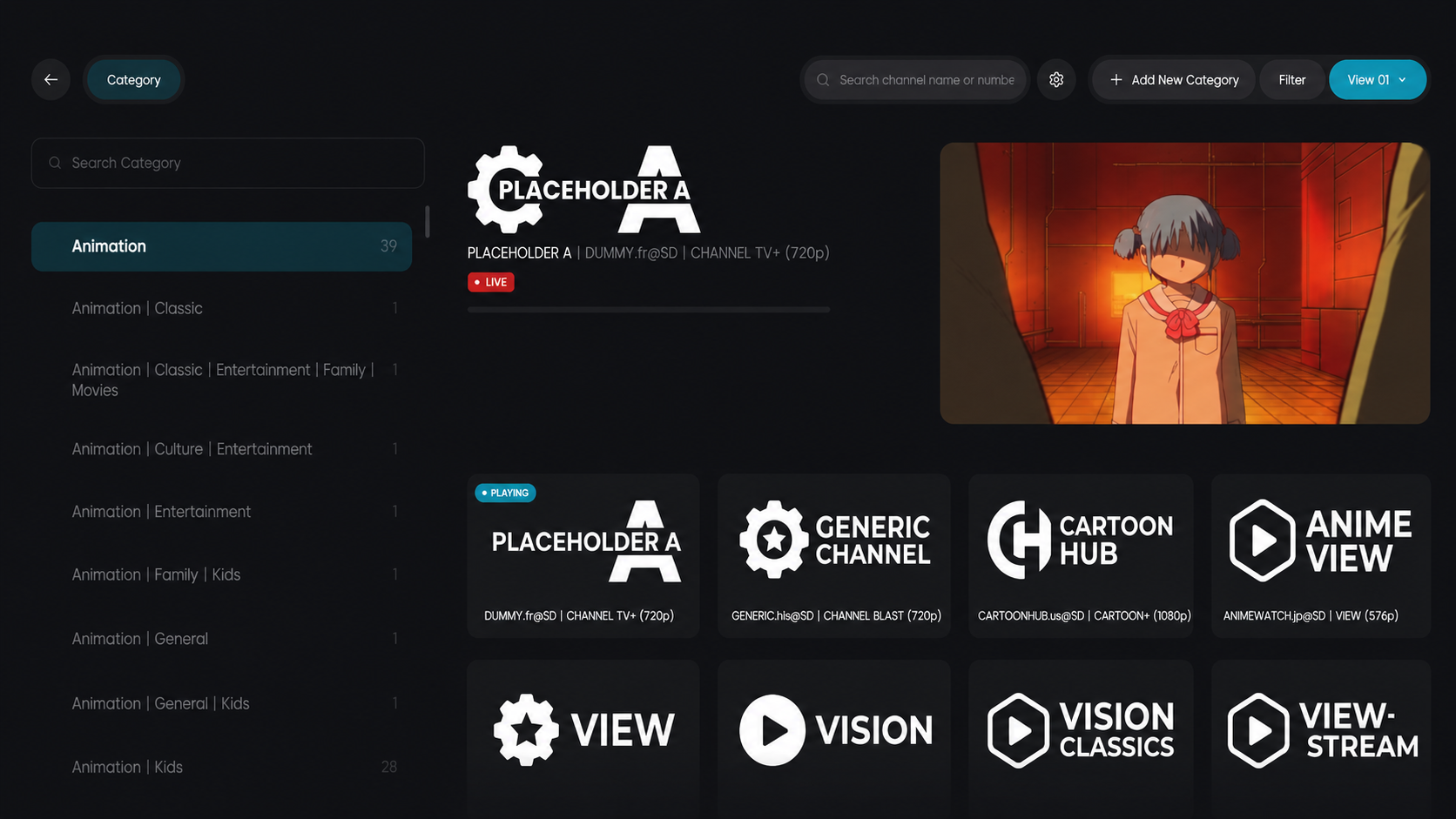
Click on the added playlist from the playlist screen. Once selected, you will be automatically redirected to the Categories page. Here, you can browse different content categories on the left panel and view available channels on the right. Select any category to explore and start playing channels instantly.