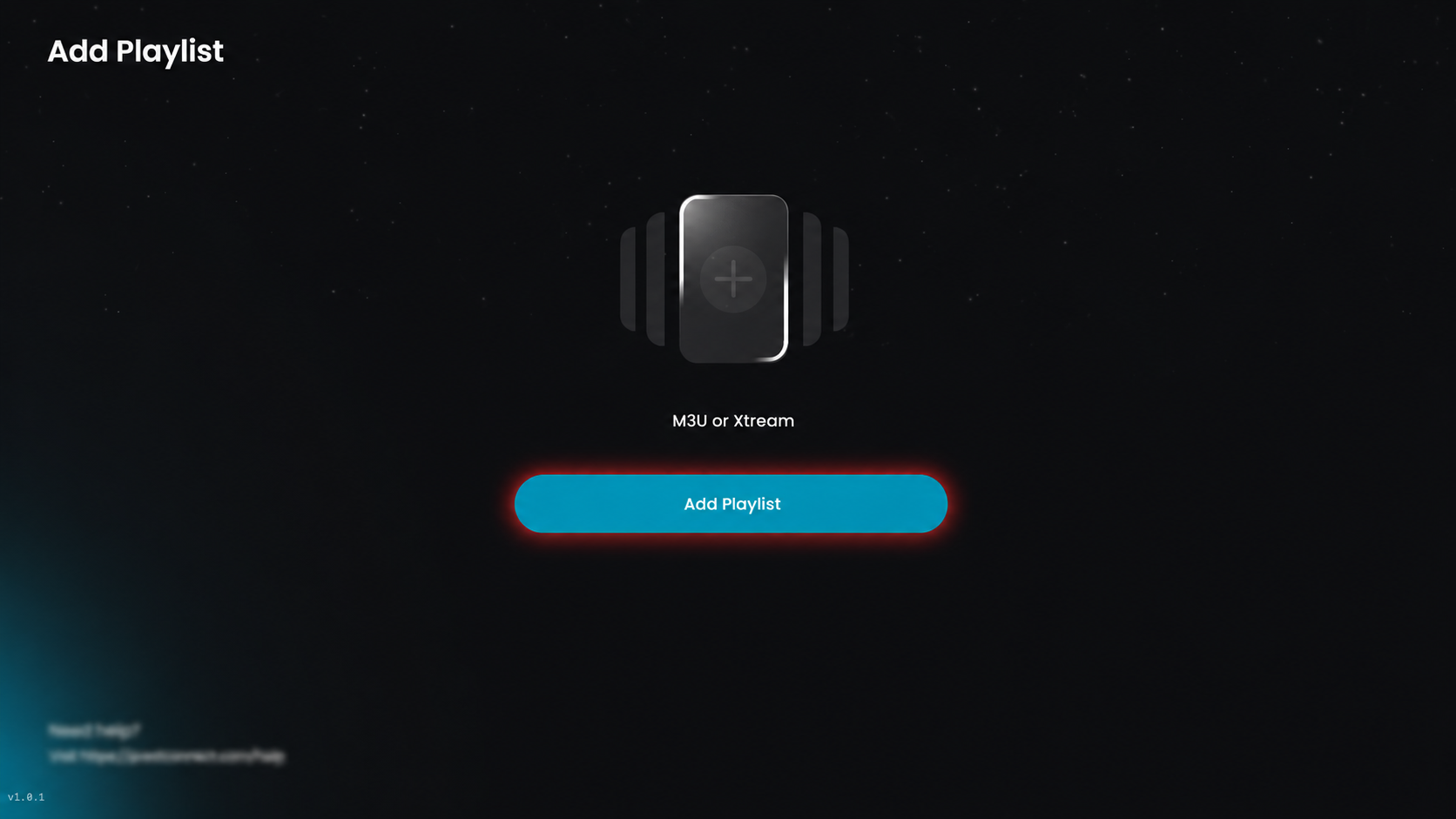
Step 1: Add Playlist
Click Add Playlist to add a new playlist.
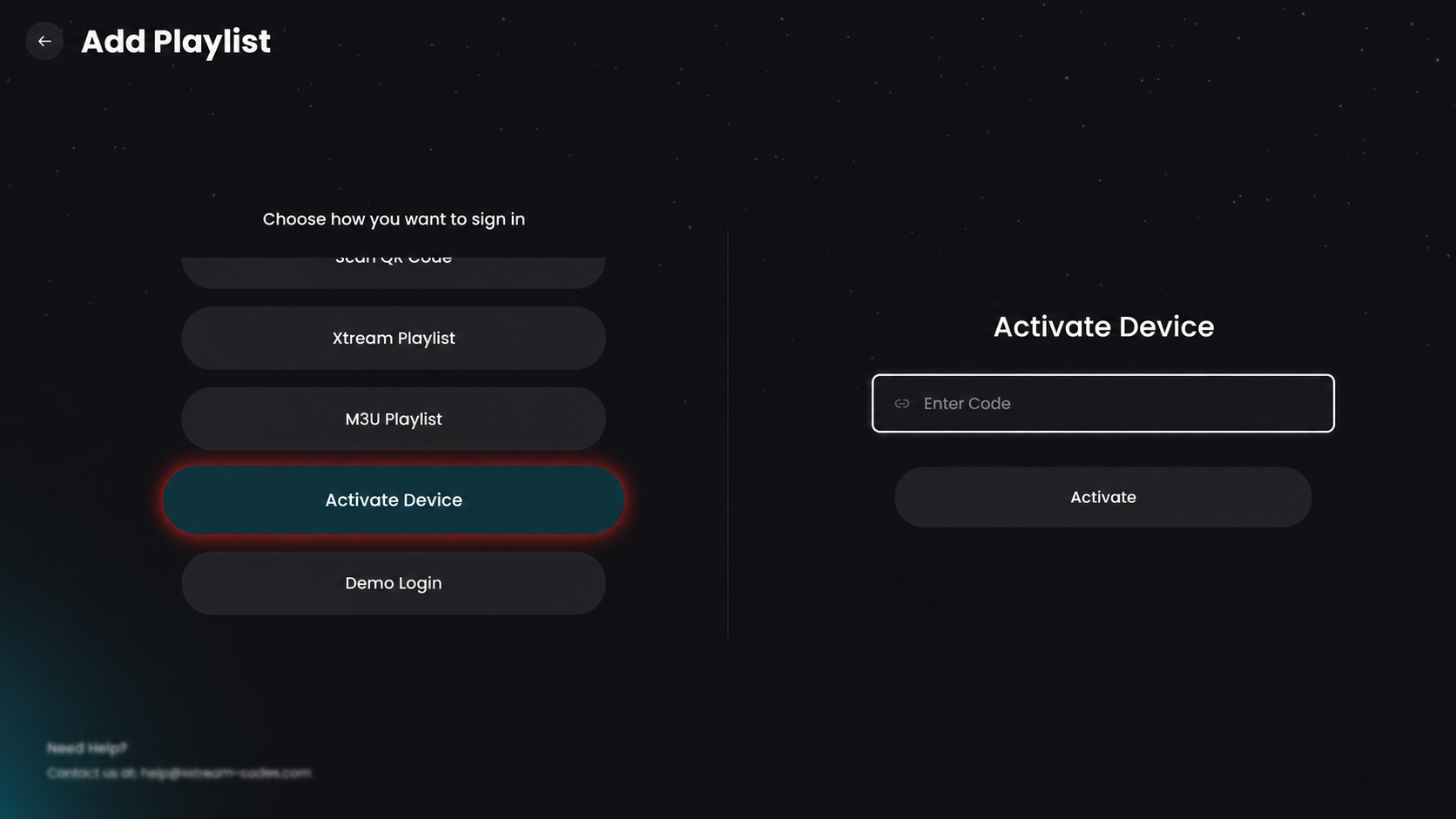
Step 2: Activate Device
Click on the Activate Device option to link your device using an activation code.
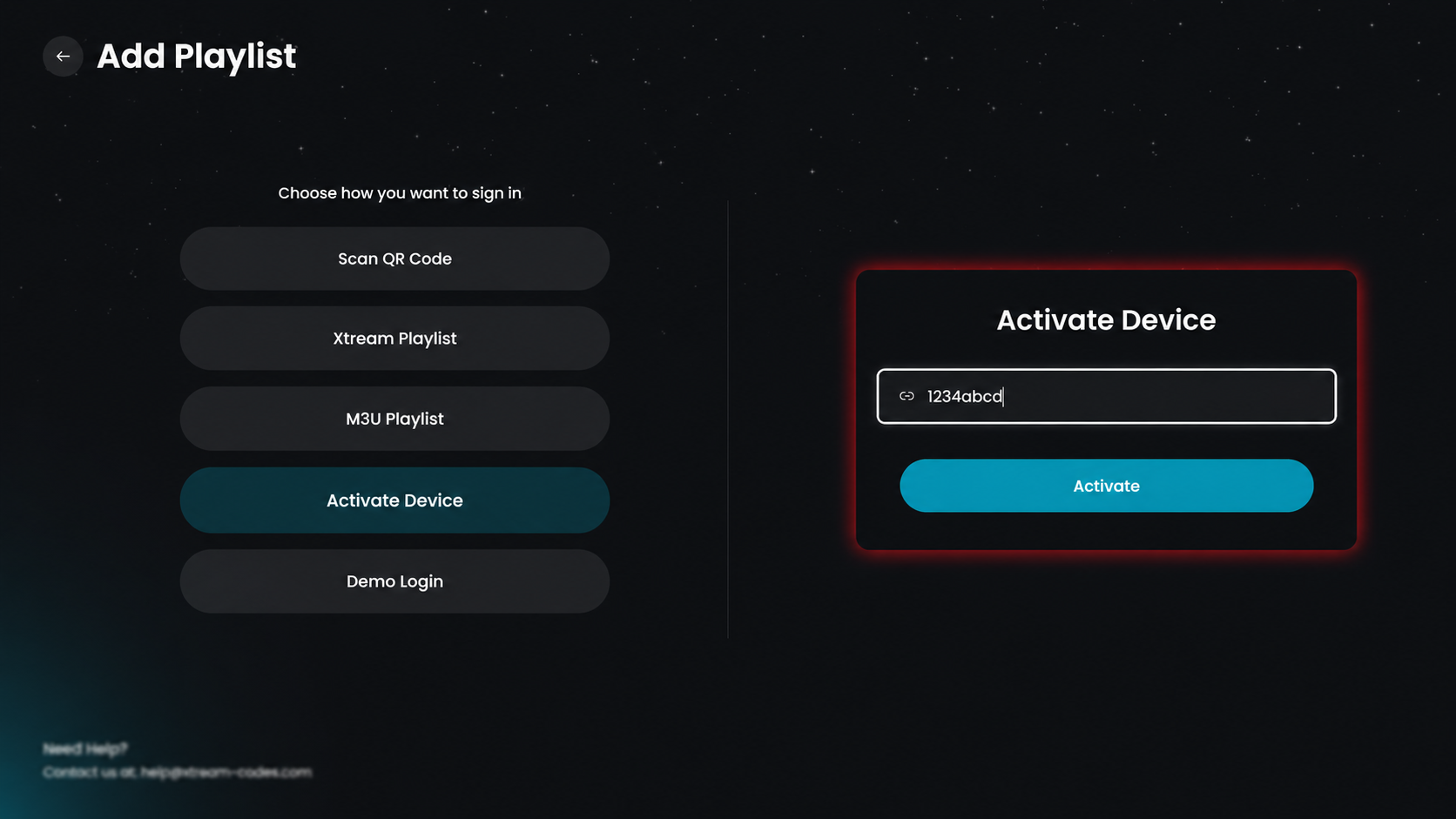
Step 3: Enter the Code
Enter the code provided by your IPTV service, then click Activate to complete setup and start accessing your content.
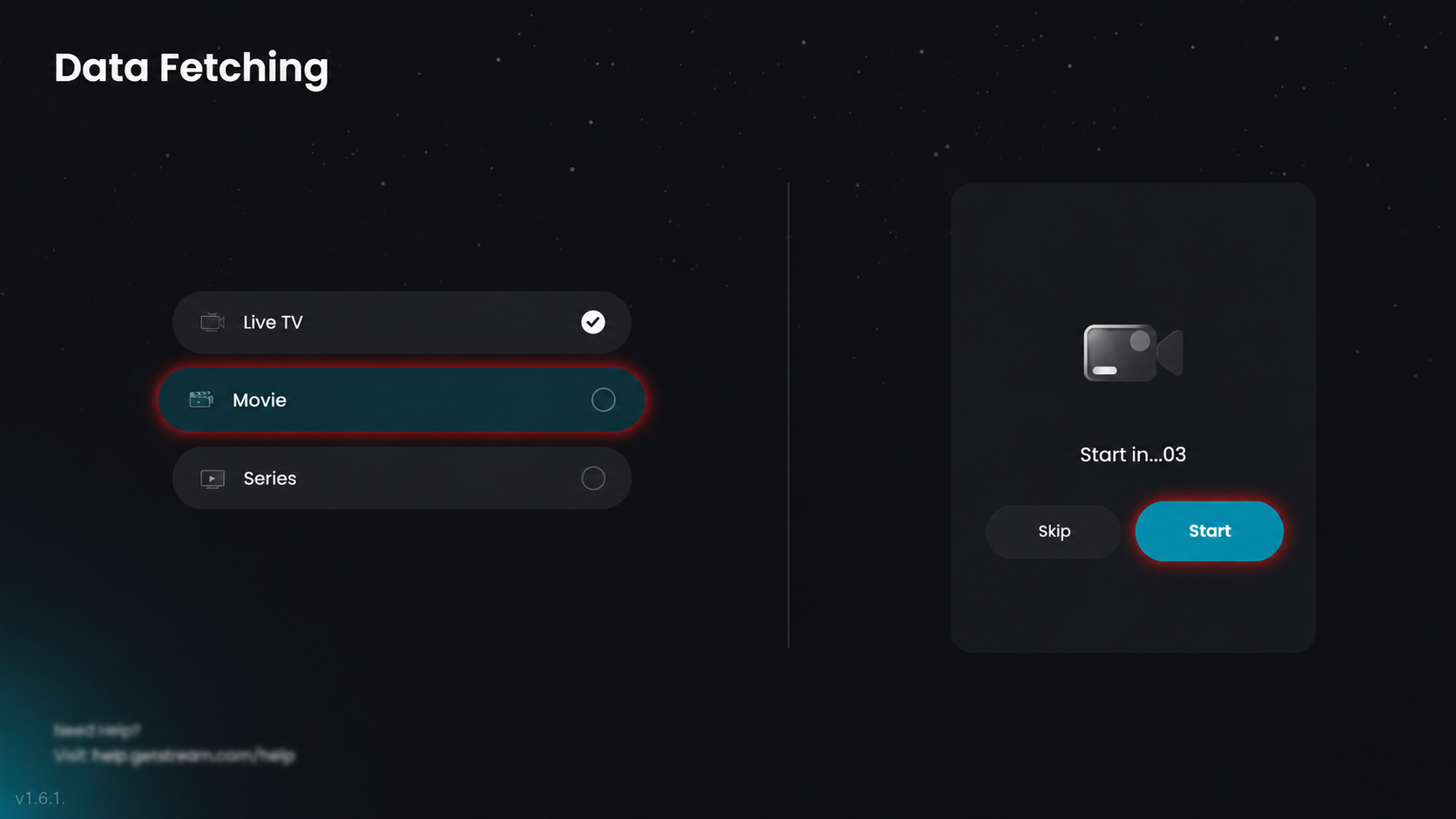
Step 4: Data Fetching in Progress
All content (live TV, movies, and series) is being fetched automatically. Please wait or click Start to continue.
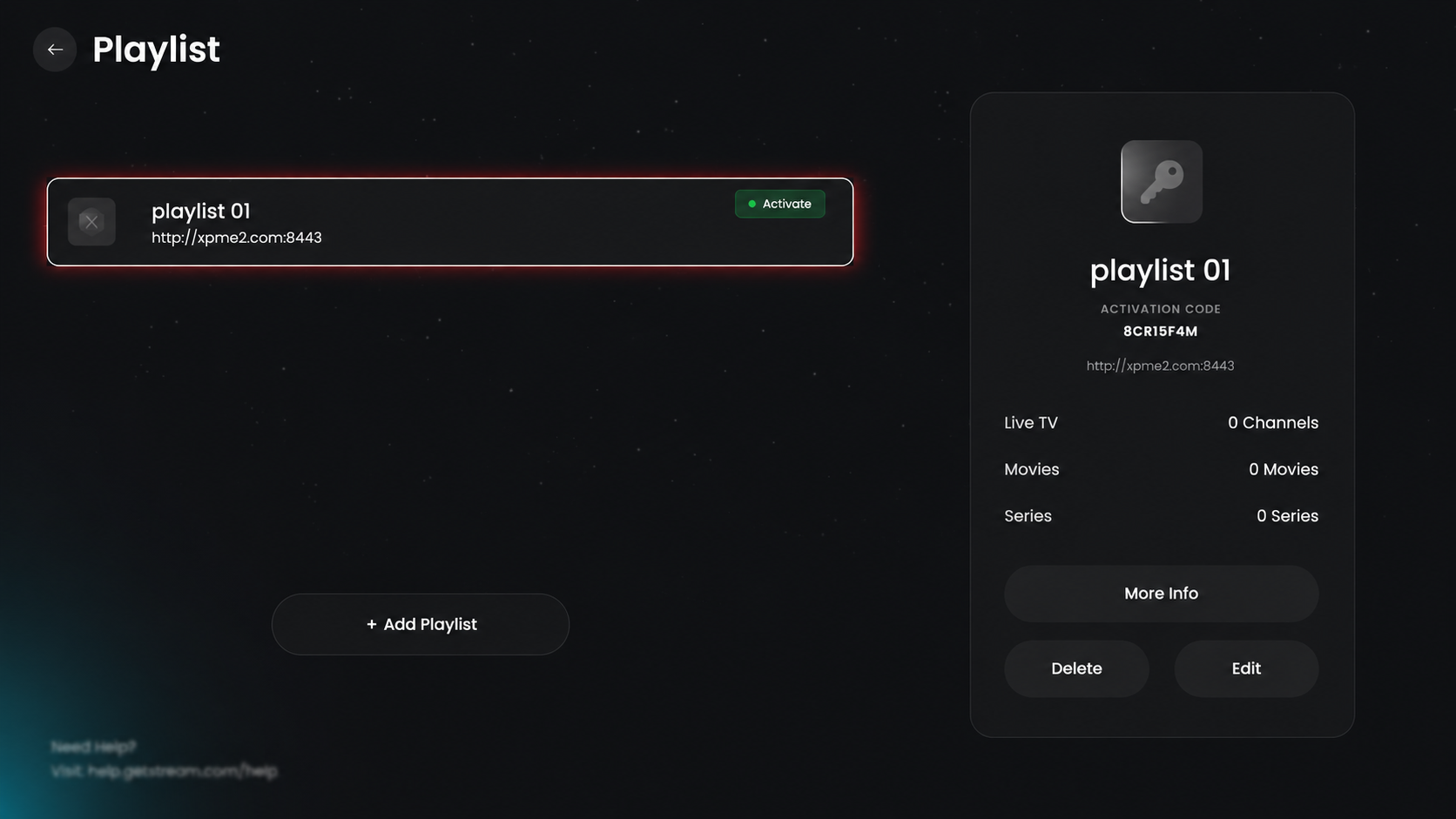
Step 5: Select Playlist
Hover on the added playlist to view its details in the right-side information box. Click the added playlist to view its details, then proceed.
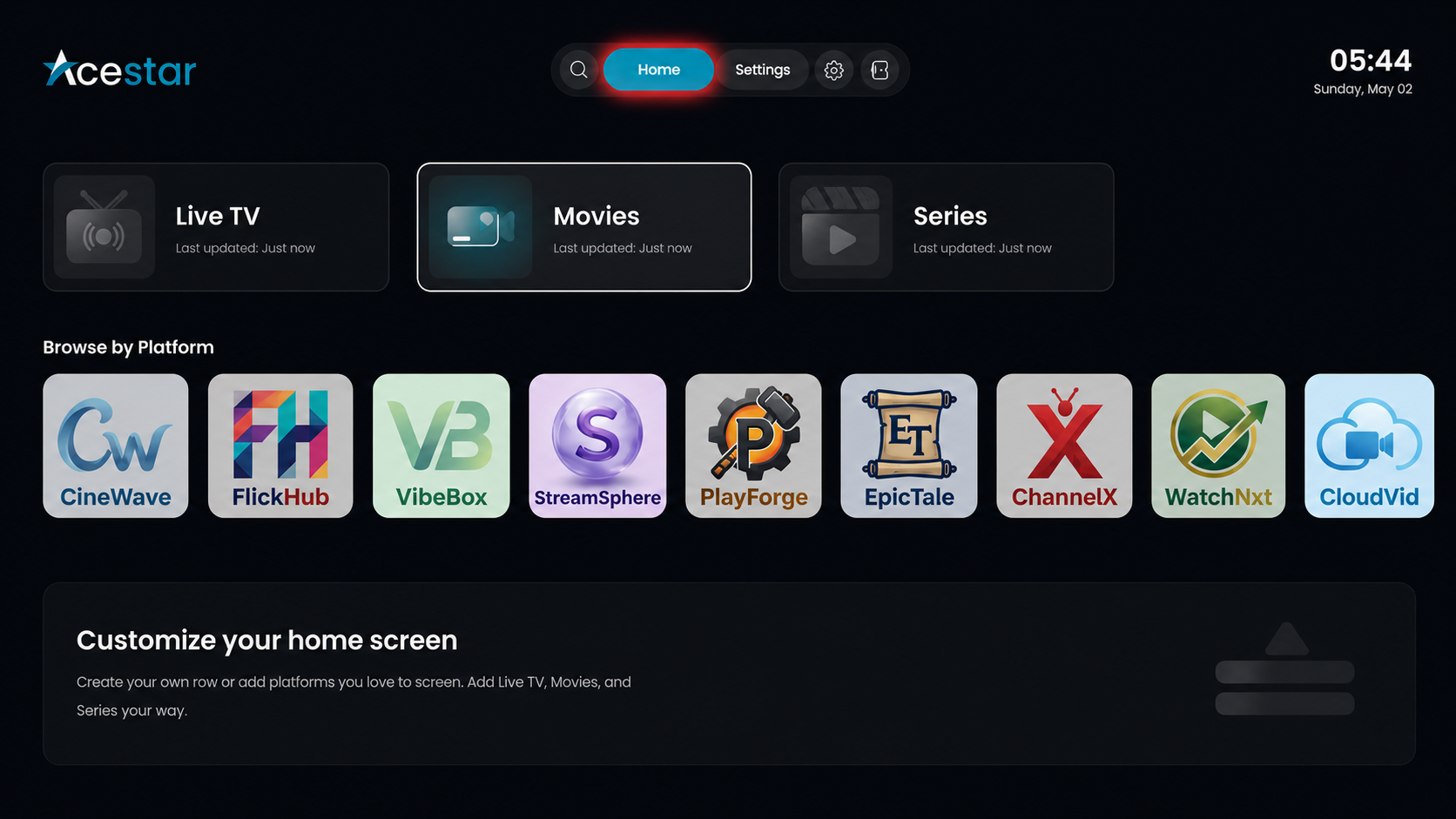
Step 6: Home Screen
After setup, you will be redirected to the home screen, where you can access live TV, movies, and series.