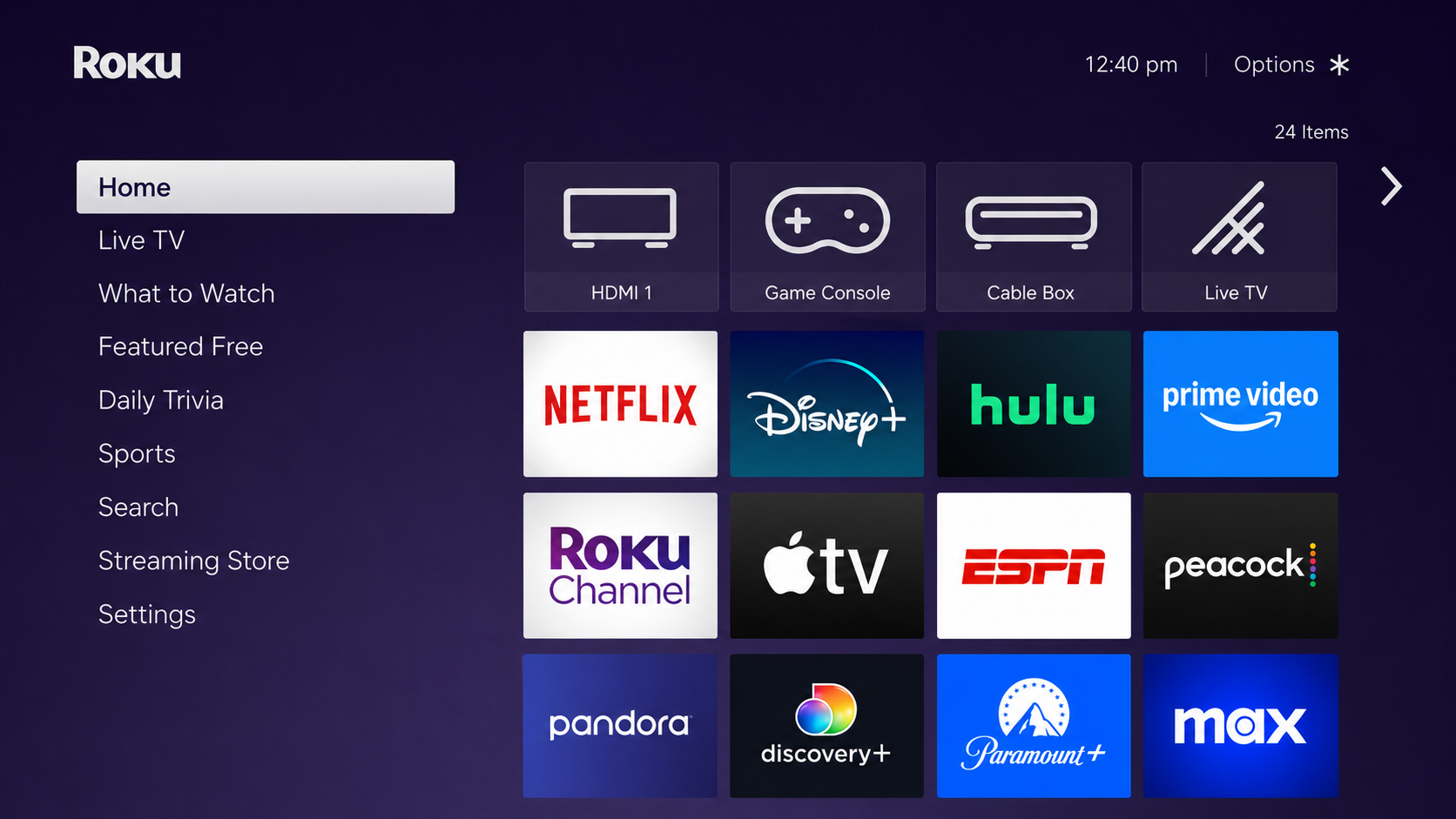
Go to the Home Screen on your Roku TV or Roku device.
Note: connected to the same Wi-Fi network as your computer
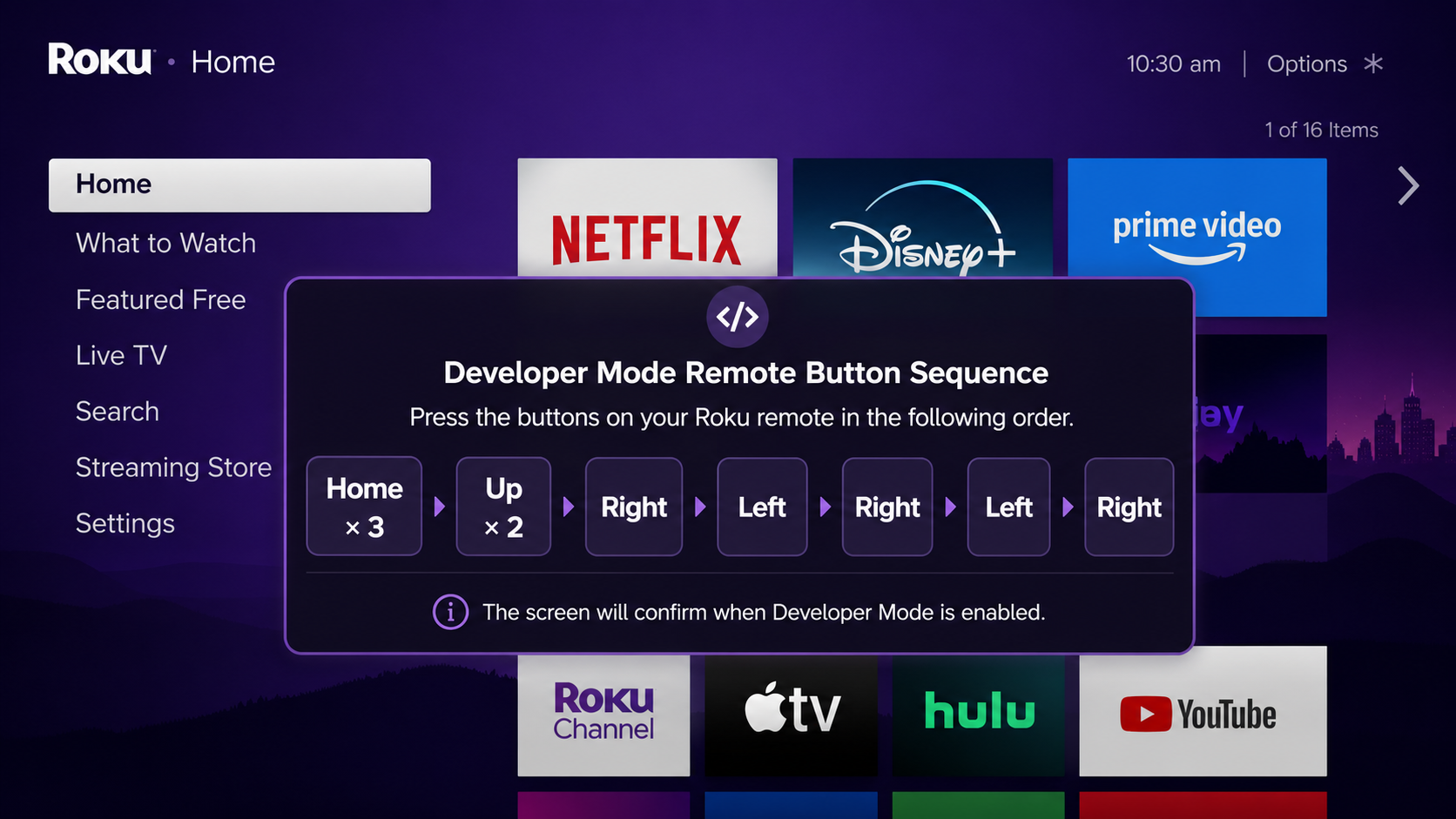
Using the Roku remote, press this button sequence:
Home × 3 → Up × 2 → Right → Left → Right → Left → Right
After pressing the sequence, the Developer Settings screen will open on your Roku TV.
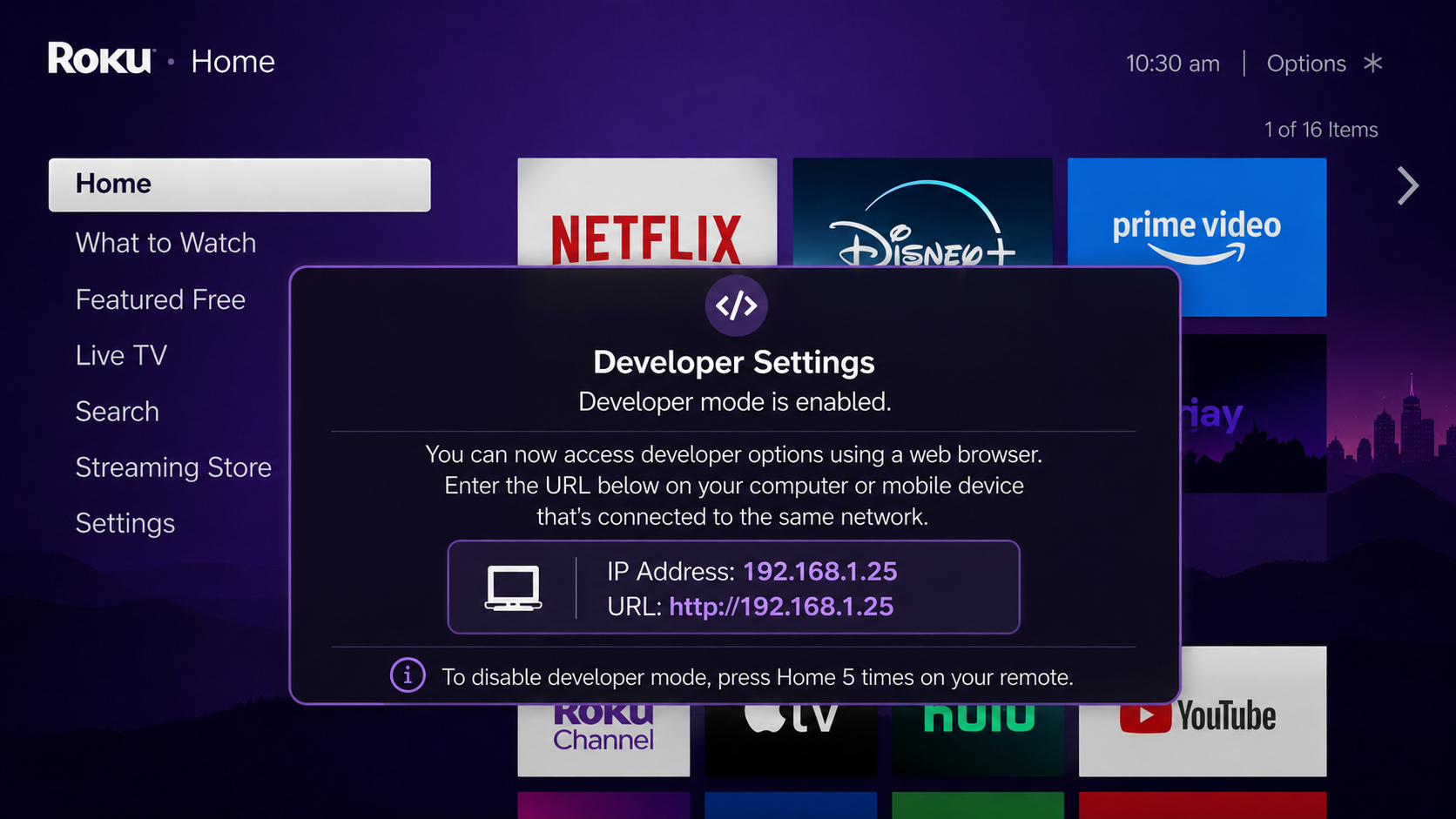
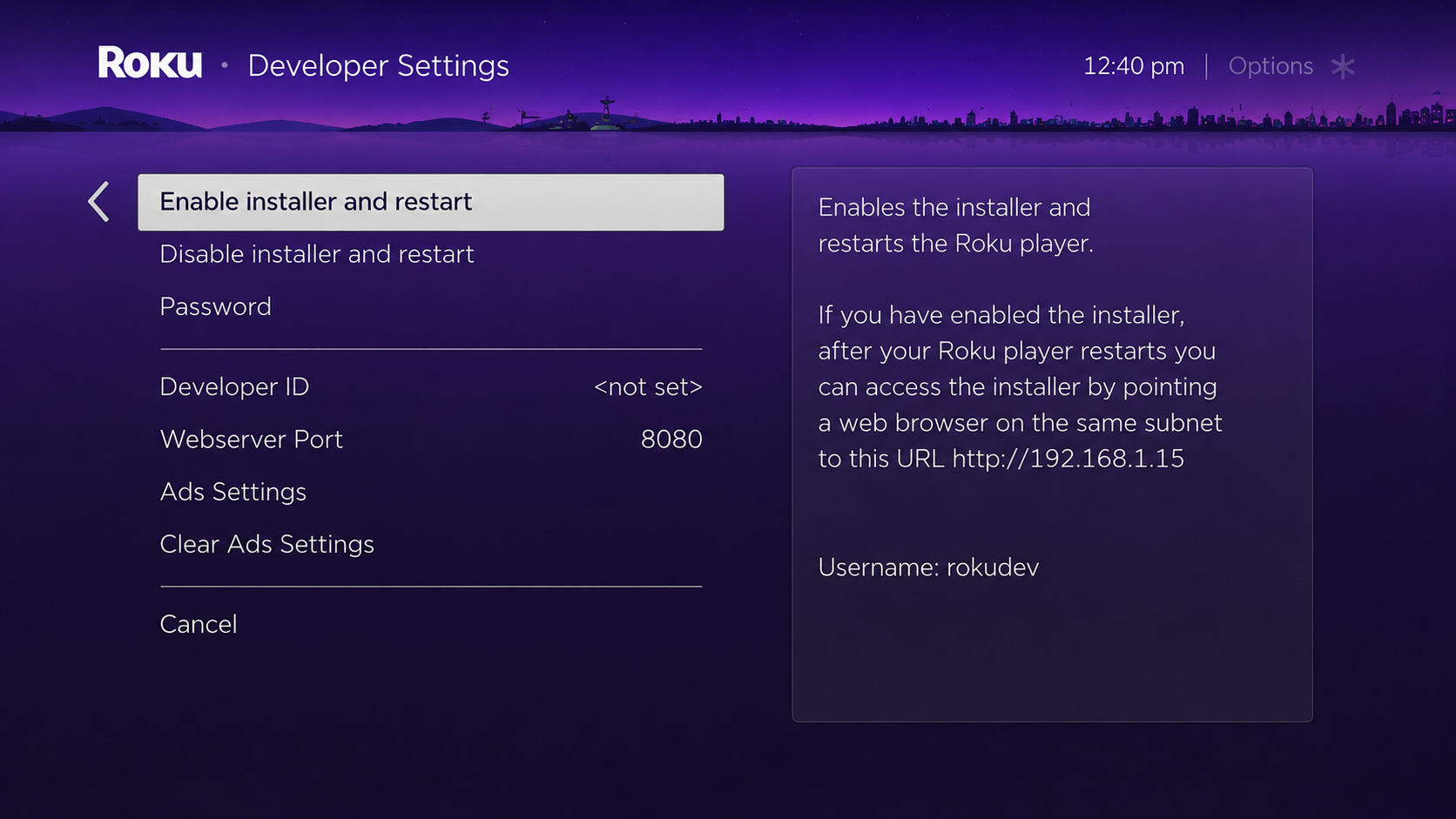
On the Developer Settings screen, select Enable Installer and Restart.
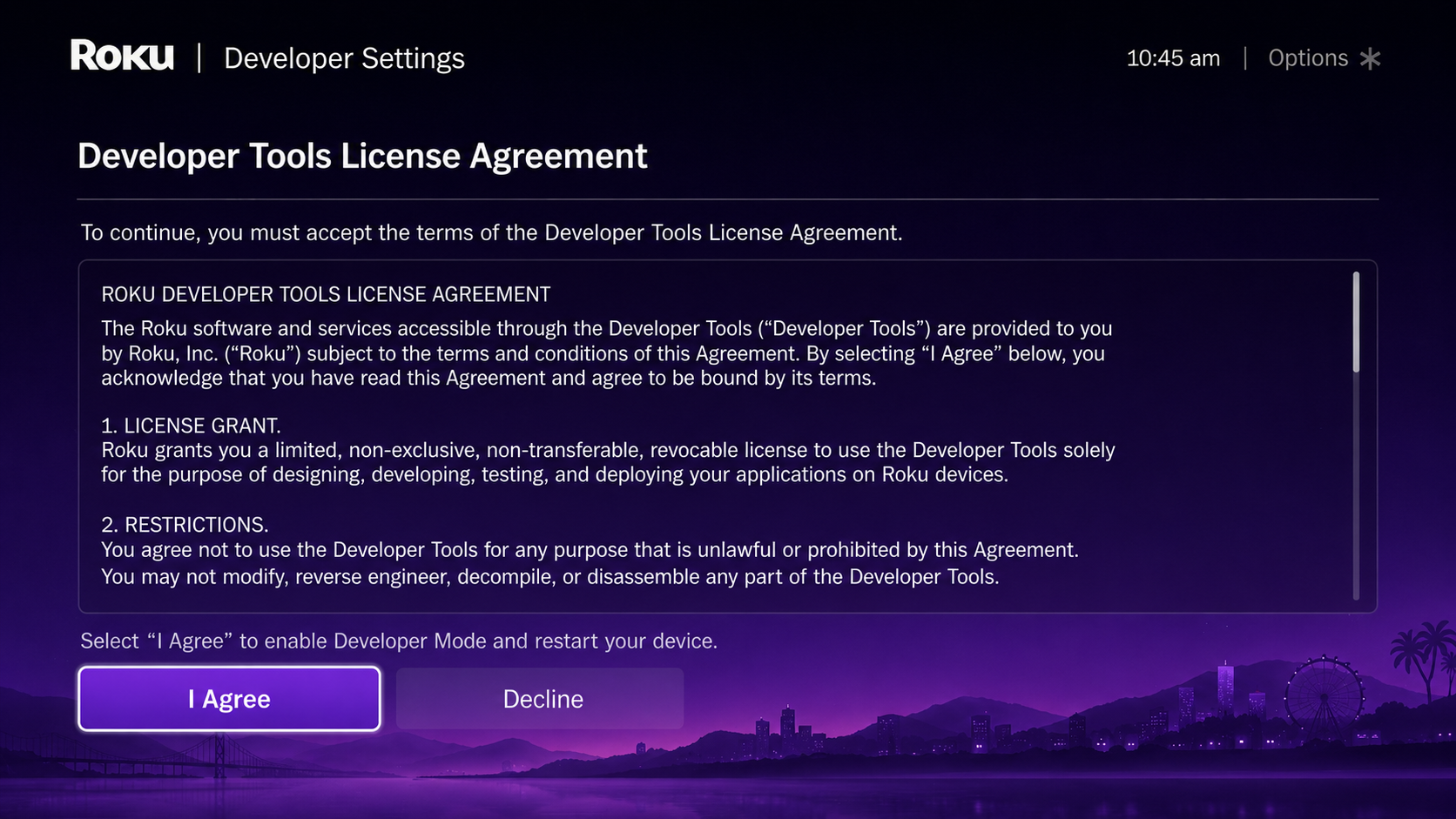
Read the Developer Tools License Agreement and select "I Agree" to continue.
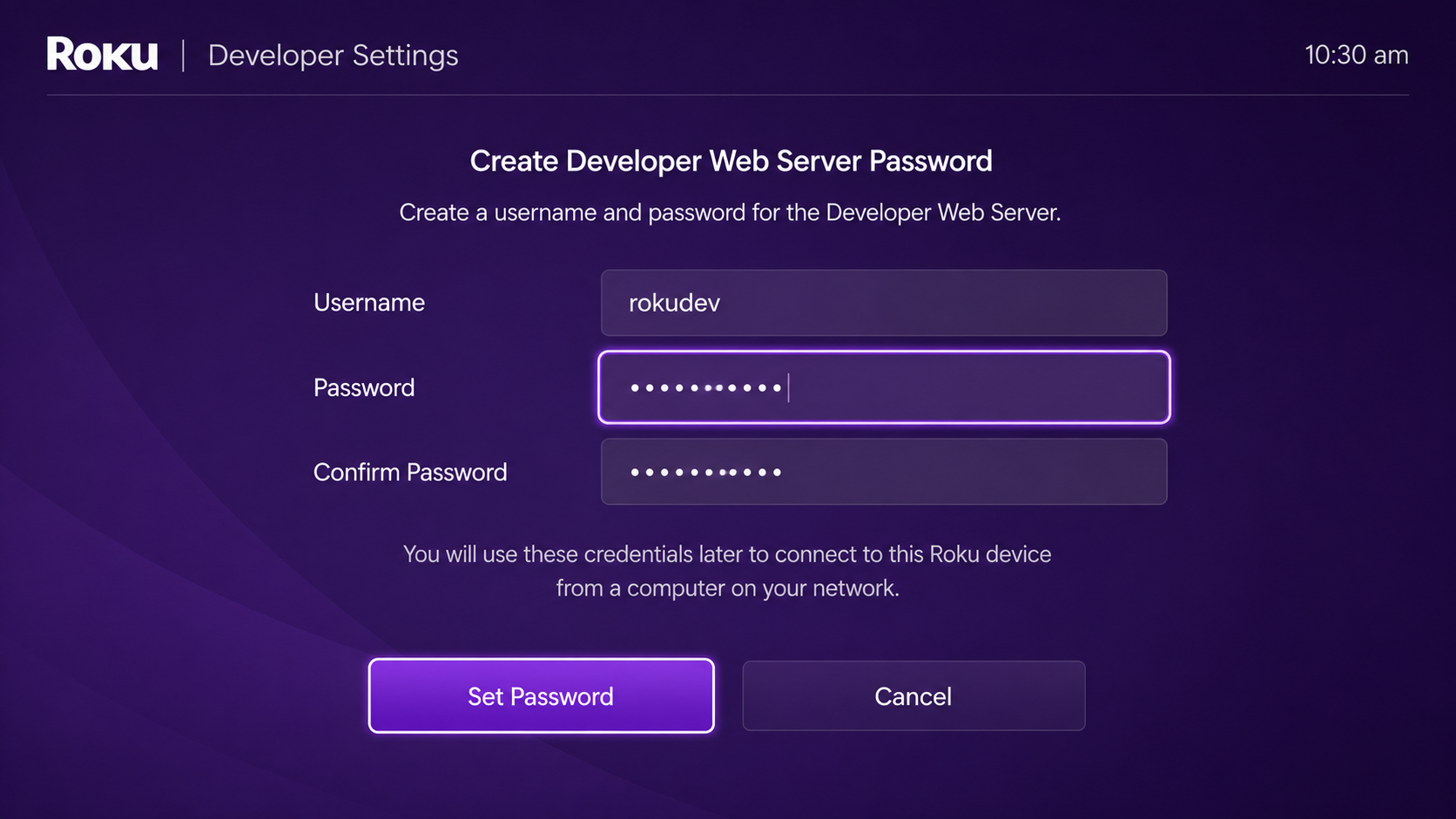
Create a developer web server password when prompted. This password will be used later to access the Roku device from your computer.
The username is usually rokudev.
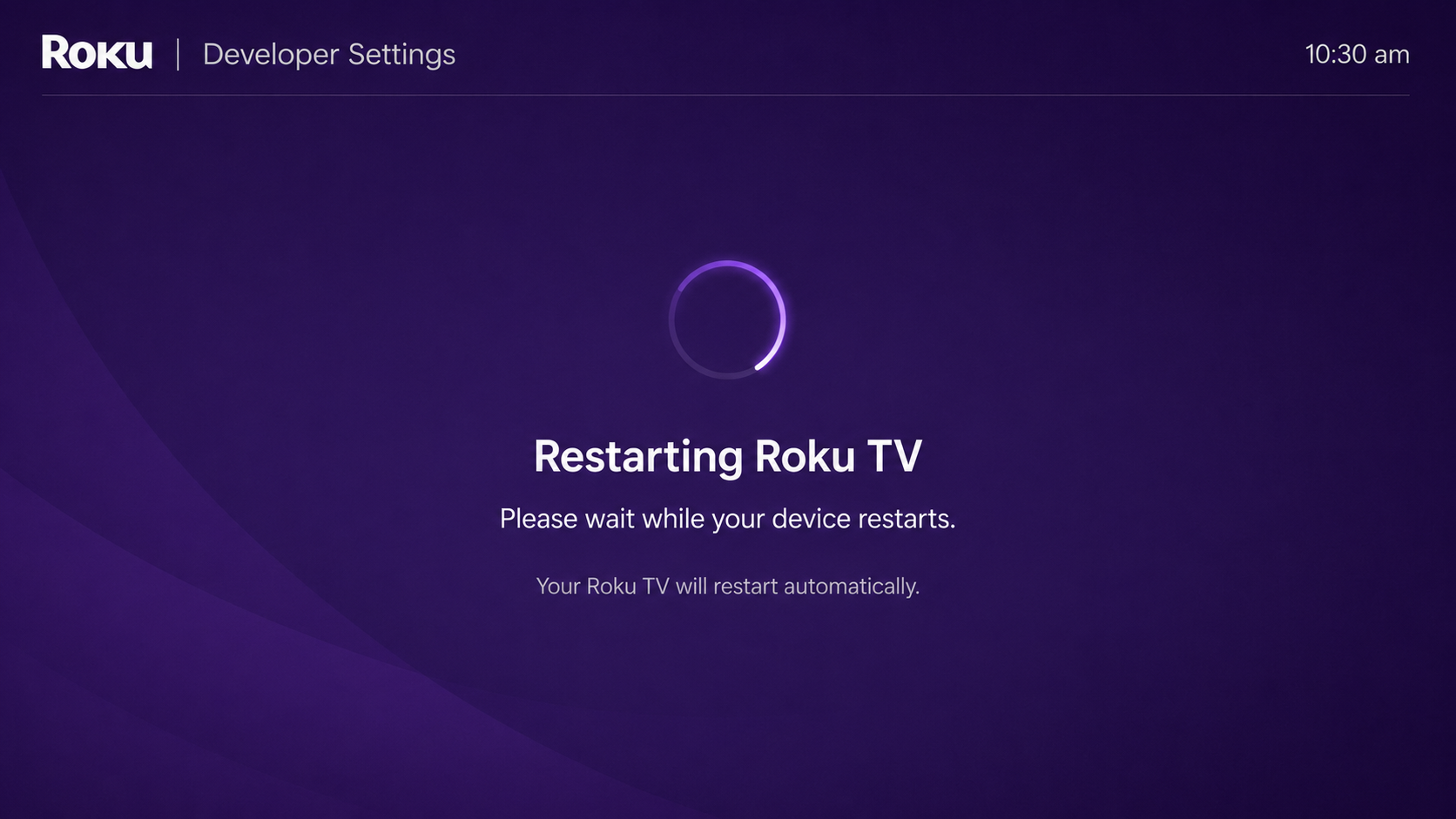
After setting the password, your Roku TV will restart automatically.
After the restart, go to:
Settings → Network → About
Note the Roku TV IP address.
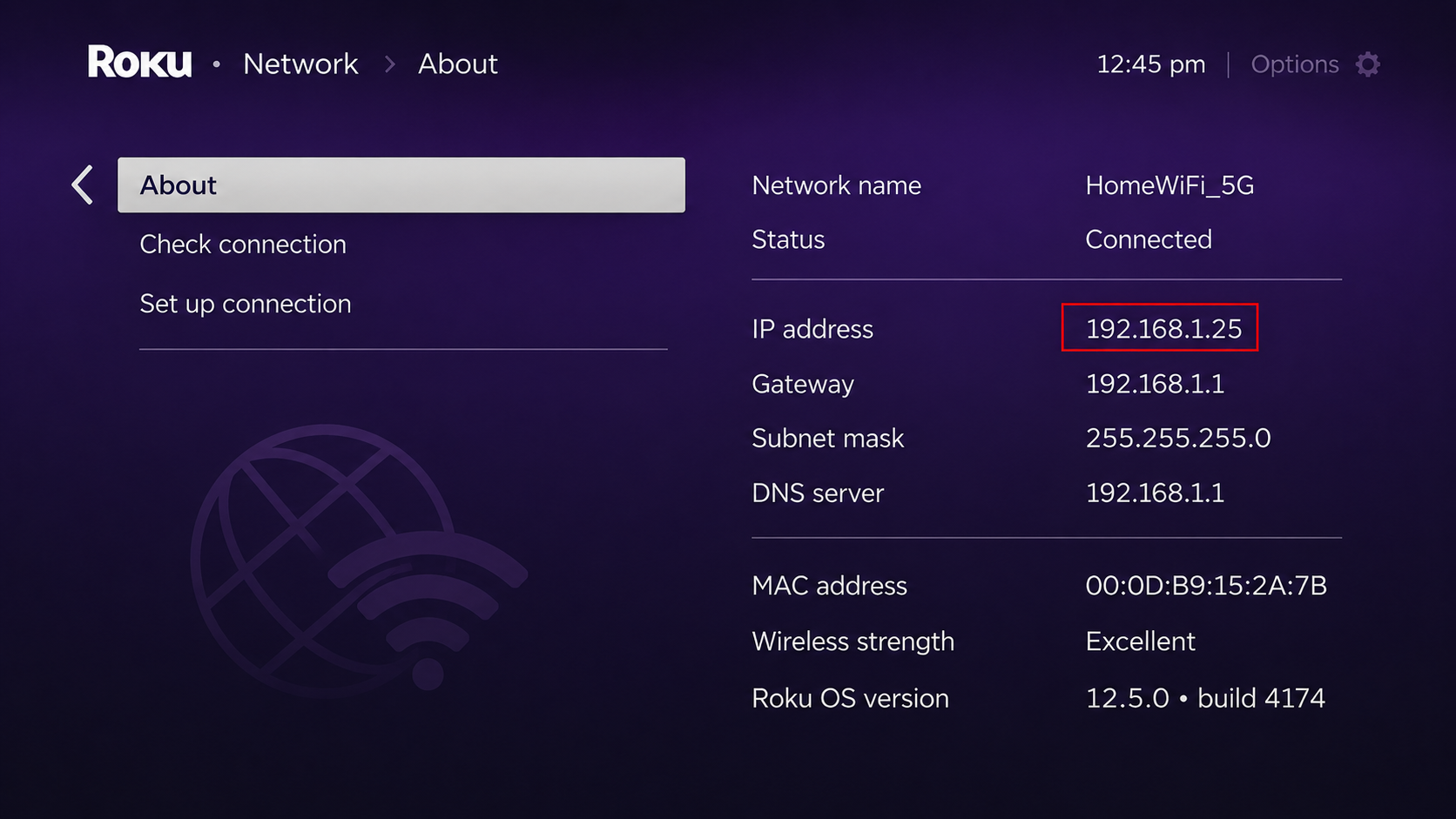
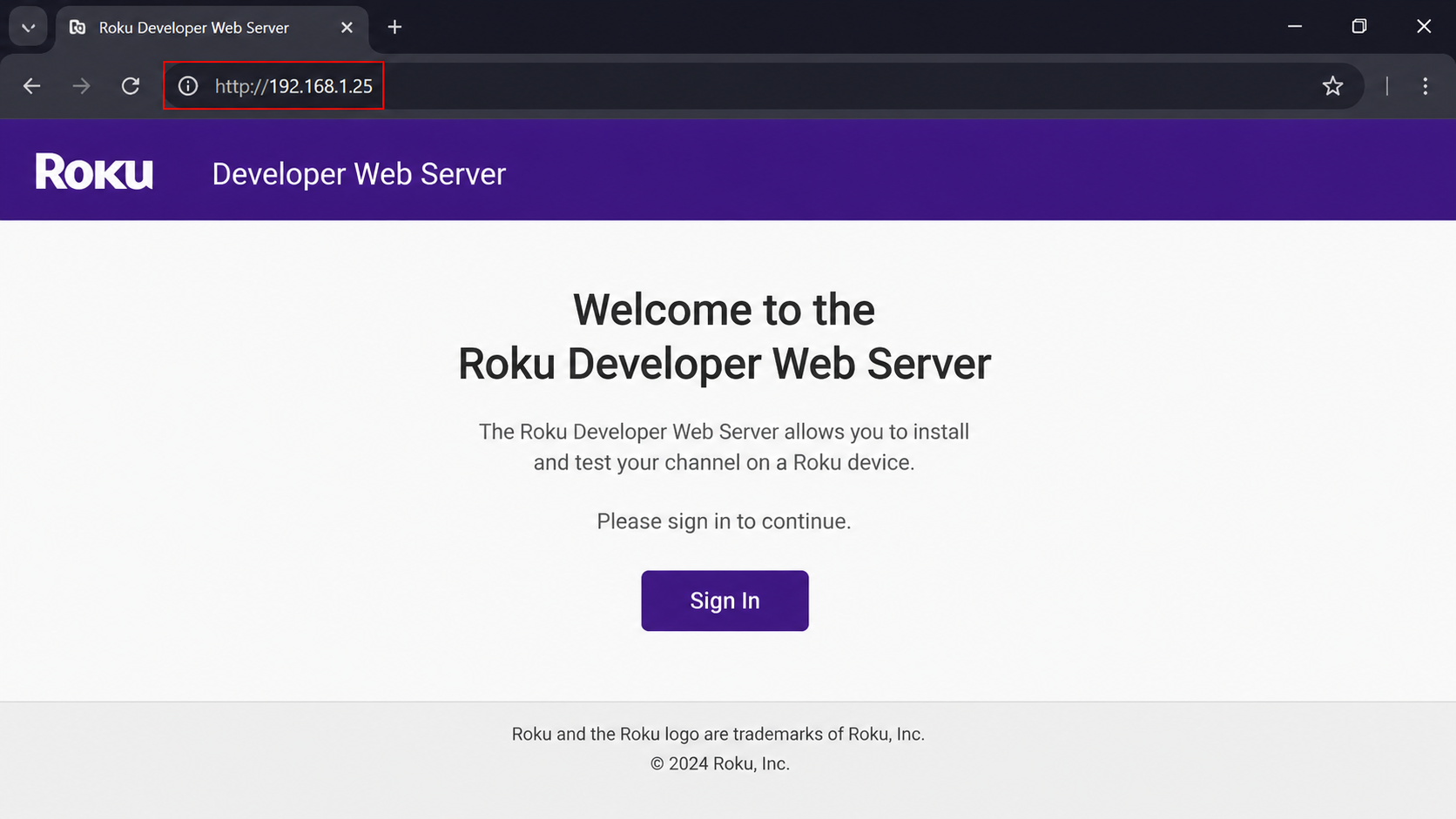
On your computer, open a web browser and enter the Roku TV IP address.
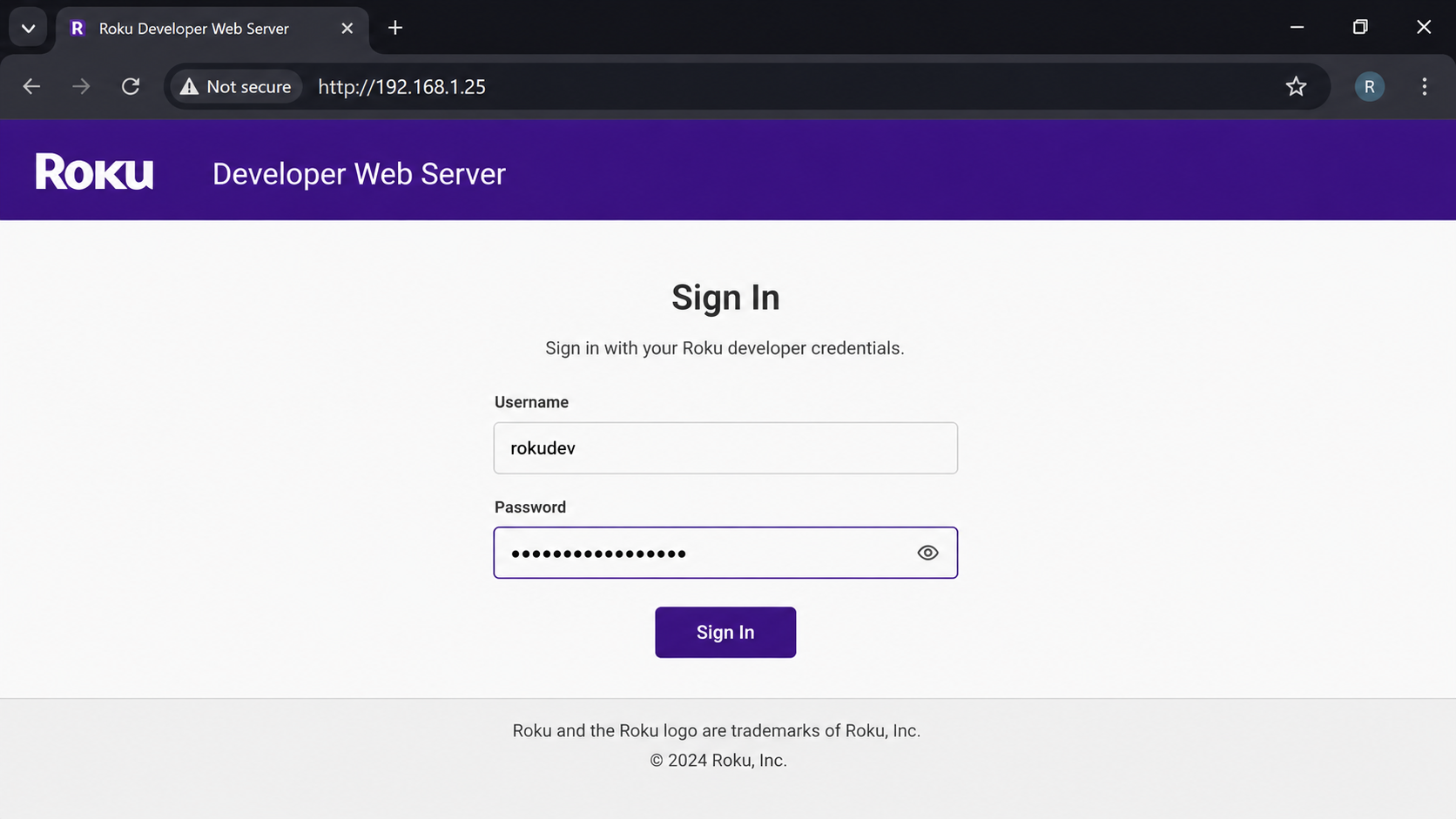
Sign in using the Developer Web Server login details.
Username: rokudev
Password: the password you created on Roku TV.
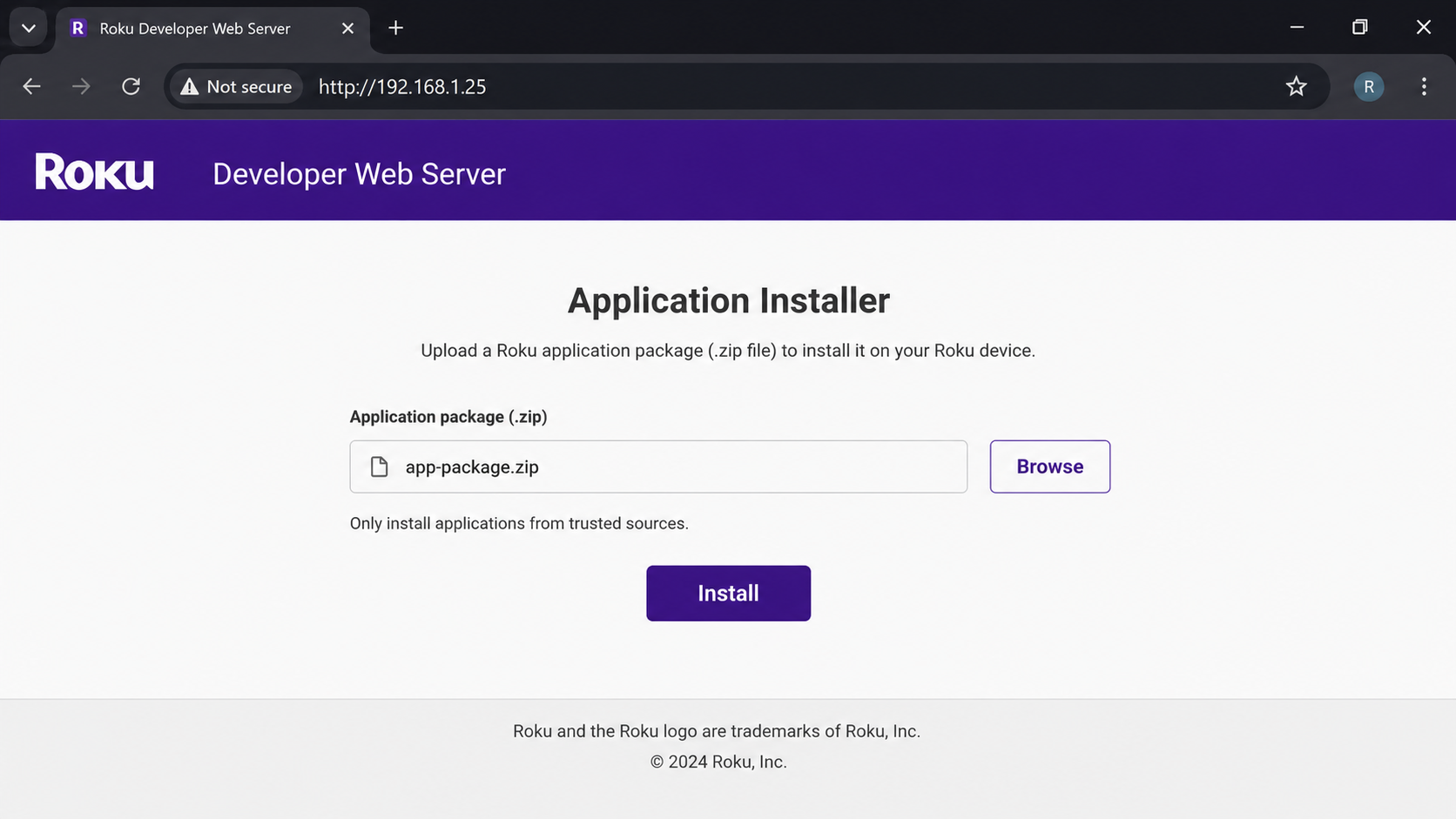
Upload the Roku application package, .zip then click Install to deploy the app on your Roku TV.