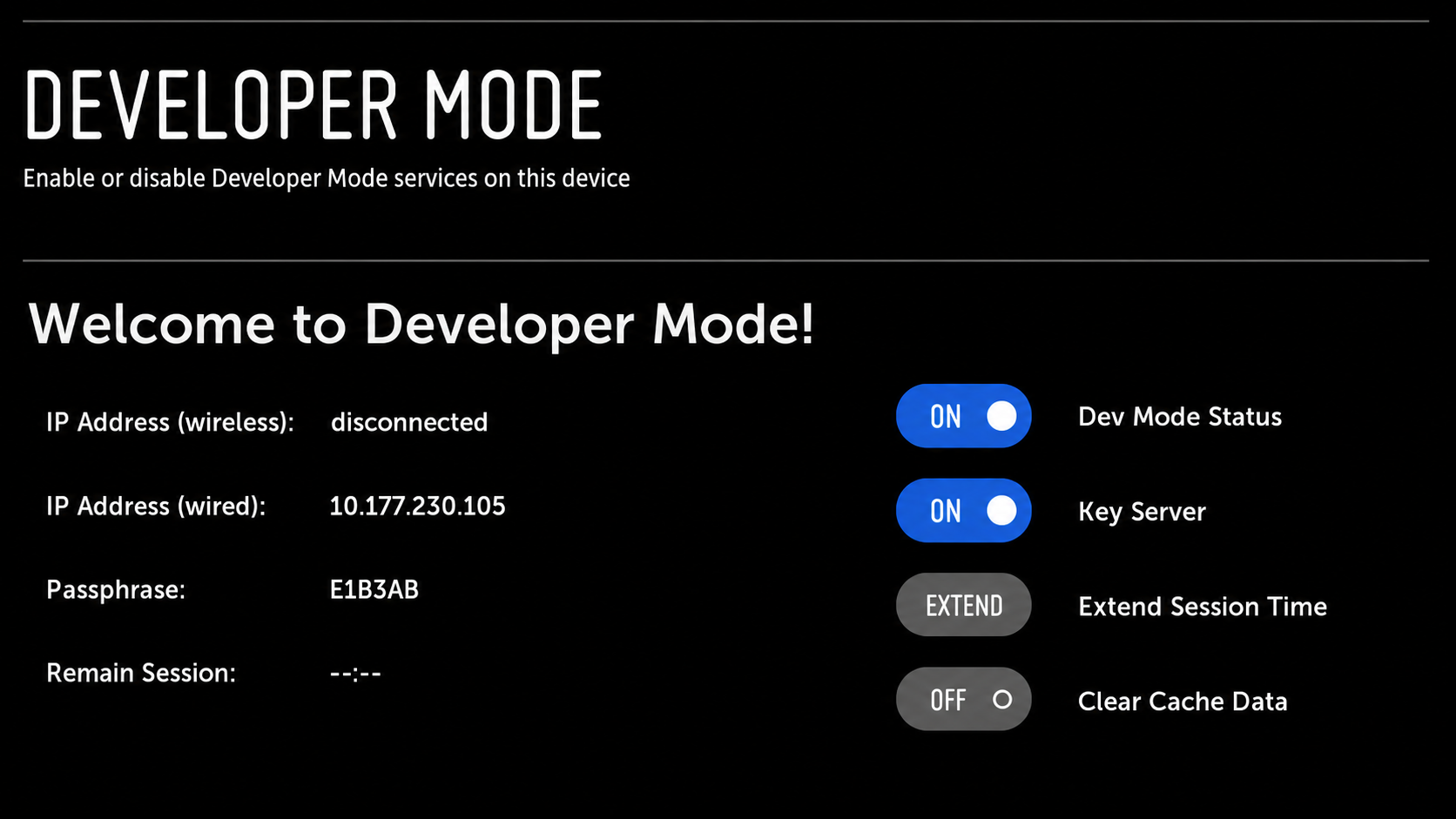
Step 1: Get a Developer Account
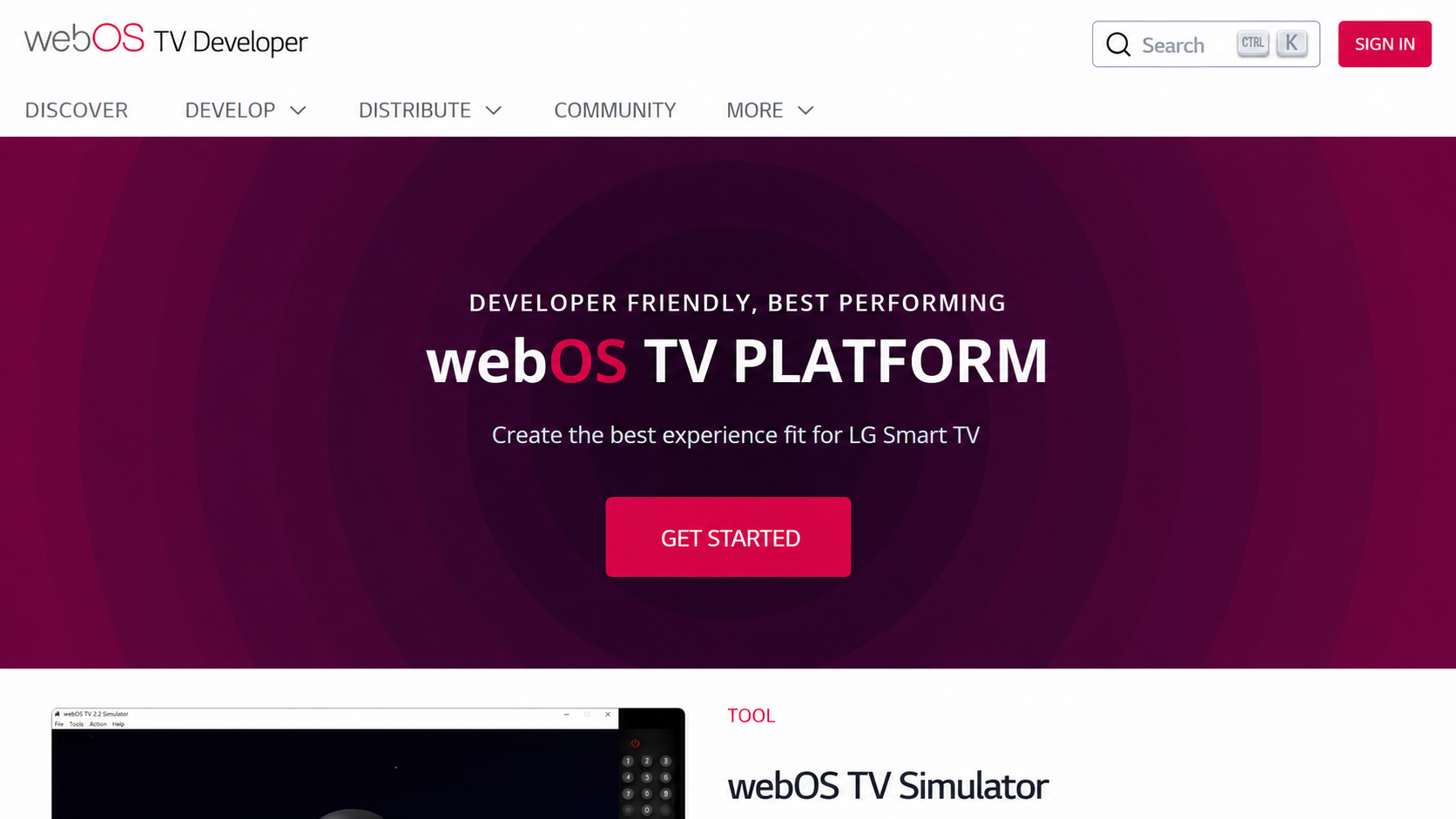
Visit the webOS TV developer, then select "Sign In."
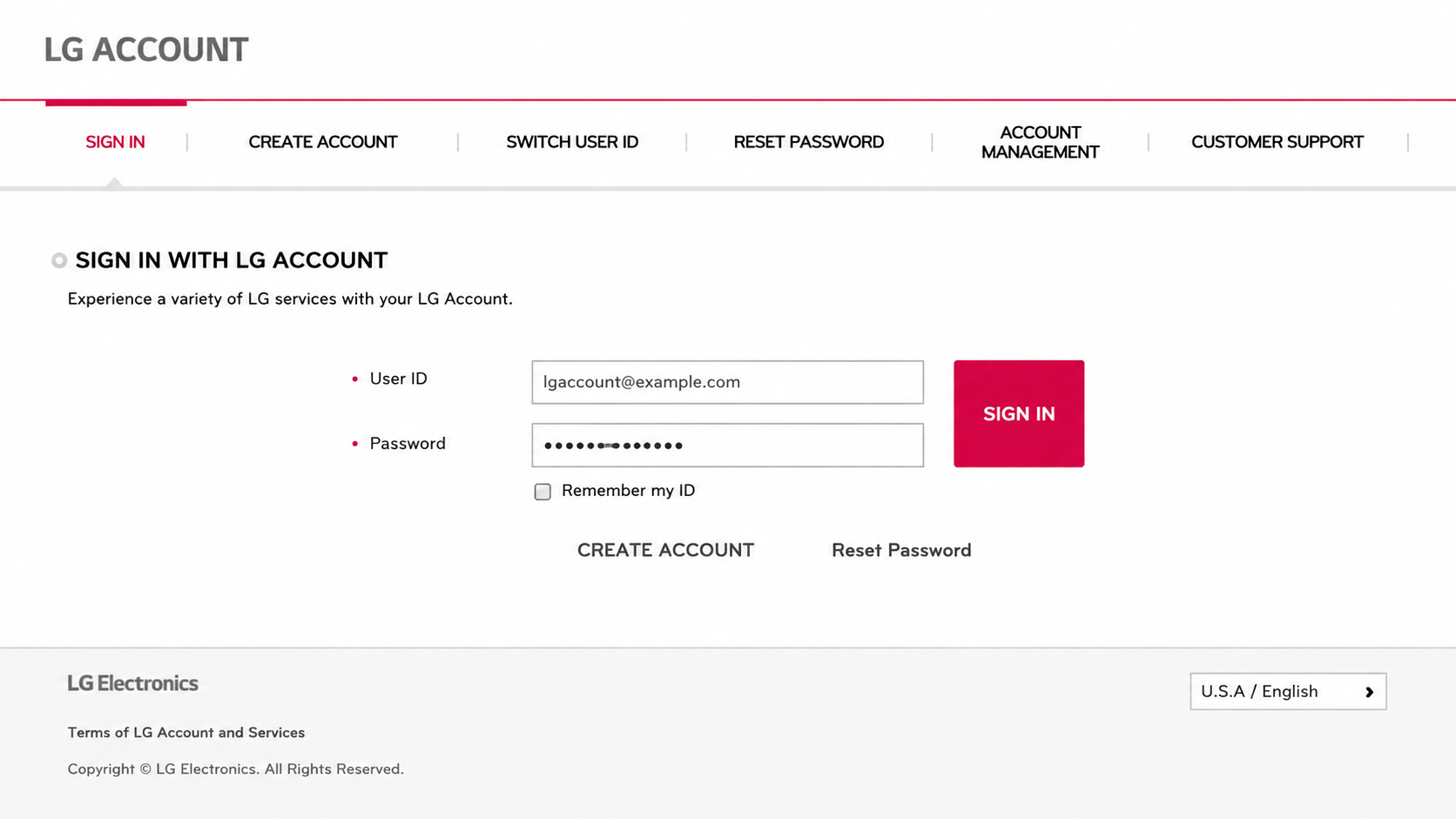
You will be redirected to the LG account login page. If you don't have an account, select "CREATE ACCOUNT."
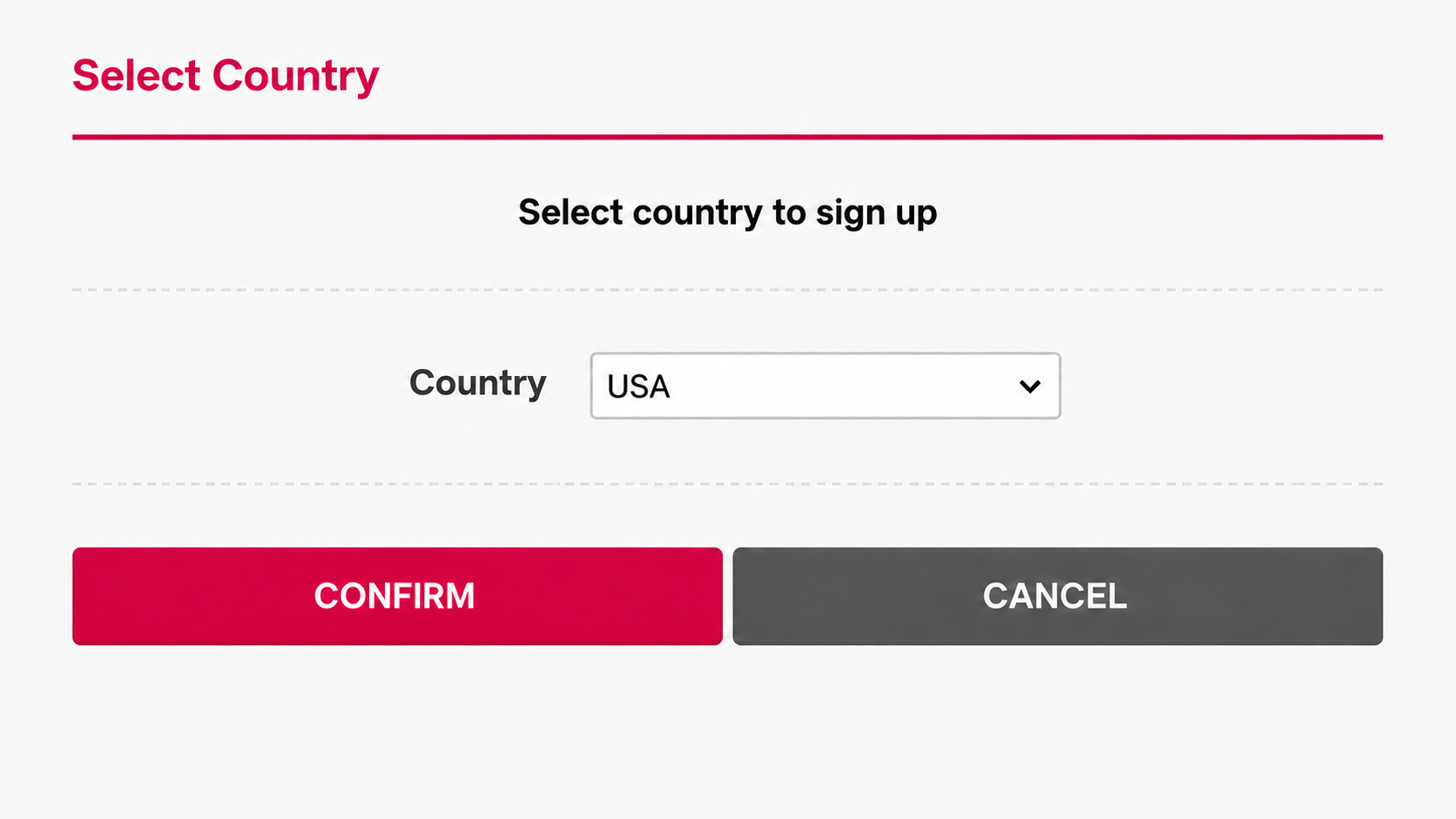
You'll see a pop-up window. Select a country and click "CONFIRM."
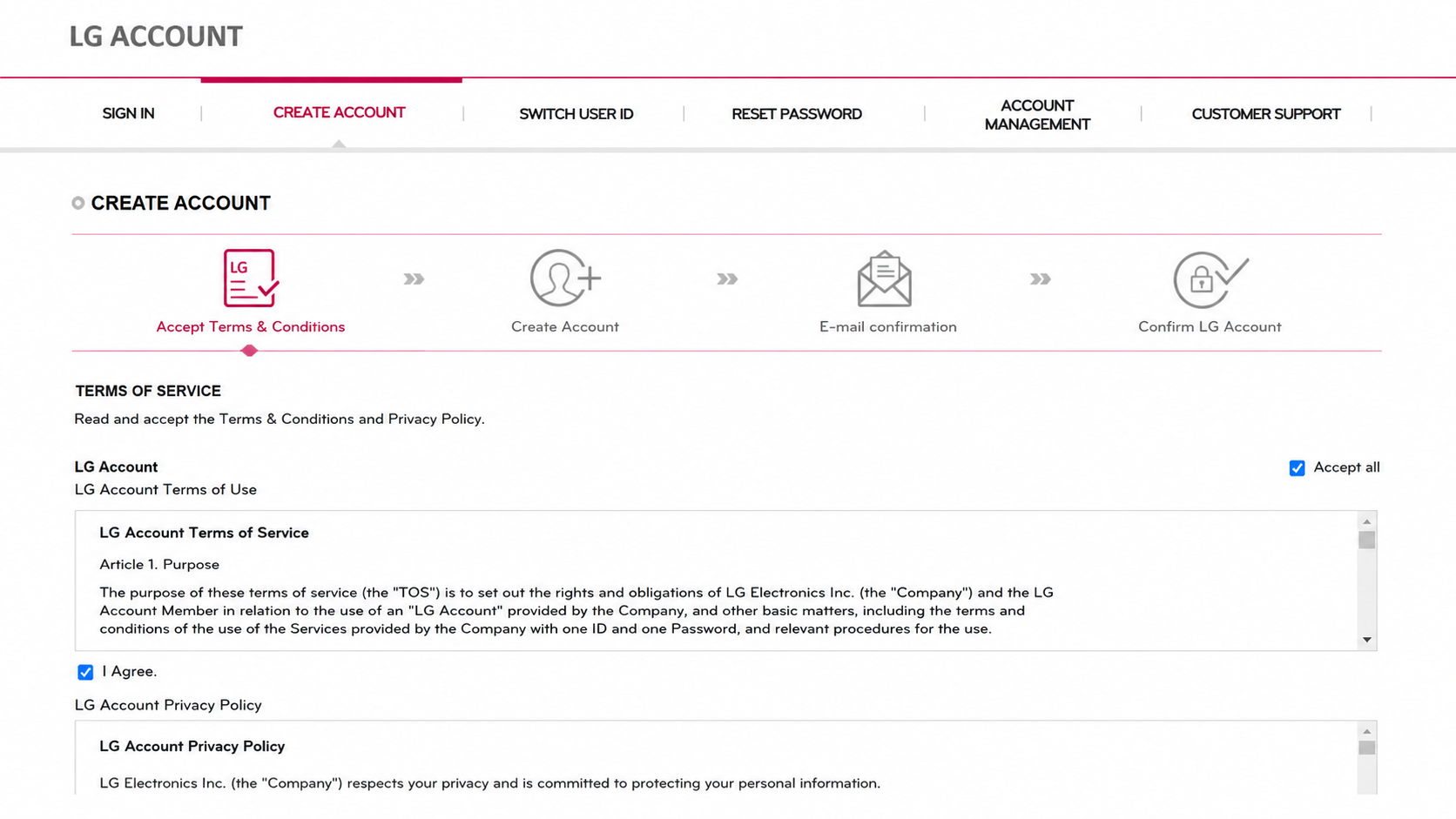
Accept terms & conditions and click "AGREE."
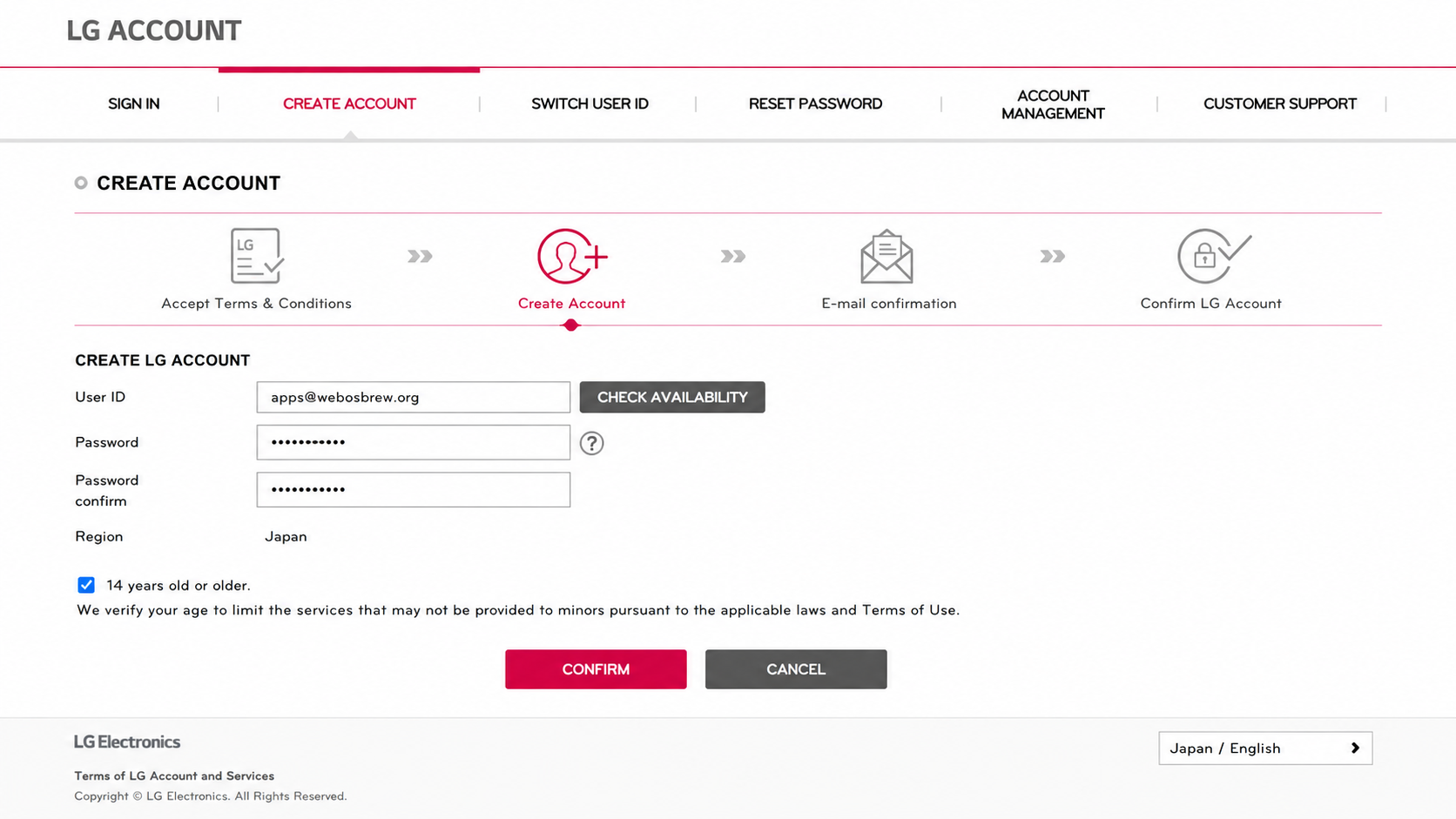
Input your email address and password, check the required checkboxes, and click "CONFIRM."
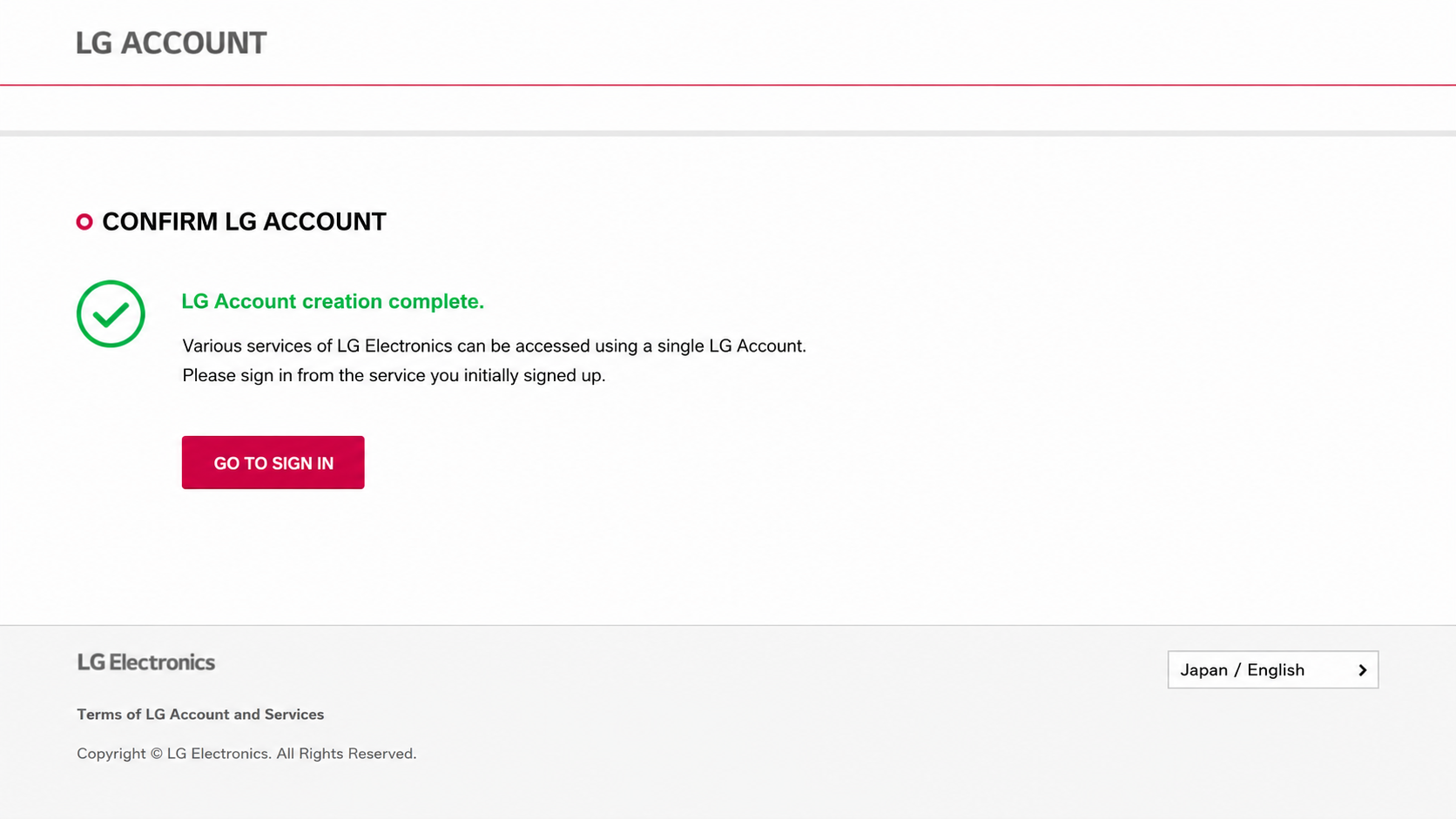
You'll receive an email to verify your email address. Click the link in the email to verify your email address.
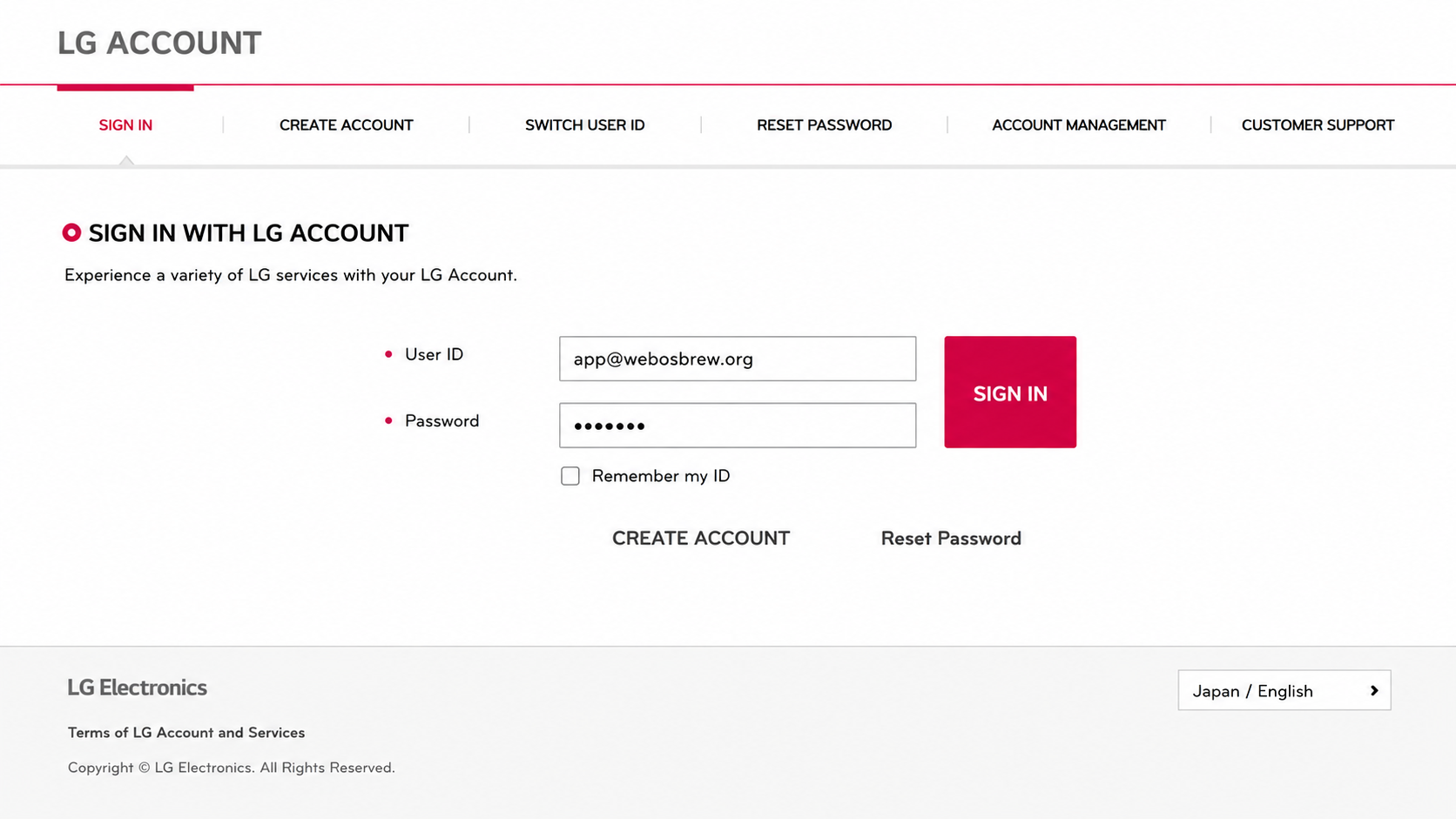
Go back to the LG account login page and log in with your email and password.
Now you'll be able to use this account to log in to the Developer Mode app on your TV.
On your LG TV, open the LG Content Store and search for “Developer Mode.”
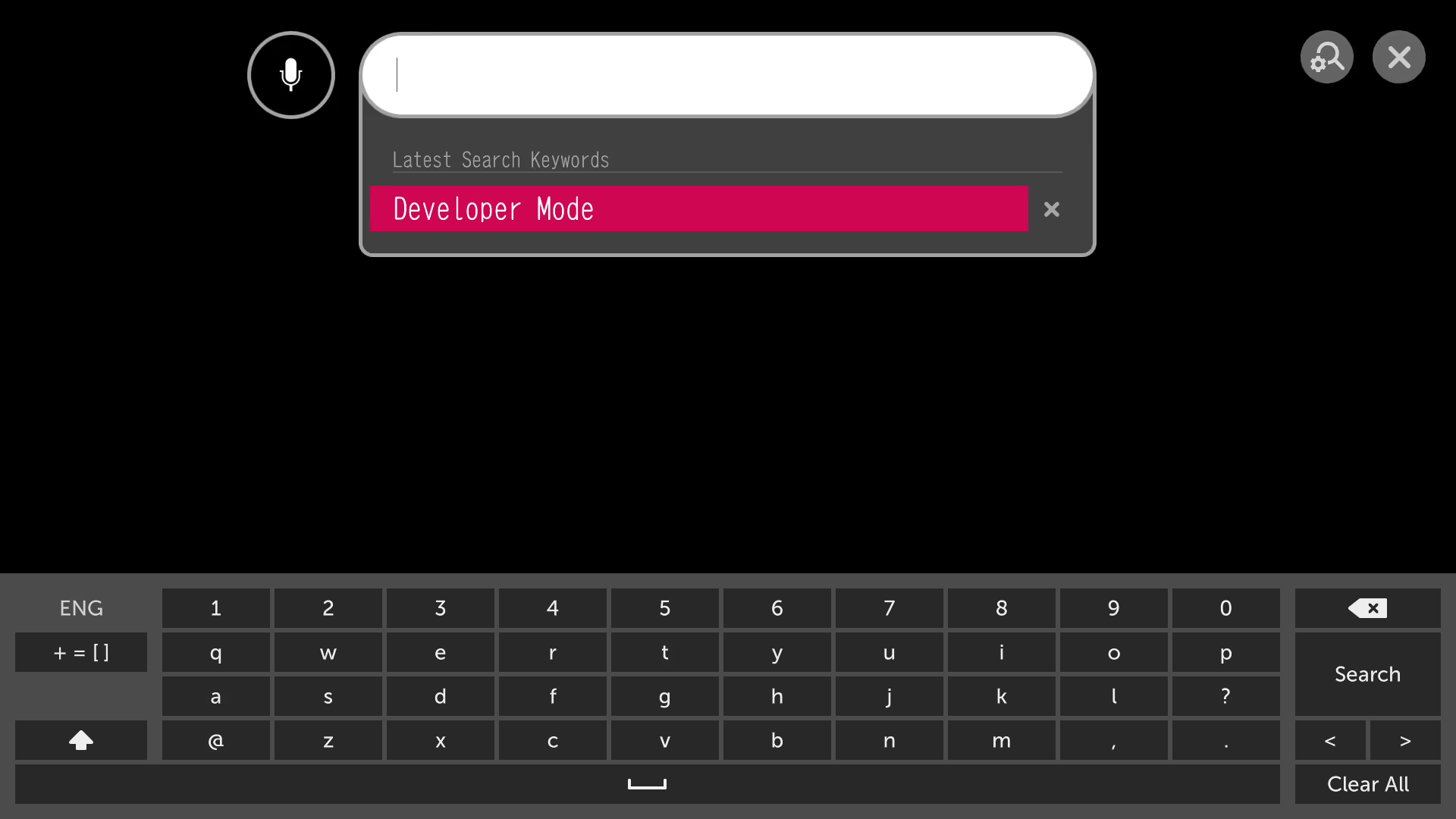
Click "Install" to download and install the Developer Mode app on your LG TV
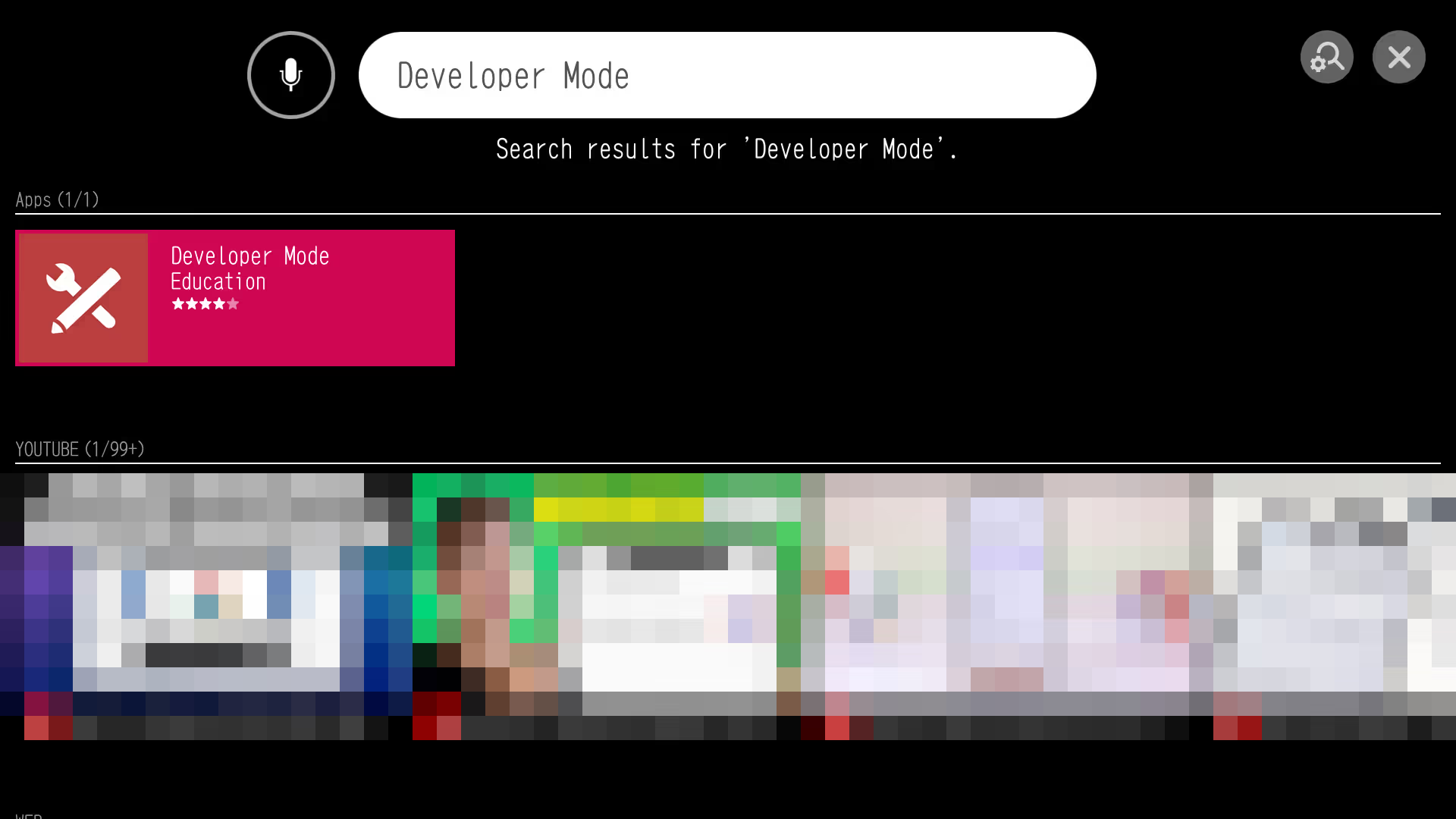
Launch the Developer Mode app on your LG TV.
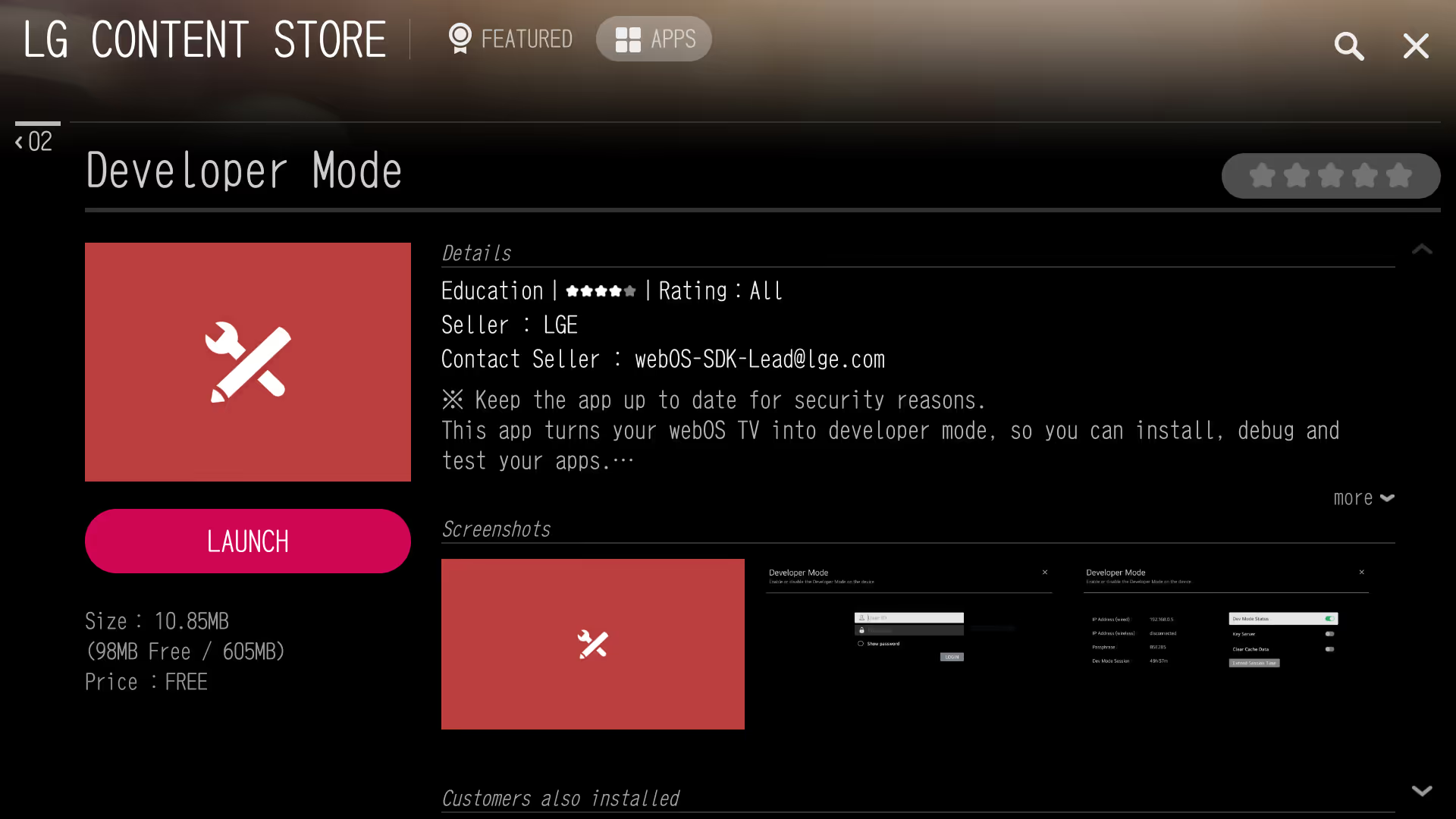
Log in using your LG developer account.
Note: Sign in with an LG Developer Account before enabling Developer Mode.
Enable Developer Mode and turn on the Key Server in Developer Mode. Wait for the TV to restart.